We’re making a small change that we think will make a big difference.
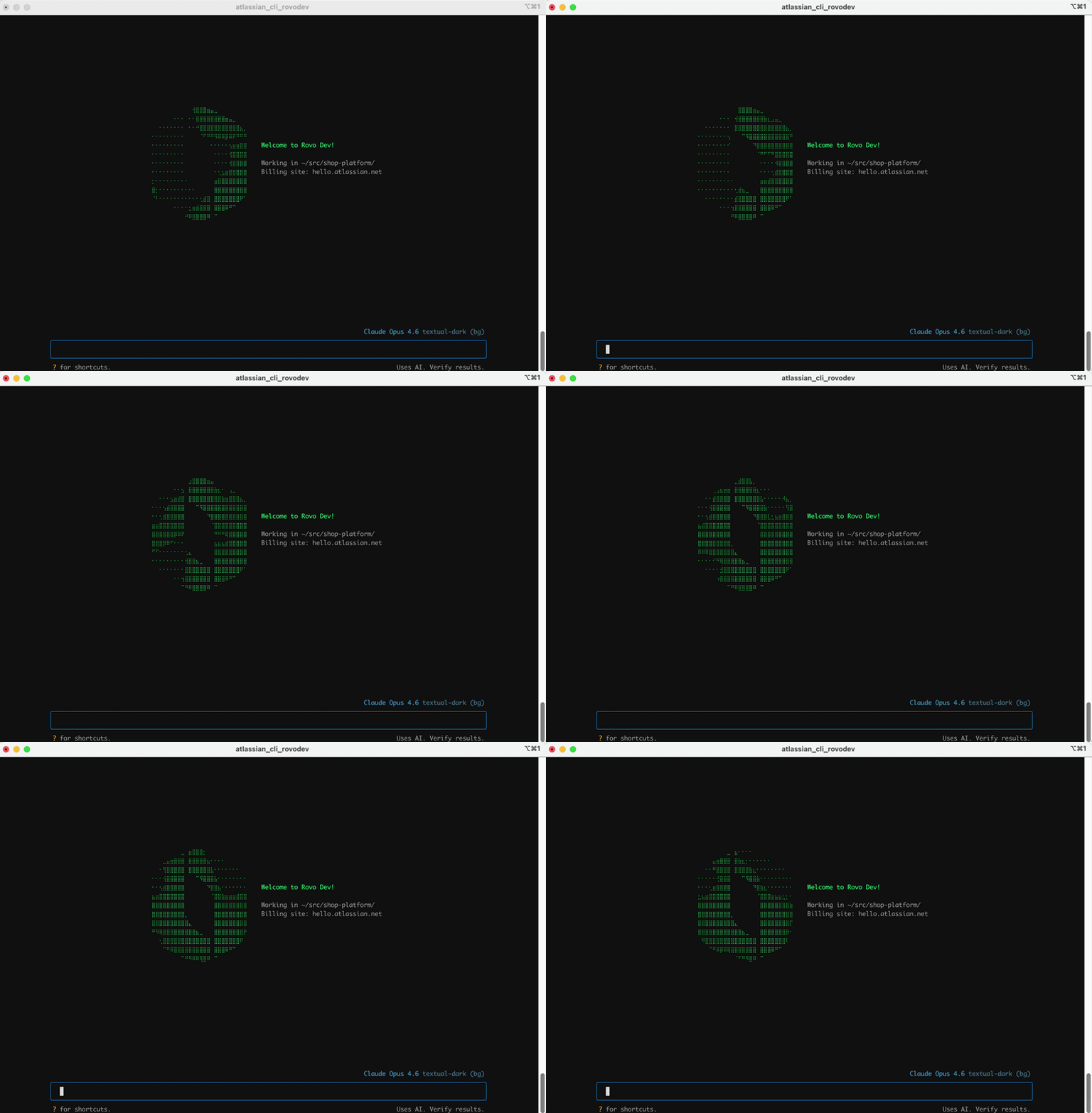
From now on, when you launch Rovo Dev in the terminal, you’ll land in the Terminal User Interface (TUI) by default.
If you’ve been using acli rovodev run until now, think of the TUI as the same Rovo Dev agent you know, but in a richer, smoother terminal app experience.
What’s changing?
-
The main entry point is now TUI
Running the following commands will land you there:
acli rovodev<br>acli rovodev run<br><br>
-
The older acli rovodev run UI is being treated as legacy. And to activate it you will need to run:
acli rovodev legacy
This will be remain available for a small cutoff period, as we give our customers time to transition to the new UI experience.
Why is TUI the new default?
The TUI was built specifically for people who live in their terminal and want Rovo Dev to feel like a first-class app there.
Not just a scrolling text prompt.
1. Much better for real-world prompts
-
Full multi‑line editing and pasting (no awkward \\ gymnastics)
-
Easier to paste large code blocks and refine them before sending
-
Inline suggestions and history search so you’re not retyping prompts
2. A UI that stays out of your way but gives you more signal
-
Structured layout: separate panels for input, output, and status
-
Dedicated scrollable output area, instead of fighting your terminal scroll back
-
Context and token usage visible at a glance, so you can see how “full” a conversation is
3. Faster navigation and control while you’re in flow
-
Instant mode switching with Shift+Tab (e.g., ask/plan-style modes)
-
Inline shortcuts like:
-
Slash commands for session and context management:
/sessions, /clear, /prune, /instructions, /memory, /usage, /feedback, /voice
4. Built-in support for new capabilities
As we’ve expanded the CLI, all the new “nice” things have landed in the TUI first:
-
Voice input (/voice install then F9 to talk to Rovo Dev, with speech processed locally)
-
Better keyboard / clipboard behavior across modern terminals
-
Smoother integration with multi-session workflows, tmux, Ghostty, etc.
All of that is why the internal guidance today is:
“The TUI is the recommended way to use Rovo Dev… Once you try TUI mode, you won’t go back.”
How to try it (or update your muscle memory)
If you haven’t switched yet:
# Install / upgrade ACLI
brew tap atlassian/homebrew-acli
brew install acli # or: brew upgrade acli

# Authenticate
acli rovodev auth login

# Watch the new default experience kick in
acli rovodev run
We’d love your feedback
This change is based heavily on how people are actually using Rovo Dev day-to-day. If you run into rough edges with the TUI, or if there’s something that still makes you fall back to run, please let us know either


