Our company has developed several Jira apps over time, each focused on a different aspect of understanding how issues evolve. Based on how these apps are commonly used together, we now offer them as a single bundle: Issue Insights for Jira.
The bundle brings together a complementary set of tools that, when used together, provide a complete view of issue behavior in Jira.
👉 Issue Insights for Jira (Bundle)

What problem does the bundle address?
While Jira exposes issue history, comments, and workflow information, this data is often:
Teams frequently need to understand:
-
How issues moved through statuses over time
-
What exactly changed in an issue and when
-
What the issue looked like at a specific moment in the past
-
Where discussions, decisions, or approvals took place
Issue Insights for Jira brings these perspectives together in one reporting suite.
What’s included in the bundle?
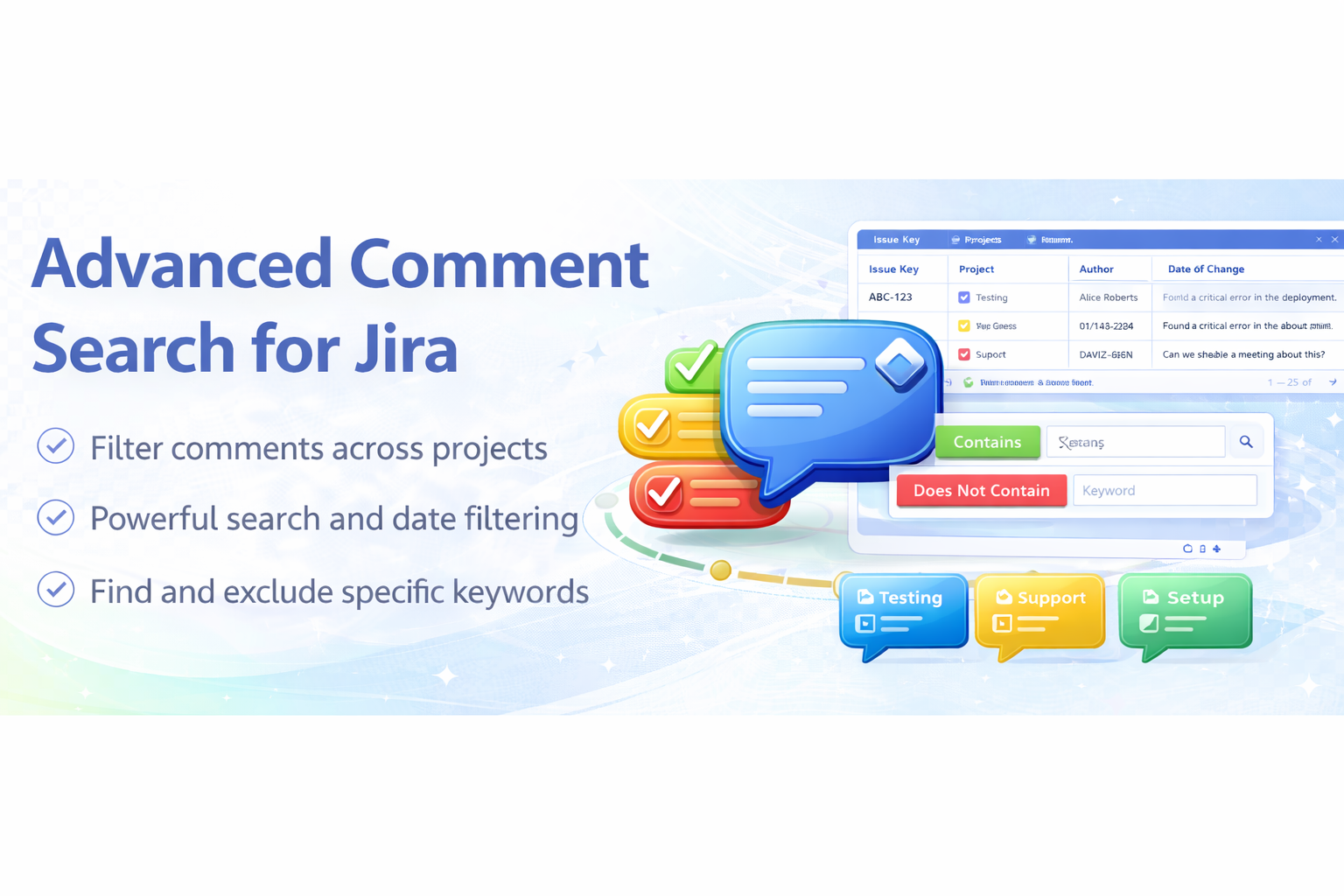
Allows teams to search and report across issue comments:
-
Locate discussions, approvals, or keywords
-
Analyze communication across projects
-
Support audits, reviews, and retrospectives
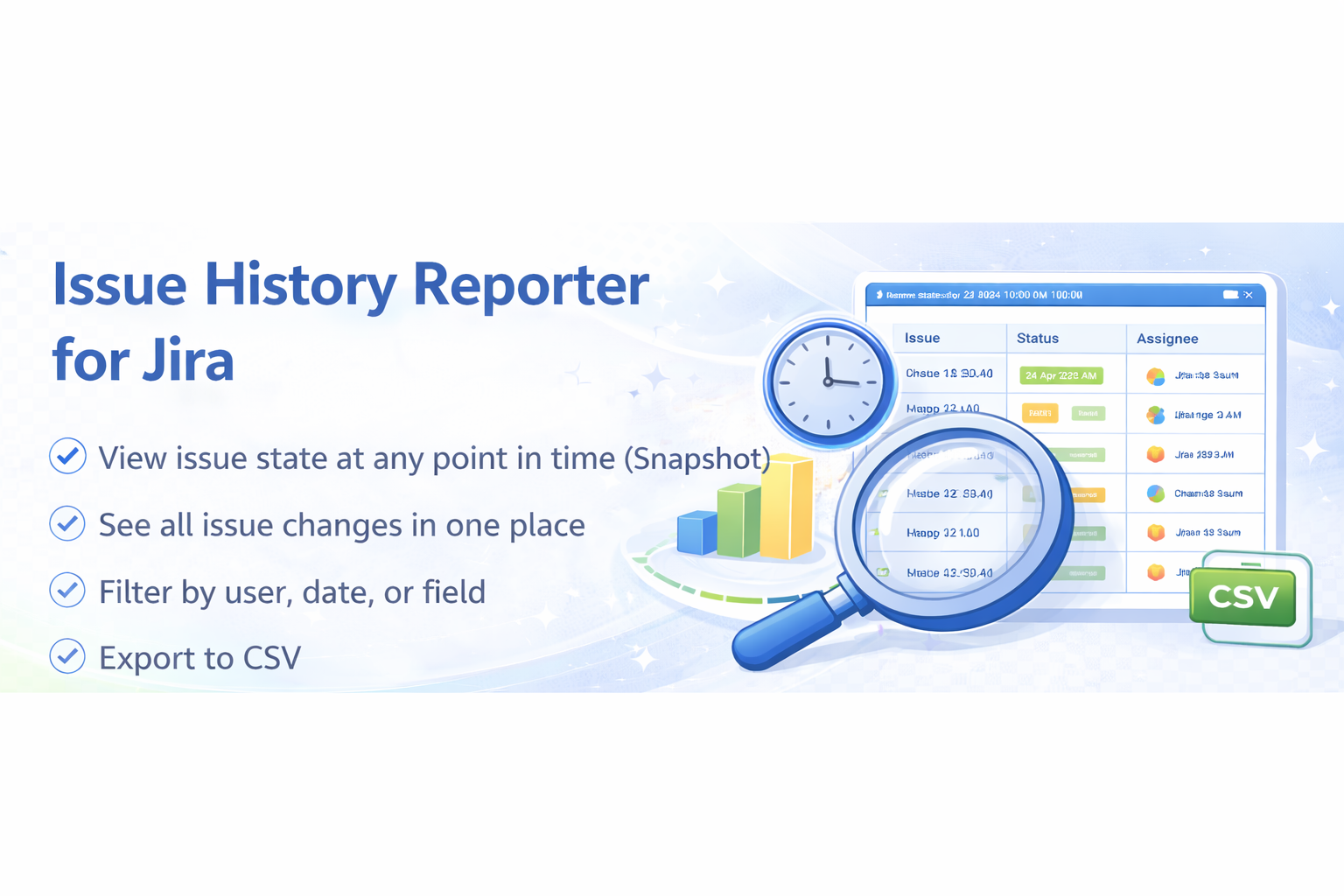
Provides structured access to issue change history:
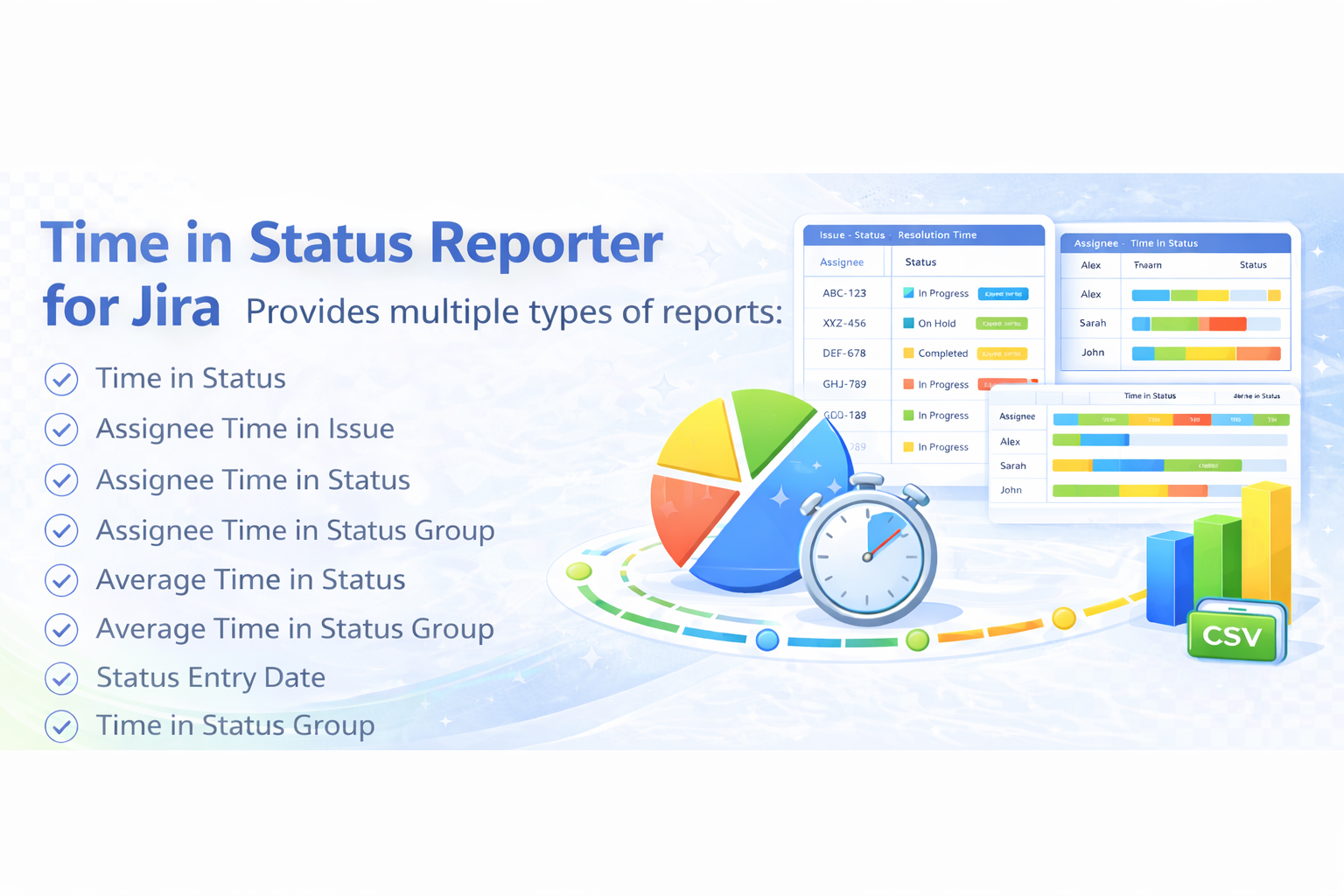
Focuses on workflow analysis:
-
Time spent in each status
-
How many times an issue entered a status
- Averages for time-based metrics
-
Users can define groups of statuses—globally or individually—to calculate metrics such as Cycle Time and Lead Time.
Reports can be displayed as aggregated columns or per-status rows, depending on the level of detail needed.
Why use the bundle?
Each app covers a different dimension of issue analysis:
-
Comments – what was discussed
-
History & snapshots – what changed and how the issue looked at any time
-
Status analytics – how issues flowed through the workflow
Together, they form a cohesive, end-to-end insight layer on top of Jira, designed for teams that need deeper visibility into issue behavior.
![Photo of Petru Simion [Simitech Ltd.]](https://us.v-cdn.net/6038660/uploads/avatars/c7/df/nc7dfc3cdcefb50b8aef7269c429d3d29.png)