Agile teams often need a simple, lightweight prioritization method that is fast to score and easy to maintain.
The ICE framework provides exactly that. It focuses on three essential factors, Impact, Confidence, and Effort and helps teams quickly identify high potential opportunities without deep analysis or complex financial modeling.
However, Jira does not include a built in ICE scoring system.
Dynamic Scoring for Jira brings ICE inspired prioritization directly into the Jira issue view.
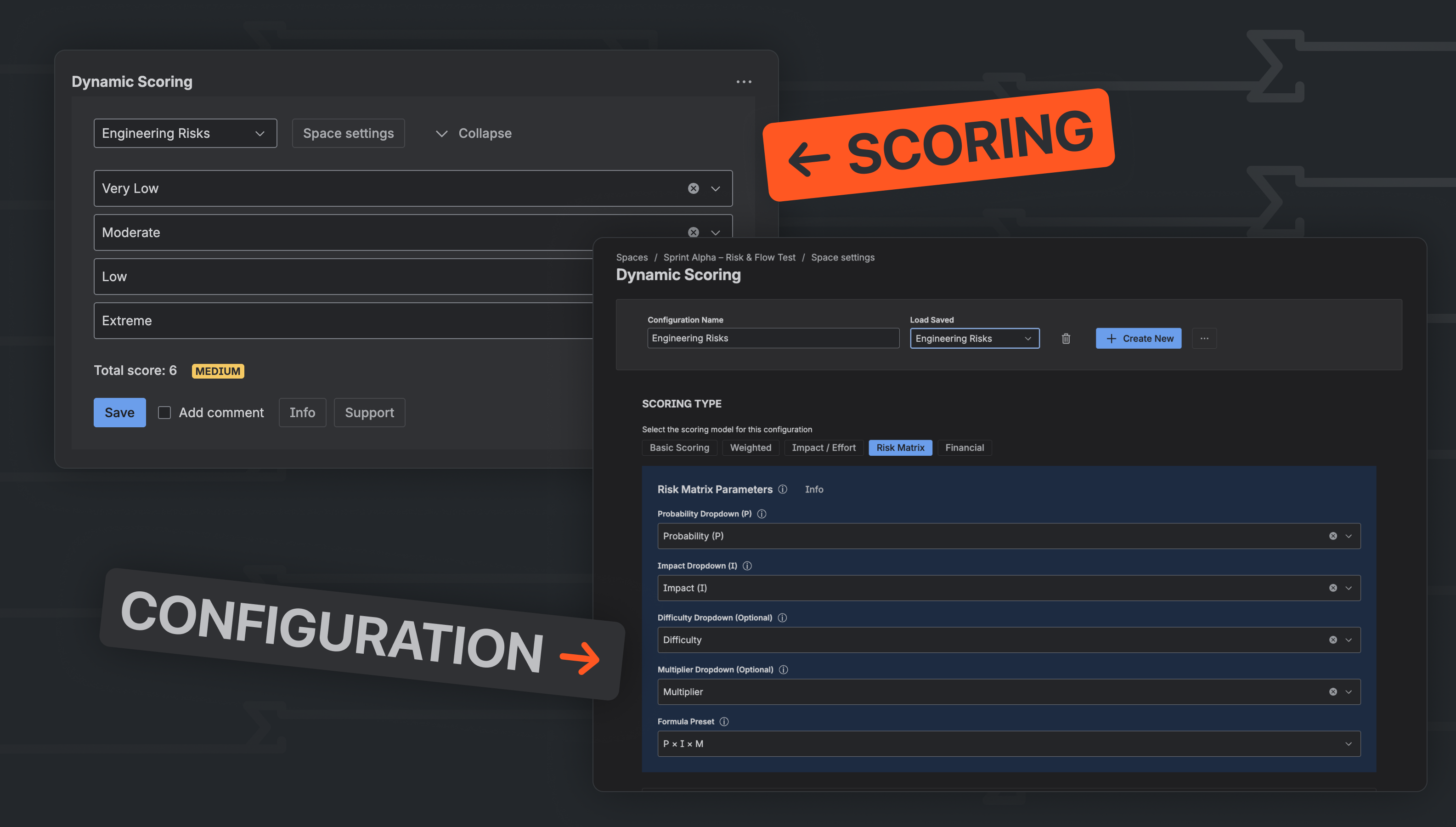
What ICE Represents and Why Teams Use It
ICE is a lightweight prioritization method originally developed for product experiments and rapid decision making. It evaluates ideas based on:
-
Impact - how much the change could improve outcomes
-
Confidence - how certain the team is about the expected impact
-
Effort - how long it will take to build or validate
The traditional ICE calculation is conceptual rather than mathematical. Most product teams use ICE to compare relative priorities, not to produce precise numerical rankings.
Dynamic Scoring supports this practical interpretation by allowing teams to create a weighted, composite ICE score that aligns with their decision making process.
How ICE Supports Agile Teams
1. Fast prioritization during backlog grooming
ICE is simple enough to score dozens of items quickly, which is ideal for discovery sessions and sprint preparation.
2. Helps balance impact and uncertainty
The Confidence factor prevents teams from prioritizing ideas that “sound impactful” but lack evidence.
3. Encourages small, high-value work
Because Effort is a core dimension, ICE naturally elevates items that offer value with lower development cost.
4. Suitable for experimentation and rapid iteration
ICE is commonly used in growth teams, UX research, hypothesis testing, and early stage product exploration.
Configuring an ICE Inspired Model Using Dynamic Scoring for Jira
Dynamic Scoring’s Weighted scoring type allows Agile teams to build a composite ICE score using additive weighting.
This approach mirrors how most teams use ICE in practice while remaining fully supported by the app’s functionality.
Formula used: ICE = (Impact × Confidence) ÷ Effort
(Multiplication is reproduced using weighted scoring + base scores.)
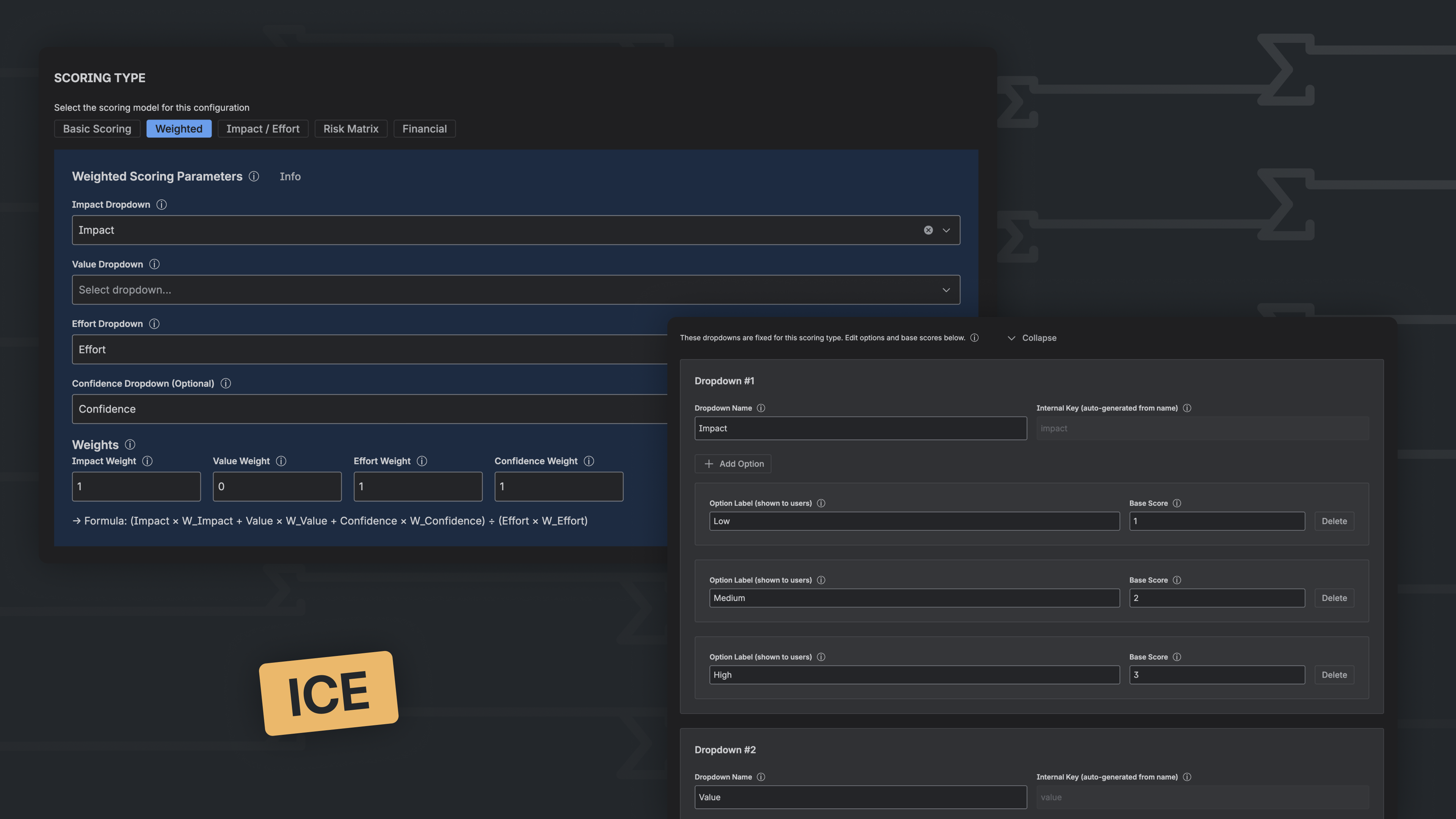
1. Create New ConfigurationName: ICE
2. Select Scoring Type → Weighted
3. Add dropdowns:
- Impact Options: Low / Medium / High (scores 1–3)
- Confidence (use the Value dropdown or the Confidence dropdown) Options: 0.5 / 0.7 / 1.0
- Effort Options: 1 / 2 / 3 / 5 / 8
4. Set weights:
- Impact = 1
- Value = 1
- Effort = 1
- Confidence Weight (additional field, if present) = 0
This produces the ICE structure: (Impact + Confidence) ÷ Effort
(Your app simulates ICE logic through weighted components.)
5. Save → Use in Issue View
Perfect for
Teams that need a quick, structured prioritization method, including:
-
Product Managers
-
Scrum Masters and Agile Coaches
-
Growth and experimentation teams
-
UX and research functions
-
Engineering teams evaluating small improvements or tech debt items
ICE works especially well when teams must prioritize many small or medium ideas with limited discovery time.
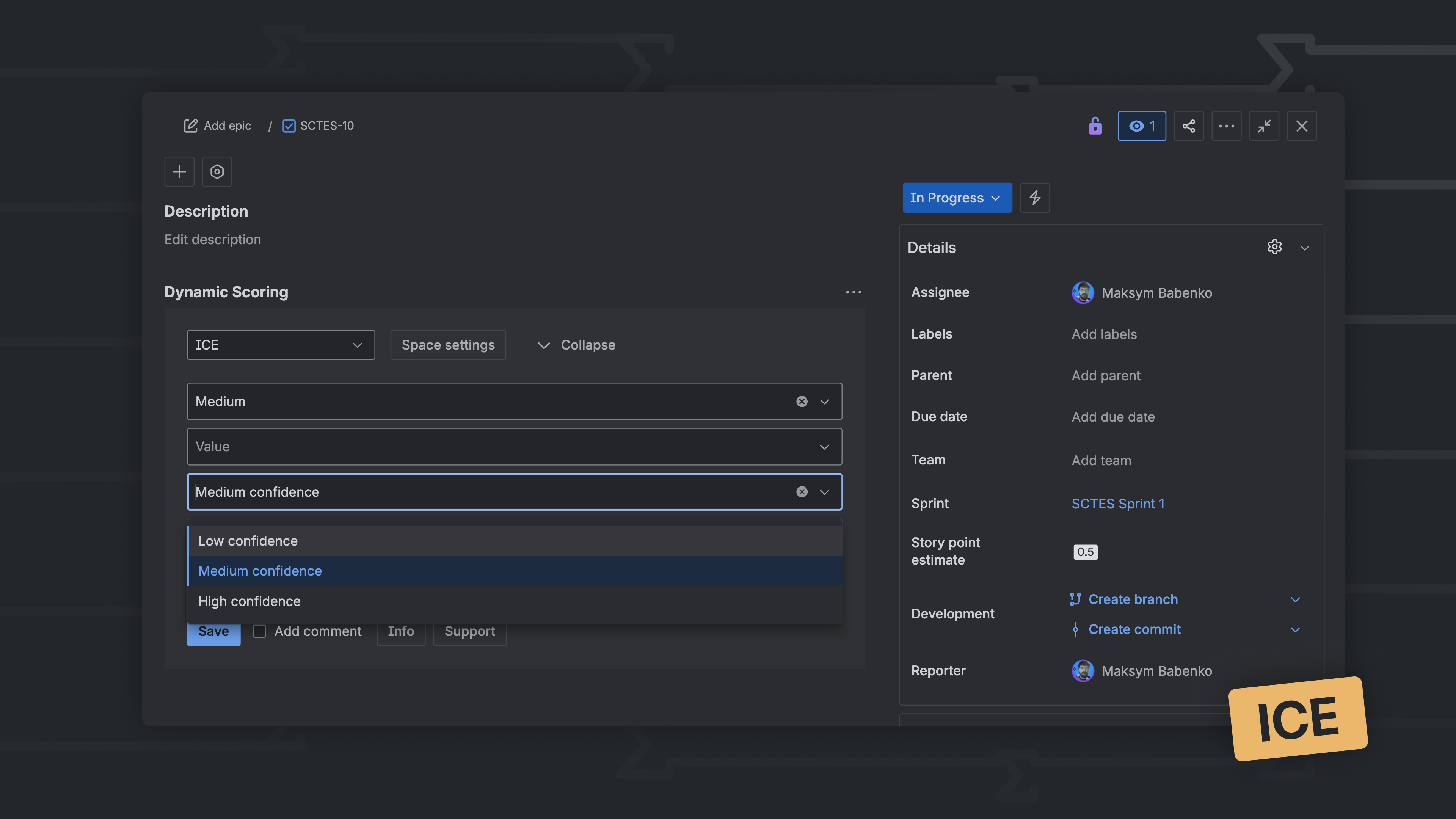
Beyond ICE
Dynamic Scoring for Jira also supports other prioritization frameworks:
-
WSJF (Weighted Shortest Job First)
-
RICE (Reach, Impact, Confidence, Effort)
-
ROI (Return on Investment)
-
Impact/Effort matrices
-
Risk Matrix scoring
-
Basic Scoring
-
Fully custom scoring structures
This versatility allows teams to choose the prioritization model that best matches each stage of their product or delivery process.
