Below — the five pillars we found extremely helpful. And yes, they’re simple. But simple things are often hardest to implement consistently.
1. Define the real purpose — and be honest
Before asking people to log time, answer ONE key question:
Why do we need time tracking?
If YOU don’t know, your team definitely won’t accept it.
Write down the real reasons. Talk to management, finance, and delivery leads. Collect the true motivations.
And then be ready to say them publicly — clearly and confidently — at a town hall or kickoff meeting.
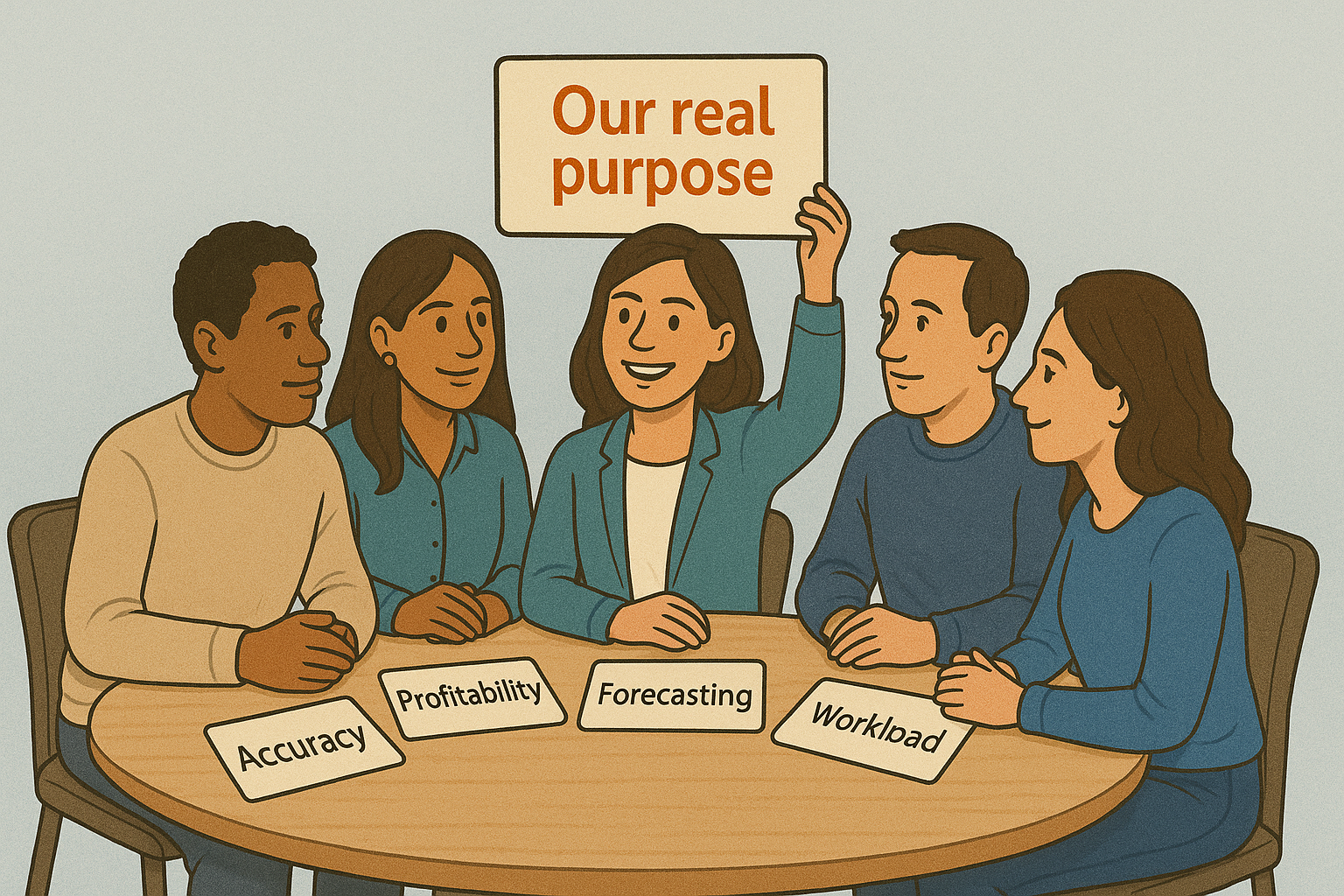
Examples of strong real purposes:
- improving estimation accuracy
- tracking profitability per project
- optimizing workload distribution
- transparent invoicing for customers
- improving forecasting
When people feel that the purpose benefits the whole company, not just management, resistance falls dramatically.
2. Choose the right tool — and test it properly
Even if people support the idea, a wrong tool can ruin EVERYTHING.
Slow logging, missing reports, buggy integrations, complicated UI — and boom, your initiative becomes a meme.
What we recommend:
- Create a small “evaluation group.”
- Test multiple tools.
- Let real users work with them during a real sprint.
- Gather honest feedback.
- Shortlist 2–3 options and talk to vendors.
Important questions to ask vendors:
- What does your support team look like?
- How do you ensure data security?
- Where is data stored?
- How quickly do you react to issues?
You will interact with that vendor regularly — so choose someone reliable, transparent, and available when needed.
Because it’s:
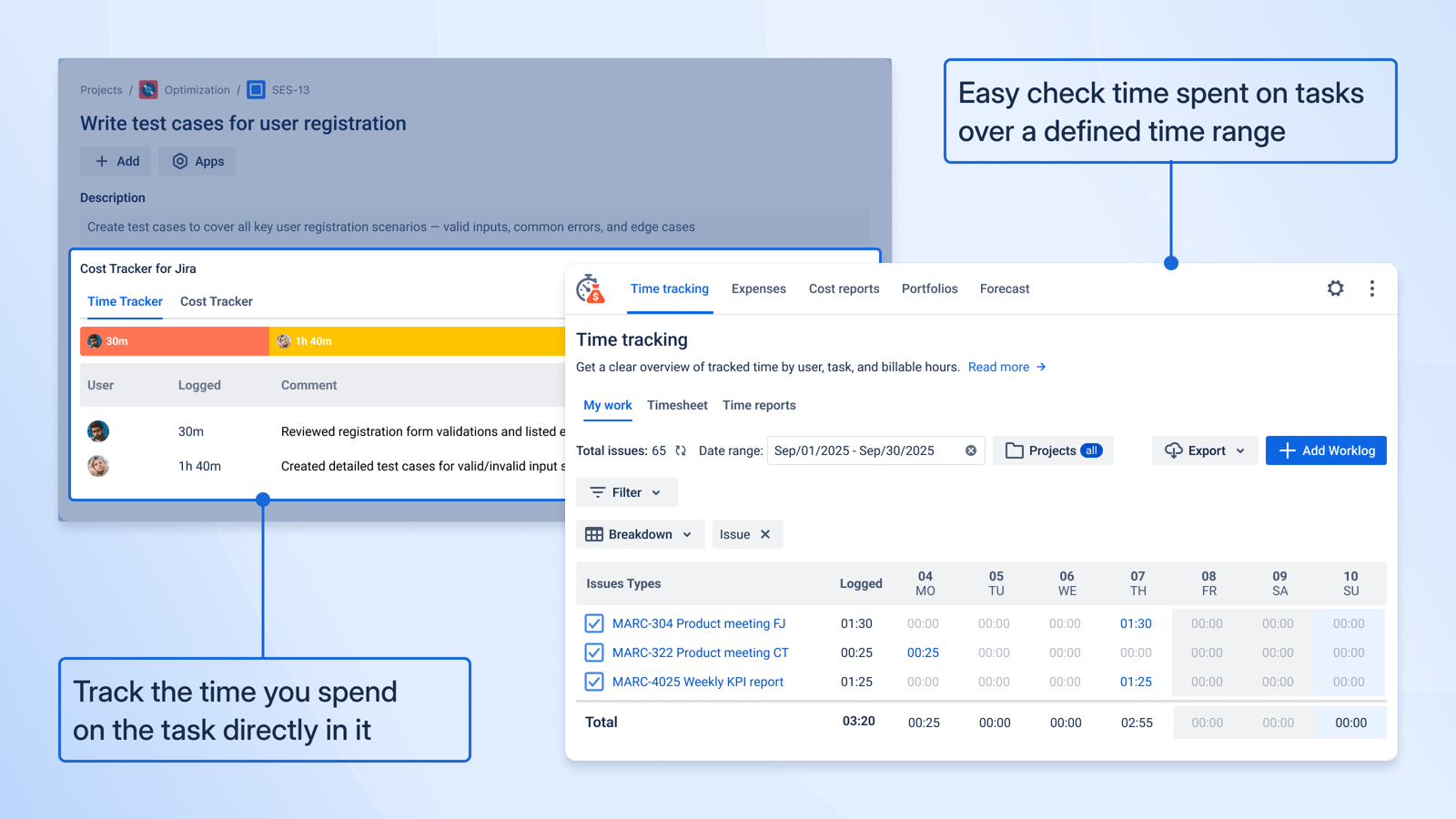
- native to Jira (no switching platforms)
- simple for users
- strong in reporting and budget tracking
- perfect for organizations that need time + cost + forecasting in one place
It became a go-to solution for companies that want compliance without complexity.
3. Celebrate those who follow the process correctly
Positive reinforcement works better than control.
When people see:
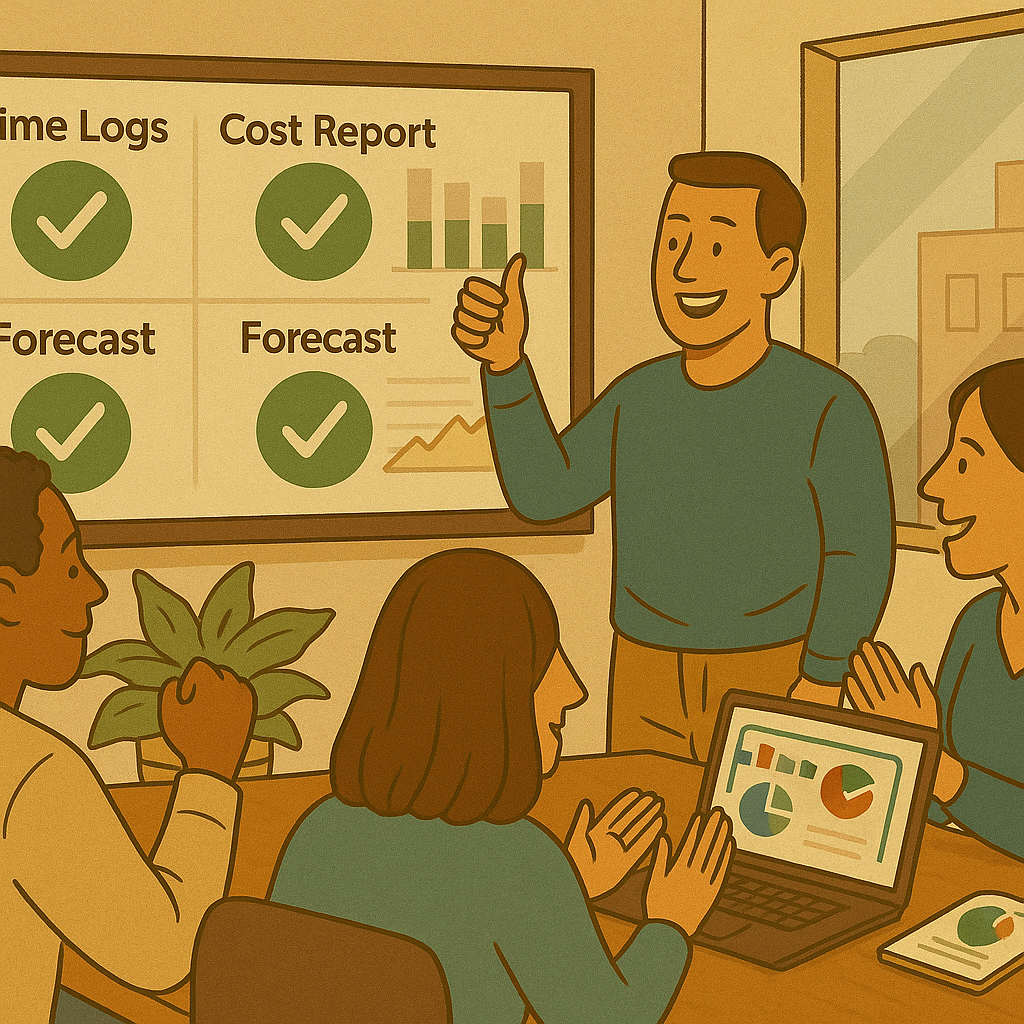
- correct data
- accurate time logs
- clear cost reports
- validated financials
- predictable forecasts
— they understand that time tracking actually matters.
Highlight good examples. Show dashboards during team meetings. Share wins like: “Thanks to complete logs, we discovered under-budgeted tasks” or “We avoided SLA breach because the data was clean.”
Culture grows where people feel progress.
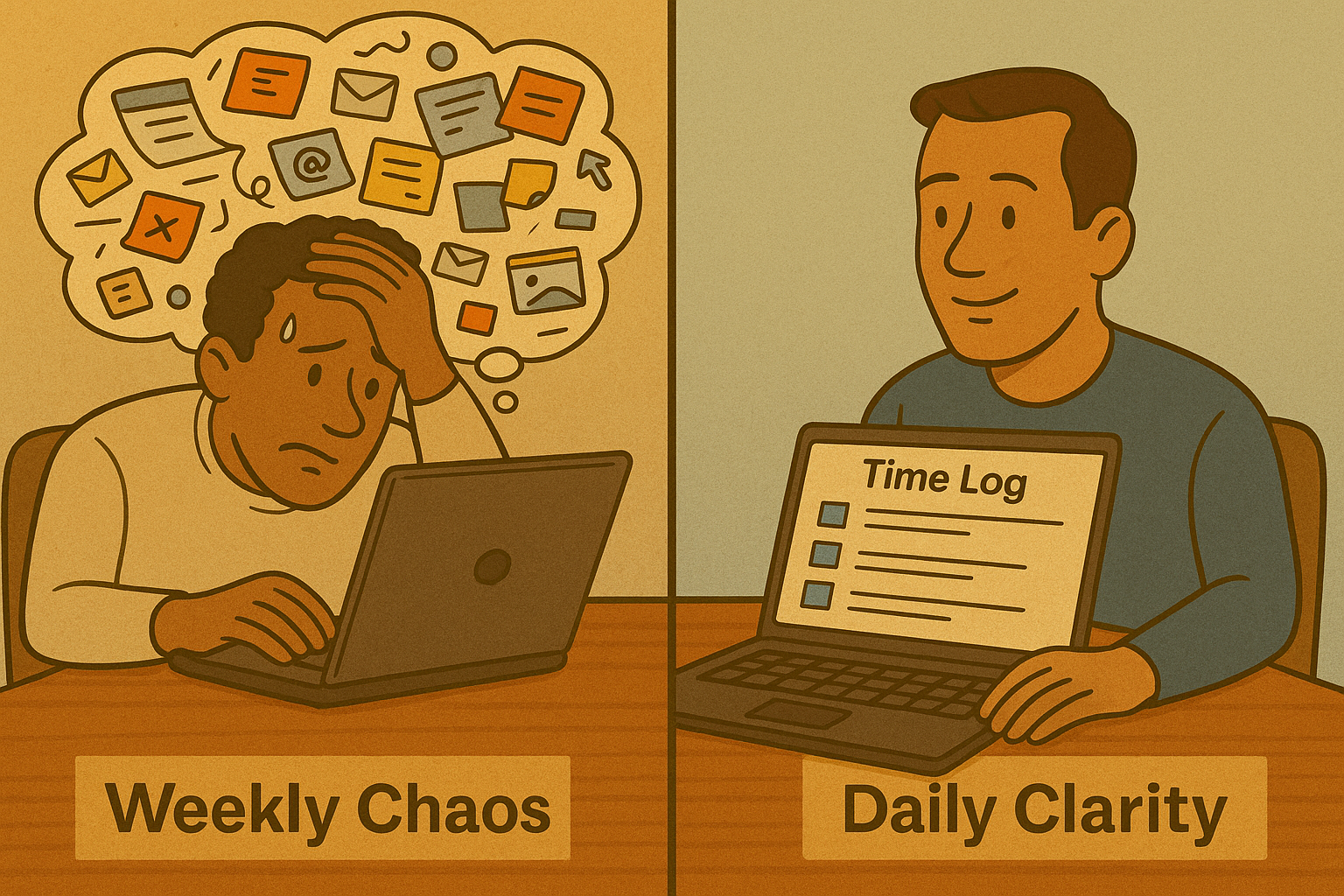
4. Ensure people log time regularly, not once a week
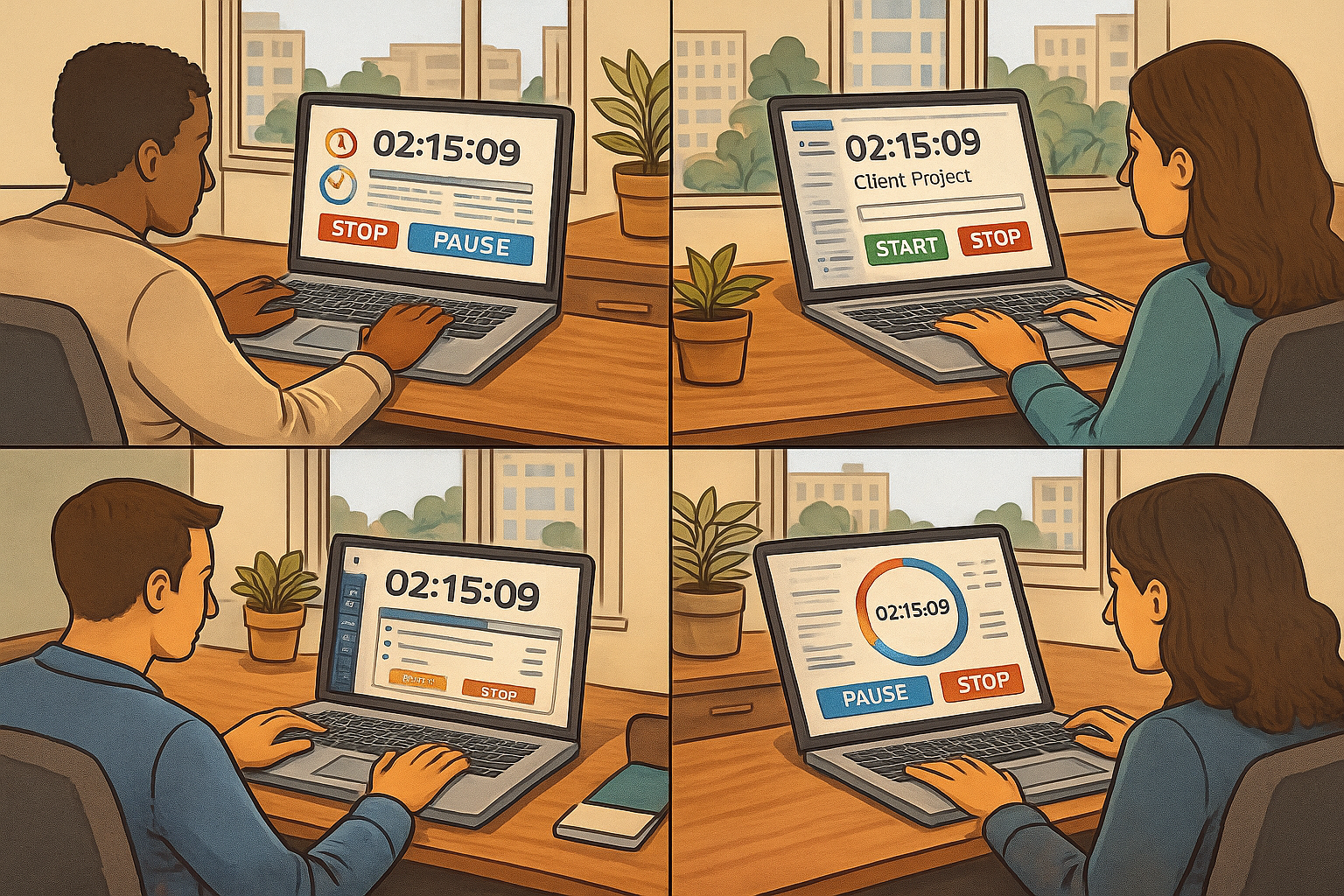
If someone didn’t log their time for two days — the data is already inaccurate. After three days — it becomes fiction.
Humans simply don’t remember their tasks in detail.
We highly recommend:
- a daily reminder workflow
- automated checklists
- regular follow-up tasks
At SaasJet, we use our Business Process Manager app to automatically assign small verification tasks to ensure time logs stay fresh.
Consistency beats perfection.
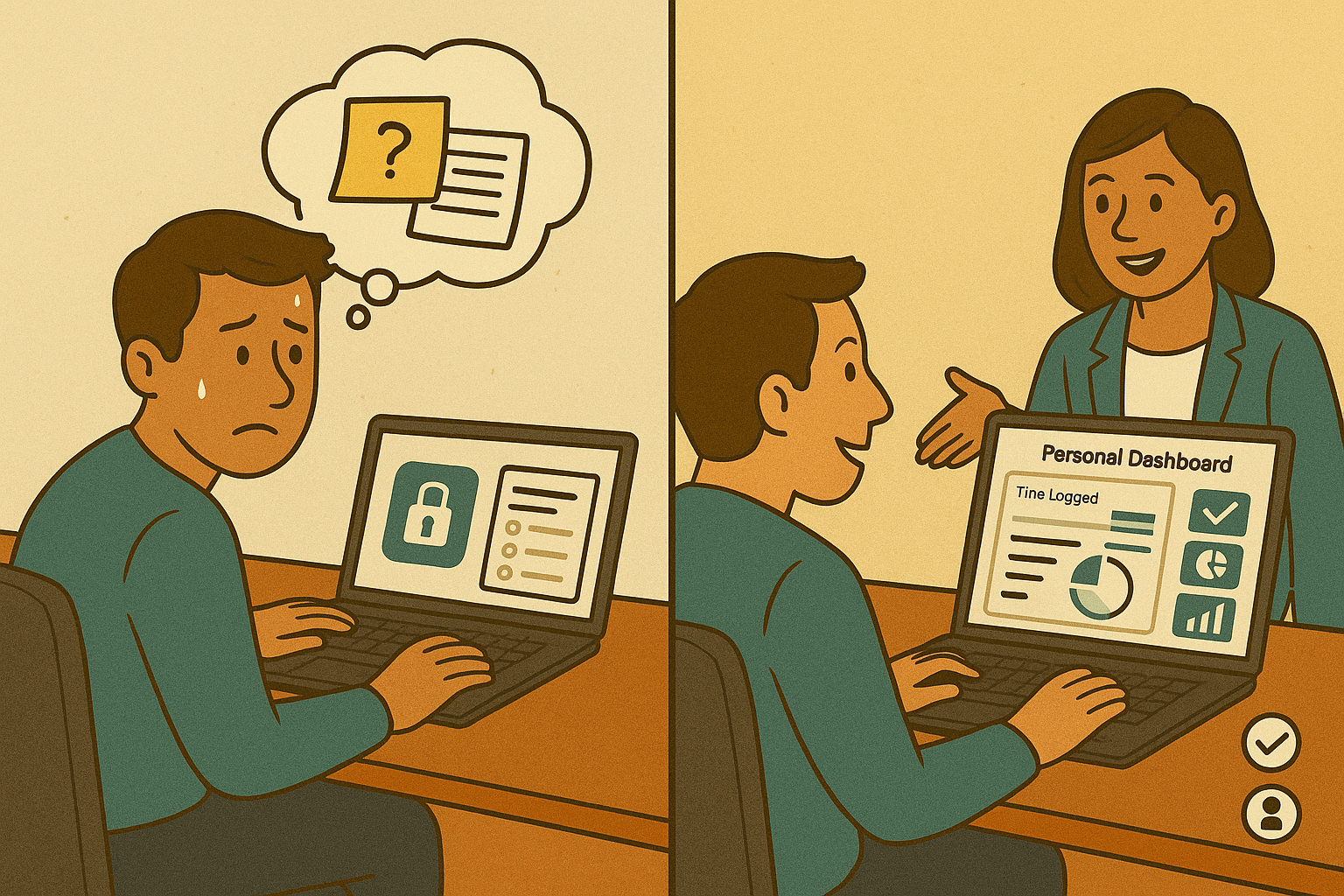
5. Give people access to THEIR data (and show how to use it)
This is the most underrated part.
Employees log time → managers see everything → employees see nothing.
This creates frustration.
Instead:
- give people access to dashboards
- educate them on how to use time data
- show benefits: planning, personal workload, capacity control
When people see their own trends, time tracking becomes empowering, not punishing.
📊 Recommended tool for visibility
Time & Cost Tracker for Jira Cloud helps managers and teams generate valuable reports, such as:
- Earned Value Management (EVM)
- invoice-ready service company reports
- cost per issue / per scope
- budget vs. actuals
- revenue / margin insights
Visibility builds ownership — and ownership builds culture.
🎯 Final Thoughts
There is no magic formula for time-tracking adoption.
But there is a winning combination:
✔ Organizational preparation
✔ Clear communication
✔ Consistent follow-up
✔ And a tool that makes the process smooth
Your time-tracking culture will be as strong as the balance between people and technology you create.
With the right purpose, the right communication, and the right tool, your organization will not only track time but use it wisely.
👉 Try Time & Cost Tracker for Jira
