In this blog, we'll cover how to import user, assets, licenses and other data attributes from Snipe-IT into Assets. We'll go in-depth into the following topics:
- what data you can pull from Snipe-IT
- how the API works,
- how mapping works inside OnLink,
- Integration examples,
- and why syncing Snipe-IT to Assets can unlock real ITSM value.
TL;DR
OnLink connects to the Snipe-IT API and imports Users, Devices, and other objects directly into Assets.
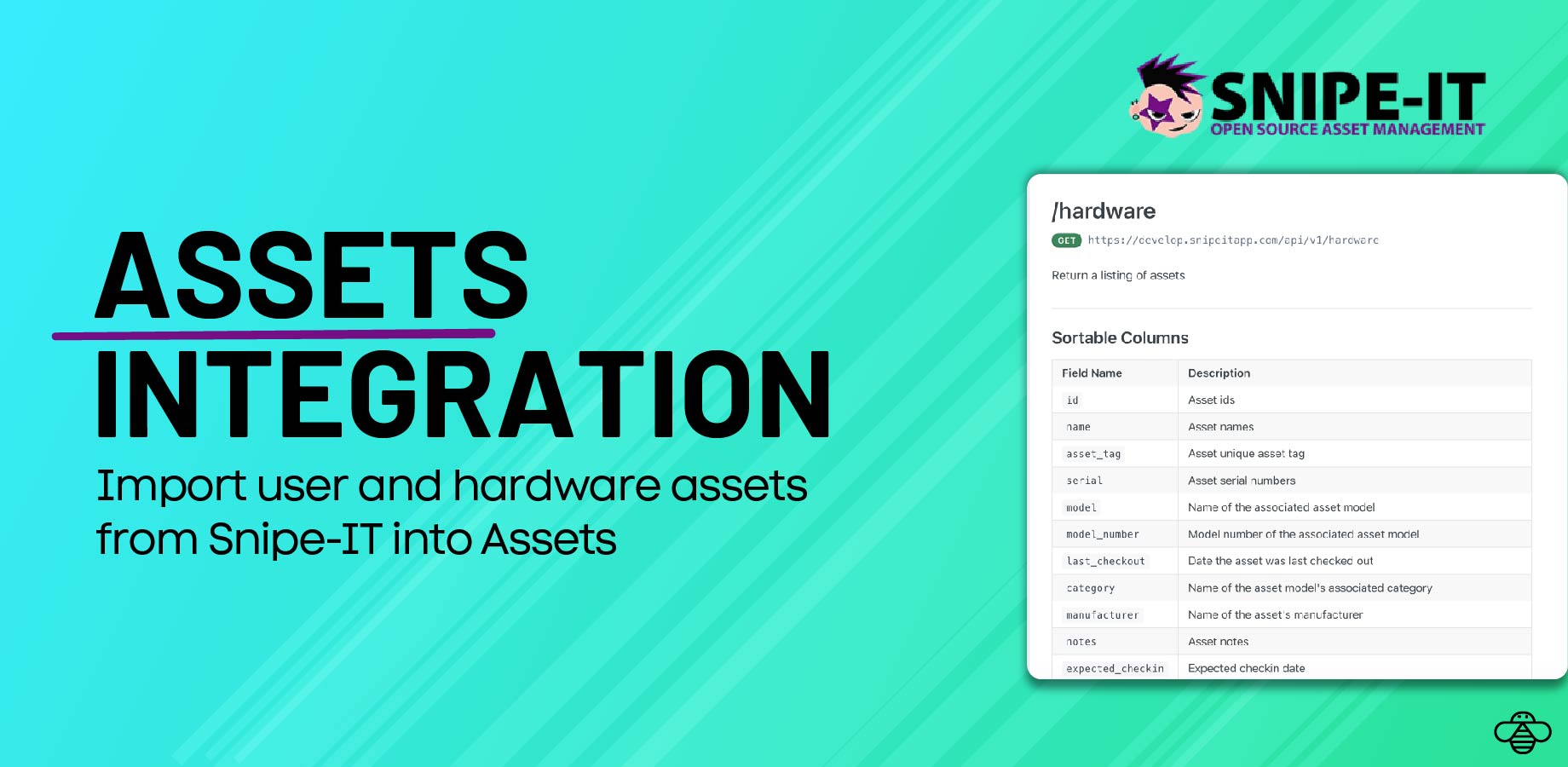
What is Snipe-IT?
Snipe-IT is an open-source IT Asset Management (ITAM) system used by thousands of organizations to track:
-
Hardware (laptops, monitors, mobile devices, peripherals)
-
Users and user assignments
-
Suppliers and manufacturers
-
Depreciation and warranties
-
Locations and companies
-
Licenses, consumables, accessories
-
Check-ins and checkouts
Link to Snipe-IT API Documentation.
How to Retrieve User Data from Snipe-IT
Snipe-IT exposes a REST API for user objects.
API Endpoint
GET https://develop.snipeitapp.com/api/v1/users
Sample User Object
{
"id": 2009,
"name": "Nitzsche Judy",
"first_name": "Judy",
"last_name": "Nitzsche",
"username": "nyasia16",
"employee_num": "8094",
"jobtitle": "Medical Technician",
"phone": "+1-820-418-4210",
"email": "alford.blick@example.net",
"department": { "id": 2, "name": "Engineering" },
"assets_count": 0,
"company": { "id": 3, "name": "Denesik-Leannon" }
}
How to Retrieve Device/Asset Data from Snipe-IT
API Endpoint
GET https://develop.snipeitapp.com/api/v1/hardware
Sample Device Object
{
"id": 2596,
"asset_tag": "1004086704",
"serial": "350f48dc...",
"model": { "id": 18, "name": "Ultrasharp U2415" },
"category": { "id": 5, "name": "Displays" },
"manufacturer": { "id": 3, "name": "Dell" },
"location": { "id": 6, "name": "Devynmouth" },
"status_label": { "id": 1, "name": "Ready to Deploy" },
"supplier": { "id": 5, "name": "Grimes Inc" },
"purchase_date": { "date": "2025-09-10" },
"image": "https://.../ultrasharp.jpg"
}
This device payload includes:
Any of these can be mapped into Assets object schemas.
You can use this same design pattern to import licenses, suppliers, consumables, and maintenance data.
Functional Use Case: Why Sync Snipe-IT with Assets?
Scenario
A growing IT team uses Snipe-IT as their internal asset repository, but manages requests, onboarding/offboarding, and approvals inside Jira Service Management.
Problems Without Integration
-
No visibility of assigned devices inside JSM tickets
-
Manual lookup during onboarding/offboarding
-
Hard to automate device provisioning
-
No lifecycle triggers (e.g., warranty expiring → JSM automation)
Importing Snipe-IT Users & Assets into Atlassian Assets Using OnLink
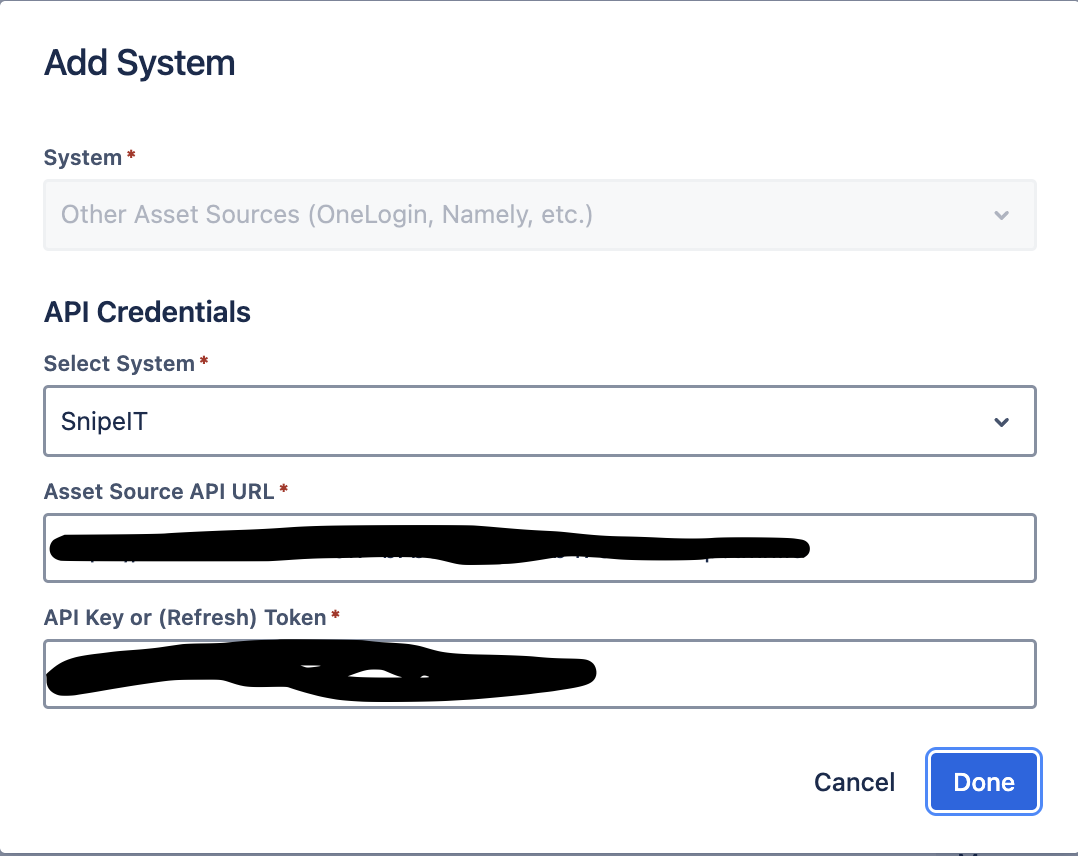
Establish the Snipe-IT Connection
-
Go to Jira → Manage Apps → OnLink → Connections
-
Click Add System
-
Choose Other Data Sources
-
Snipe-IT API Base URL
-
API Key
-
Save & test connection.
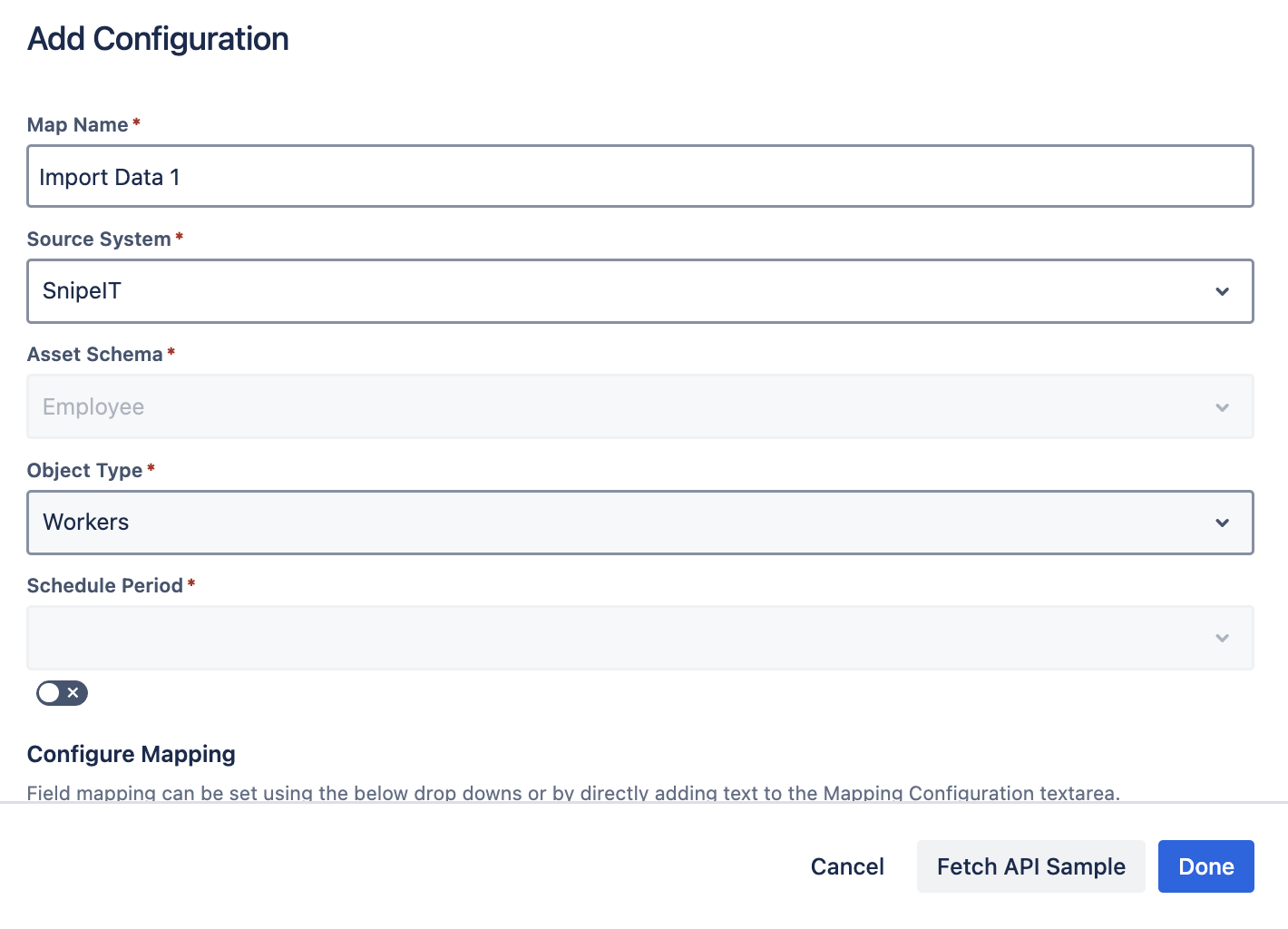
Configure the Assets Import
-
Go to Assets → Your Schema
-
Create a new import configuration
-
Choose OnLink Importer
-
Select the object type you want to populate:
-
User
-
Device
-
License
-
Supplier
-
Custom Object
Mapping Snipe-IT User Fields (Example)
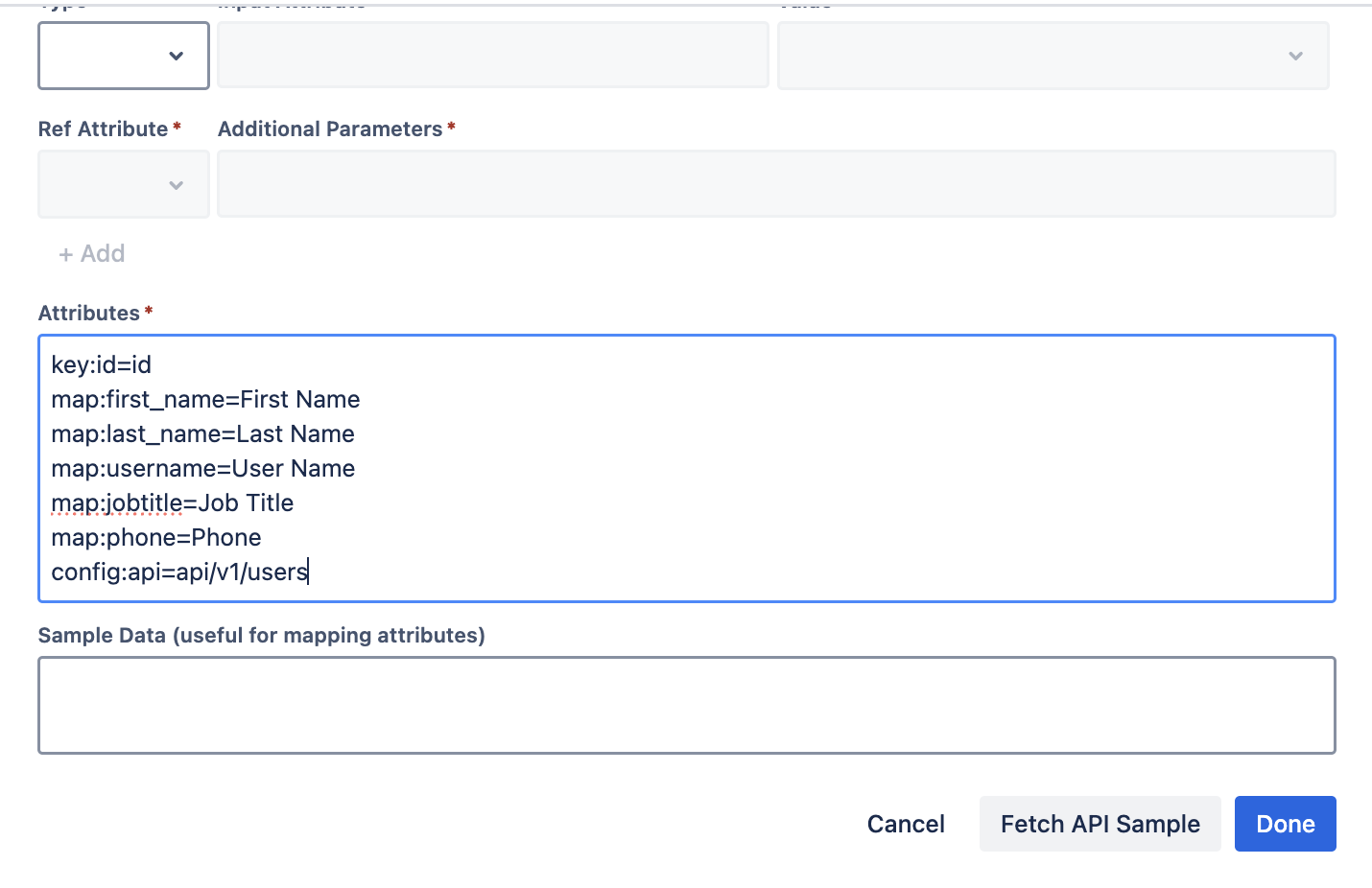
Inside OnLink’s mapping UI, configure:
key:id=id
map:first_name=First Name
map:last_name=Last Name
map:username=User Name
map:jobtitle=Job Title
map:phone=Phone
config:api=api/v1/users
Explanation of mapping items
|
Key/Map Item
|
Description
|
|---|
|
key:id=id
|
Marks id as the unique identifier. Ensures updates vs duplicates.
|
|
map:first_name=First Name
|
Maps the Snipe-IT field first_name to Assets attribute First Name.
|
|
map:username=User Name
|
Maps Snipe-IT username to Assets User Name.
|
|
config:api=api/v1/users
|
Tells OnLink which API route to call for this object type.
|
Any field returned by the Snipe-IT API can be mapped using this pattern.
Mapping Asset/Device Fields (Example)
Common attributes to map:
-
asset_tag
-
serial
-
model.name
-
manufacturer.name
-
category.name
-
location.name
-
supplier.name
-
purchase_date.date
-
status_label.name
Example
key:id=id
map:asset_tag=Asset Tag
map:serial=Serial Number
map:model.name=Model
map:manufacturer.name=Manufacturer
map:location.name=Location
config:api=api/v1/hardware
FAQs
Q1: Does OnLink support scheduled syncs?
Yes. You can schedule nightly, hourly, or on-demand syncs to keep Assets up to date.
Q2: Does OnLink support custom Snipe-IT fields?
Yes. Any field returned by the API can be mapped, including nested fields.
Q3: Can I sync other Snipe-IT objects like suppliers or depreciation?
Yes. Just change the config:api route and map the fields.
Q4: Does OnLink support imports from other sources to Assets?
Yes. Using OnLink you can import from 50+ sources - Okta, Azure/Entra ID, Intune, Kandji etc to Assets. You don't need multiple apps, just OnLink is all you need.
Q6: Can I use this for HR onboarding/offboarding workflows?
Absolutely. Once user→device relationships live in Assets, JSM Automation becomes extremely powerful.
If you want to easily sync Snipe-IT data into Assets — Users, Devices, Licenses, Suppliers, and more, please give OnLink a try and let us know your feedback.

