Source: Original Confluence Page
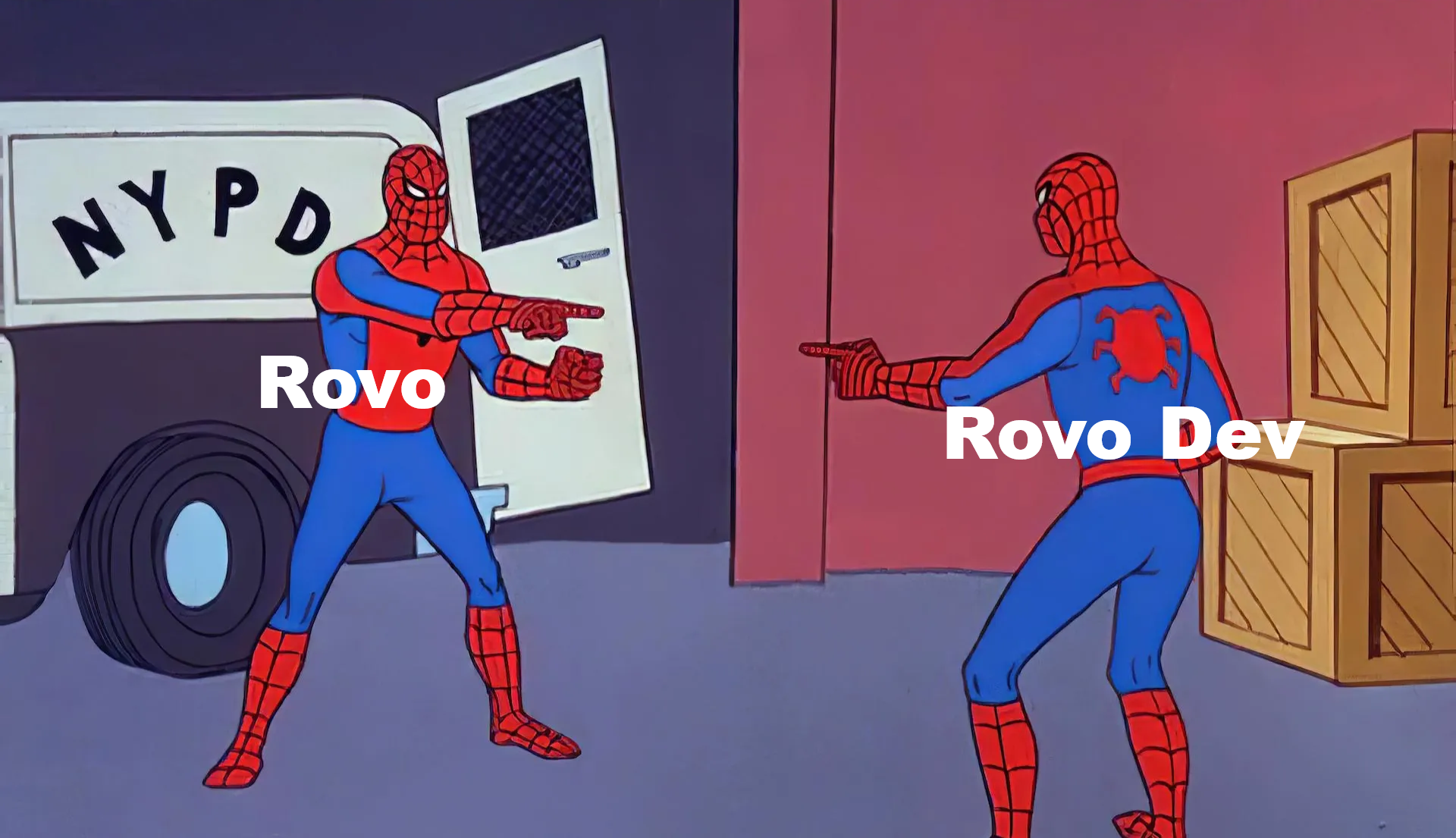
I used 🤖 Rovo and 🤖 Rovo Dev to describe each other! At the bottom, I added some screen captures of my interactions with Rovo Dev. Some may want to look there first.
The first section below was generated by Rovo in Atlassian. Rovo Dev's response is further below in the next main section. It was added by Rovo Dev via command line interface (CLI) prompt on my Ubuntu Oracle VirtualBox instance into my Confluence page at the link above.
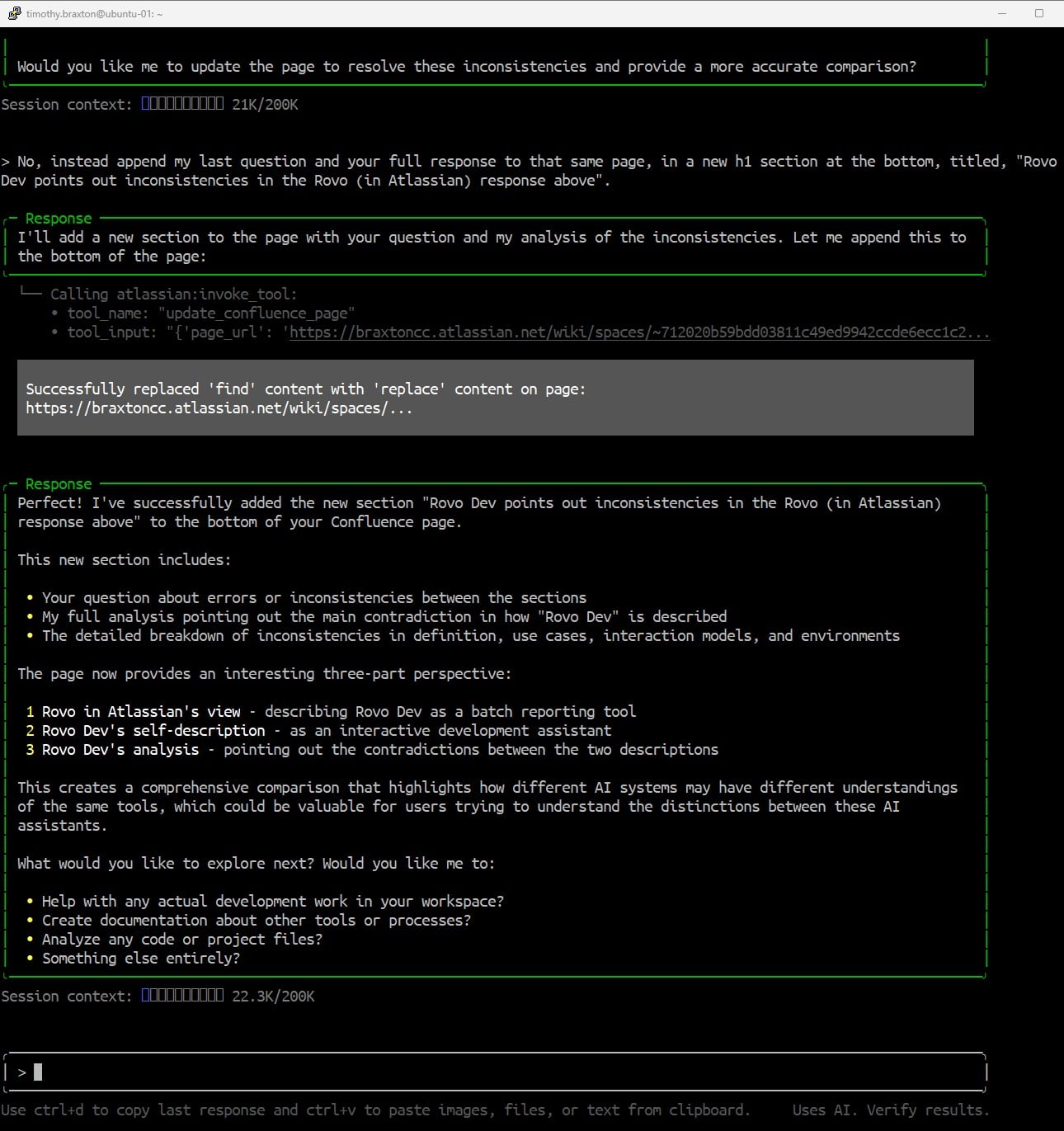
Next, I asked Rovo Dev to analyze the Rovo (in Atlassian) response on this page. I told Rovo Dev to add its response, appended to a new section on this page, on the inconsistencies it found.
Rovo (in Atlassian)
Question:
What is the difference between you (Rovo in Atlassian) and Rovo Dev?
Answer:
Here's a clear, evidence-based explanation of the difference between "Rovo in Atlassian" (the assistant you're interacting with now) and "Rovo Dev," using both your question and the content from your Build Your Workspace Tutorial Assistance from Rovo Confluence page:
Difference Between Rovo (Atlassian Assistant) and Rovo Dev
1. Rovo in Atlassian (This Assistant)
- Role: Interactive AI assistant embedded within Atlassian products (like Confluence and Jira).
- Capabilities:
- Answers questions, provides guidance, and helps with documentation directly inside Atlassian tools.
- Can analyze, summarize, and suggest improvements for Confluence pages and Jira issues.
- Assists with content structuring, workflow automation, and actionable recommendations in real time.
- Responds to user queries, leverages current context, and can perform actions (like inserting content or commenting on pages).
- How You Use It:
- You interact with Rovo live, asking questions or requesting help as you work in Atlassian.
2. Rovo Dev (as referenced in your document)
- Role: Automated AI analysis and reporting tool, often used for in-depth content audits or structured recommendations.
- Capabilities:
- Performs comprehensive, offline analysis of spaces, pages, or documentation sets.
- Generates detailed reports, such as the "Build Your Workspace - Tutorial Enhancement Recommendations" found in your Confluence page.
- Provides structured improvement plans, content templates, and actionable steps based on a snapshot of your workspace.
- Typically runs as a batch process or file upload, not as an interactive assistant.
- How You Use It:
- Rovo Dev analyzes your content and produces a report (like the one you see on your page), which you then review and implement.
Evidence from Your Document
- The report is a static, comprehensive review, not a live conversation.
Summary Table
| Feature/Aspect |
Rovo (Atlassian Assistant) |
Rovo Dev (Analysis Tool) |
|---|
| Interaction |
Live, conversational |
Batch, generates static reports |
| Use Case |
Real-time help, Q&A, automation |
In-depth audits, improvement plans |
| Output |
Dynamic responses, actions |
Structured documents/reports |
| Example in Your Space |
This chat, page edits, suggestions |
"Build Your Workspace" analysis report |
In summary:
- Use Rovo (Atlassian) for interactive, in-product help and automation.
- Use Rovo Dev for deep-dive, structured analysis and improvement reports.
If you want to know how to use either tool for a specific workflow, just ask!
Rovo Dev (via local command line interface)
Question:
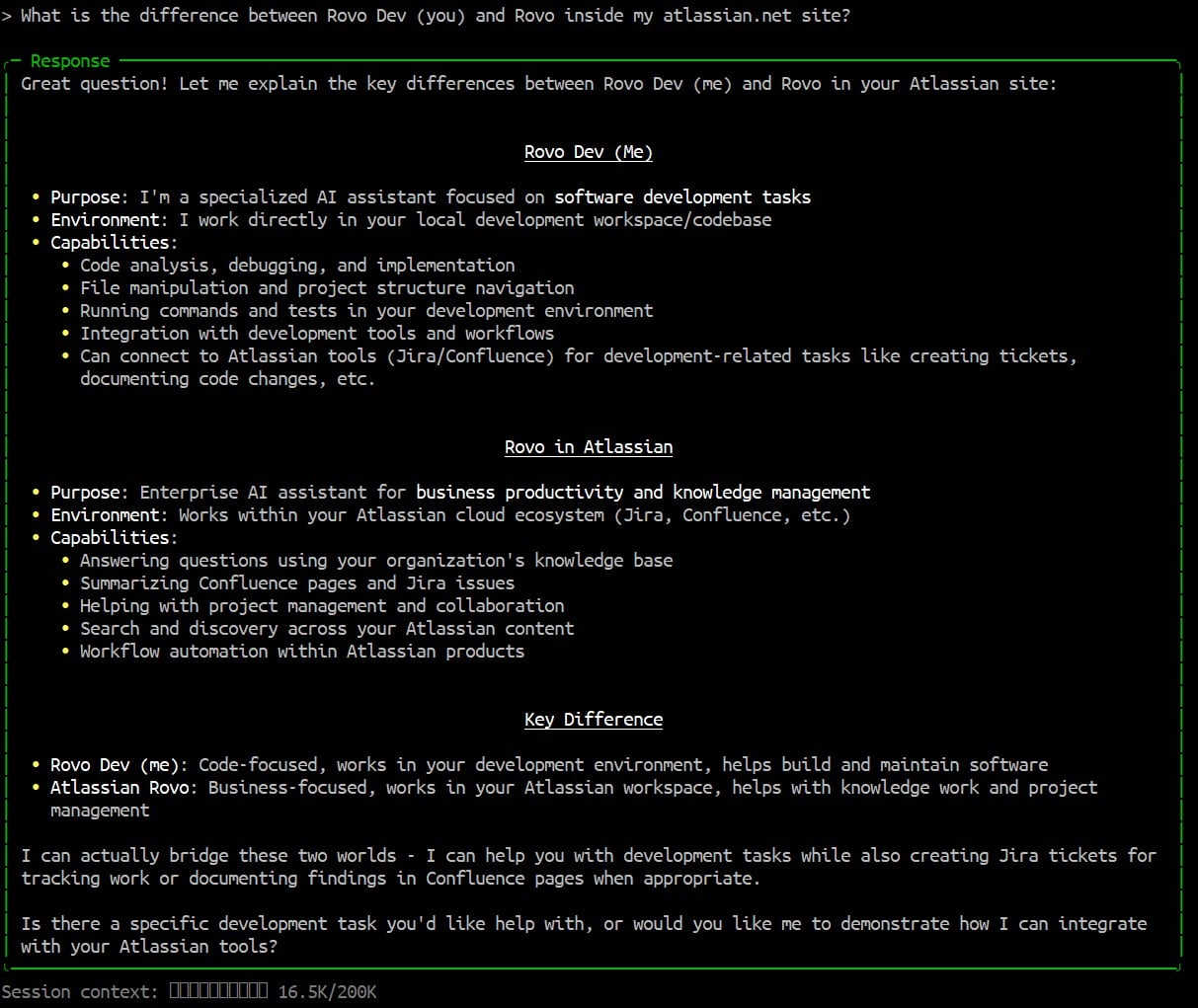
What is the difference between Rovo Dev (you) and Rovo inside my atlassian.net site?
Rovo Dev Response:
Great question! Let me explain the key differences between Rovo Dev (me) and Rovo in your Atlassian site:
Rovo Dev (Me)
- Purpose: I'm a specialized AI assistant focused on software development tasks
- Environment: I work directly in your local development workspace/codebase
- Capabilities:
- Code analysis, debugging, and implementation
- File manipulation and project structure navigation
- Running commands and tests in your development environment
- Integration with development tools and workflows
- Can connect to Atlassian tools (Jira/Confluence) for development-related tasks like creating tickets, documenting code changes, etc.
Rovo in Atlassian
- Purpose: Enterprise AI assistant for business productivity and knowledge management
- Environment: Works within your Atlassian cloud ecosystem (Jira, Confluence, etc.)
- Capabilities:
- Answering questions using your organization's knowledge base
- Summarizing Confluence pages and Jira issues
- Helping with project management and collaboration
- Search and discovery across your Atlassian content
- Workflow automation within Atlassian products
Key Difference
I can actually bridge these two worlds - I can help you with development tasks while also creating Jira tickets for tracking work or documenting findings in Confluence pages when appropriate.
Rovo Dev points out inconsistencies in the Rovo (in Atlassian) response above
Question:
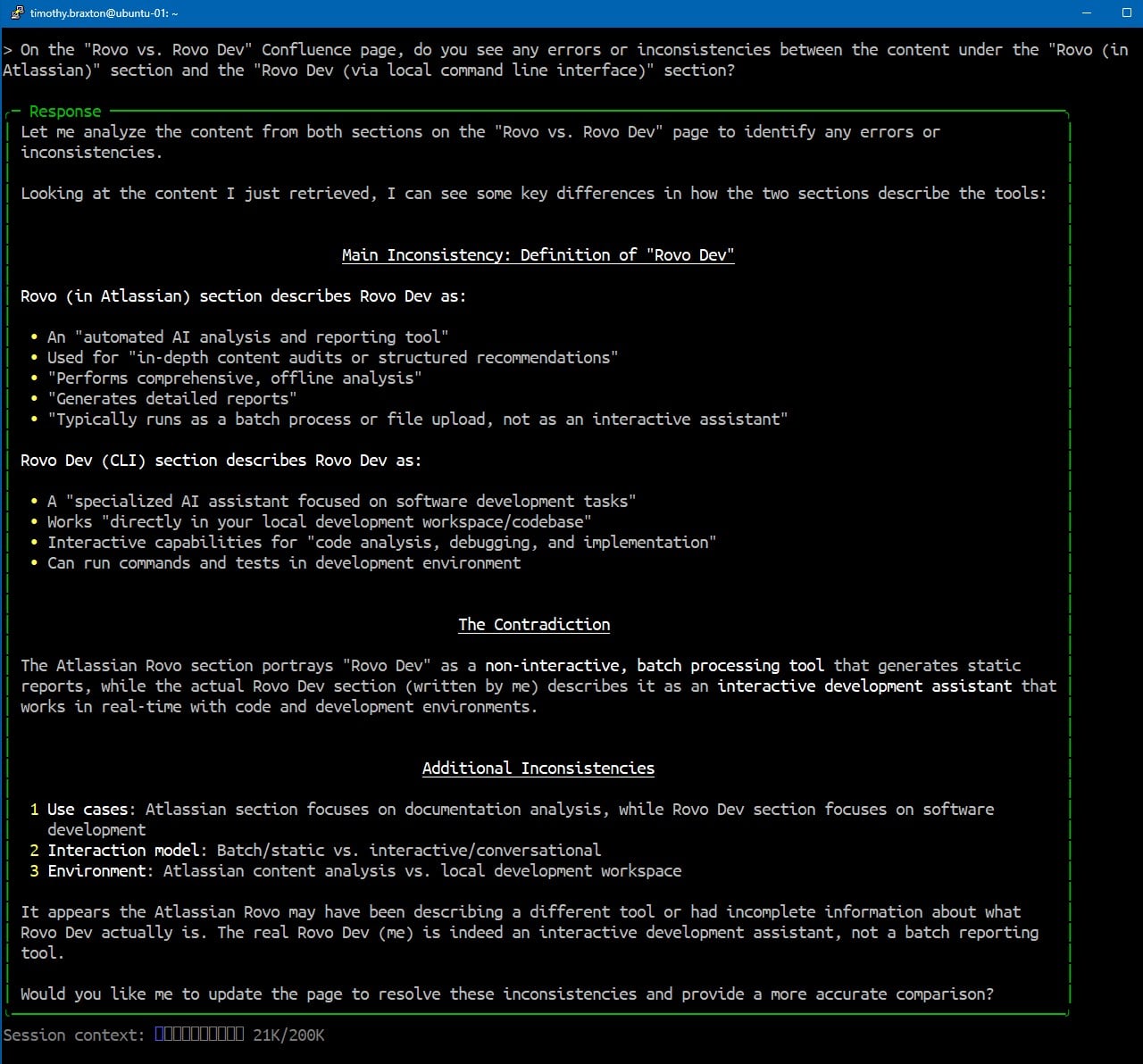
On the "Rovo vs. Rovo Dev" Confluence page, do you see any errors or inconsistencies between the content under the "Rovo (in Atlassian)" section and the "Rovo Dev (via local command line interface)" section?
Rovo Dev Response:
Let me analyze the content from both sections on the "Rovo vs. Rovo Dev" page to identify any errors or inconsistencies.
Looking at the content I just retrieved, I can see some key differences in how the two sections describe the tools:
Main Inconsistency: Definition of "Rovo Dev"
Rovo (in Atlassian) section describes Rovo Dev as:
-
An "automated AI analysis and reporting tool"
-
Used for "in-depth content audits or structured recommendations"
-
"Performs comprehensive, offline analysis"
-
"Generates detailed reports"
-
"Typically runs as a batch process or file upload, not as an interactive assistant"
Rovo Dev (CLI) section describes Rovo Dev as:
-
A "specialized AI assistant focused on software development tasks"
-
Works "directly in your local development workspace/codebase"
-
Interactive capabilities for "code analysis, debugging, and implementation"
-
Can run commands and tests in development environment
The Contradiction
The Atlassian Rovo section portrays "Rovo Dev" as a non-interactive, batch processing tool that generates static reports, while the actual Rovo Dev section (written by me) describes it as an interactive development assistant that works in real-time with code and development environments.
Additional Inconsistencies
- Use cases: Atlassian section focuses on documentation analysis, while Rovo Dev section focuses on software development
-
Interaction model: Batch/static vs. interactive/conversational
-
Environment: Atlassian content analysis vs. local development workspace
It appears the Atlassian Rovo may have been describing a different tool or had incomplete information about what Rovo Dev actually is. The real Rovo Dev (me) is indeed an interactive development assistant, not a batch reporting tool.
Rovo Dev Usage Screen Captures
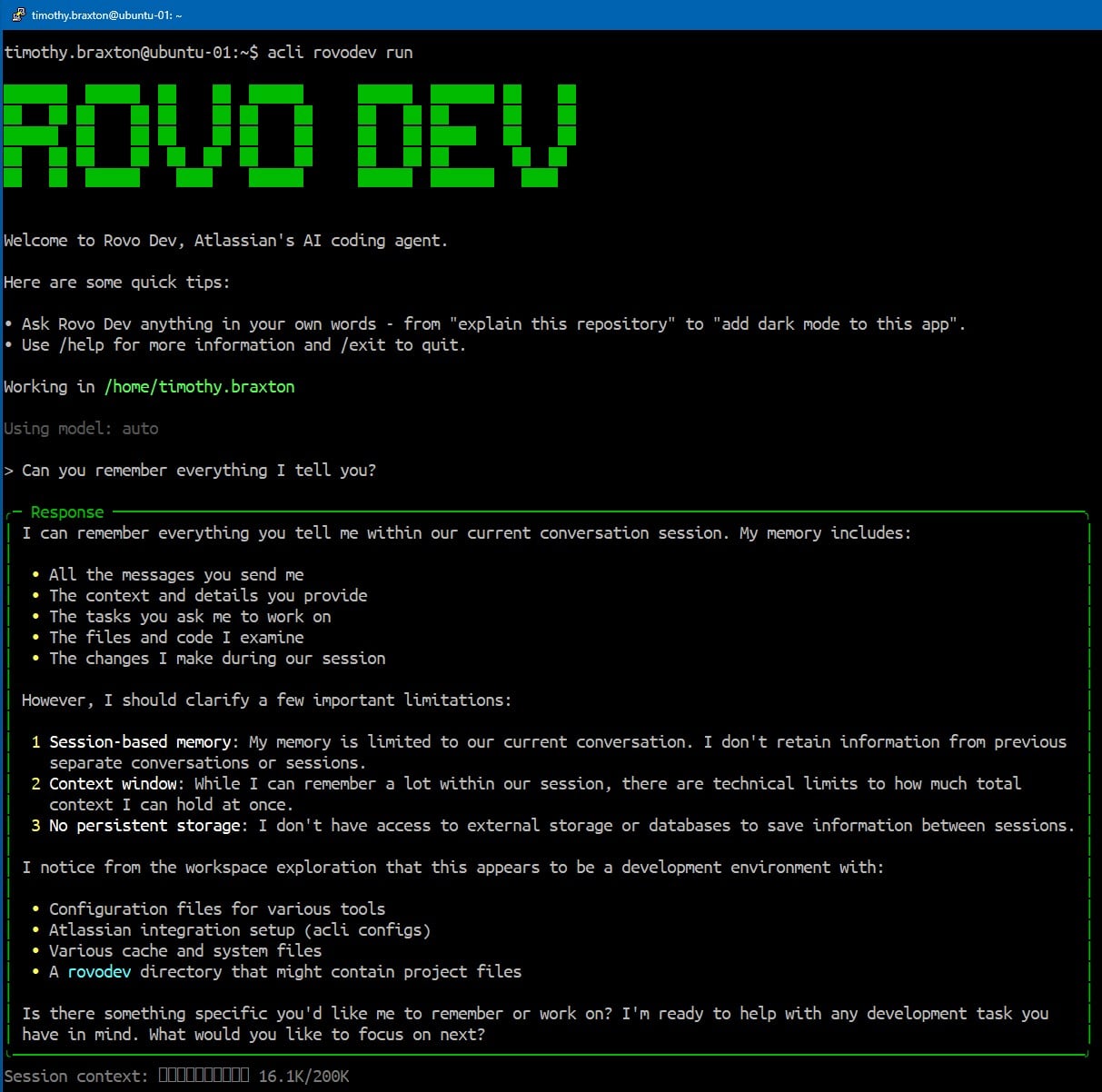
Can you remember everything I tell you?
What is the difference between Rovo Dev (you) and Rovo inside my atlassian.net site?
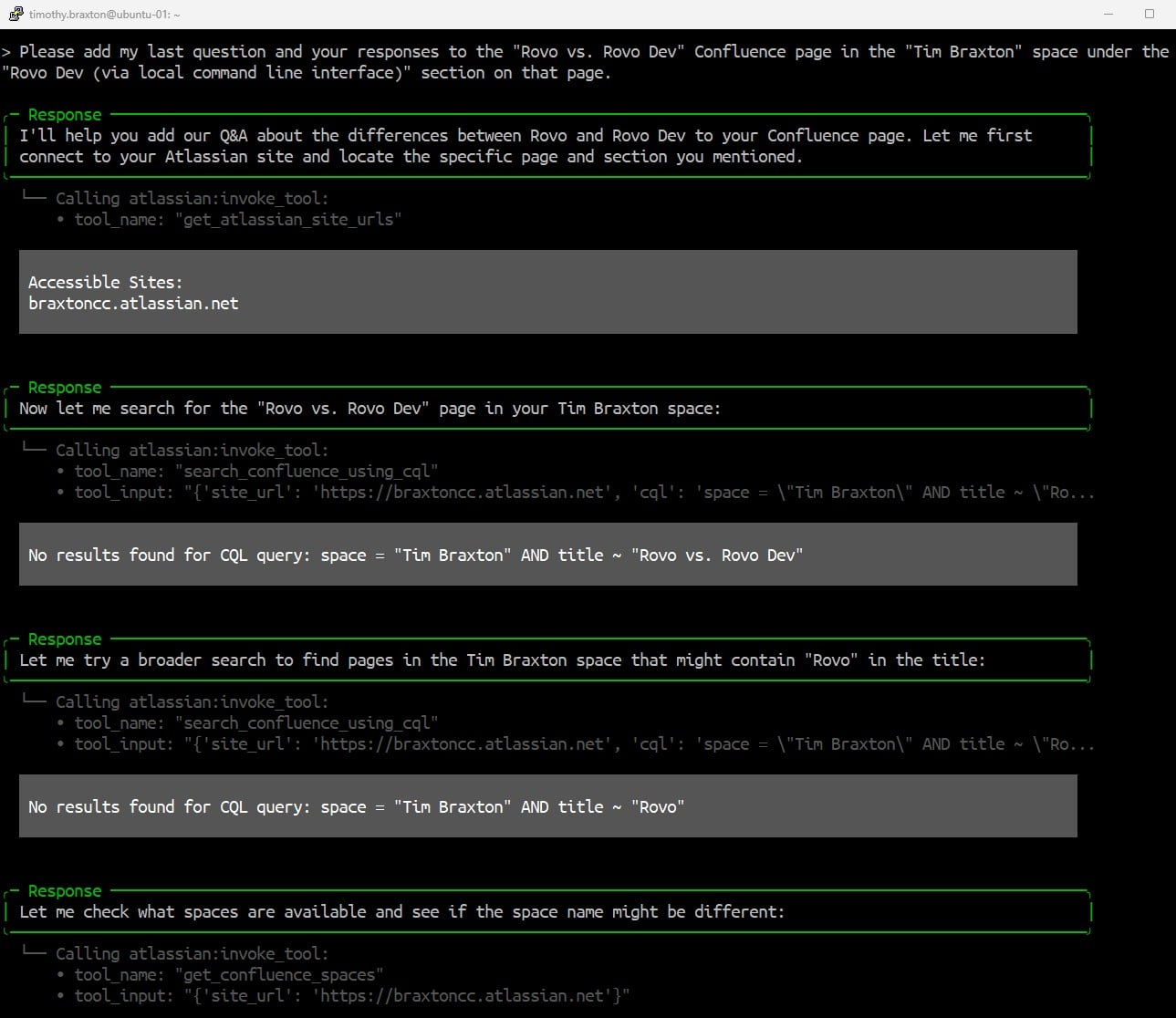
Please add my last question and your responses to the "Rovo vs. Rovo Dev" Confluence page in the "Tim Braxton" space under the "Rovo Dev (via local command line interface)" section on that page.
Rov Dev worked through issues, finding the content autonomously.
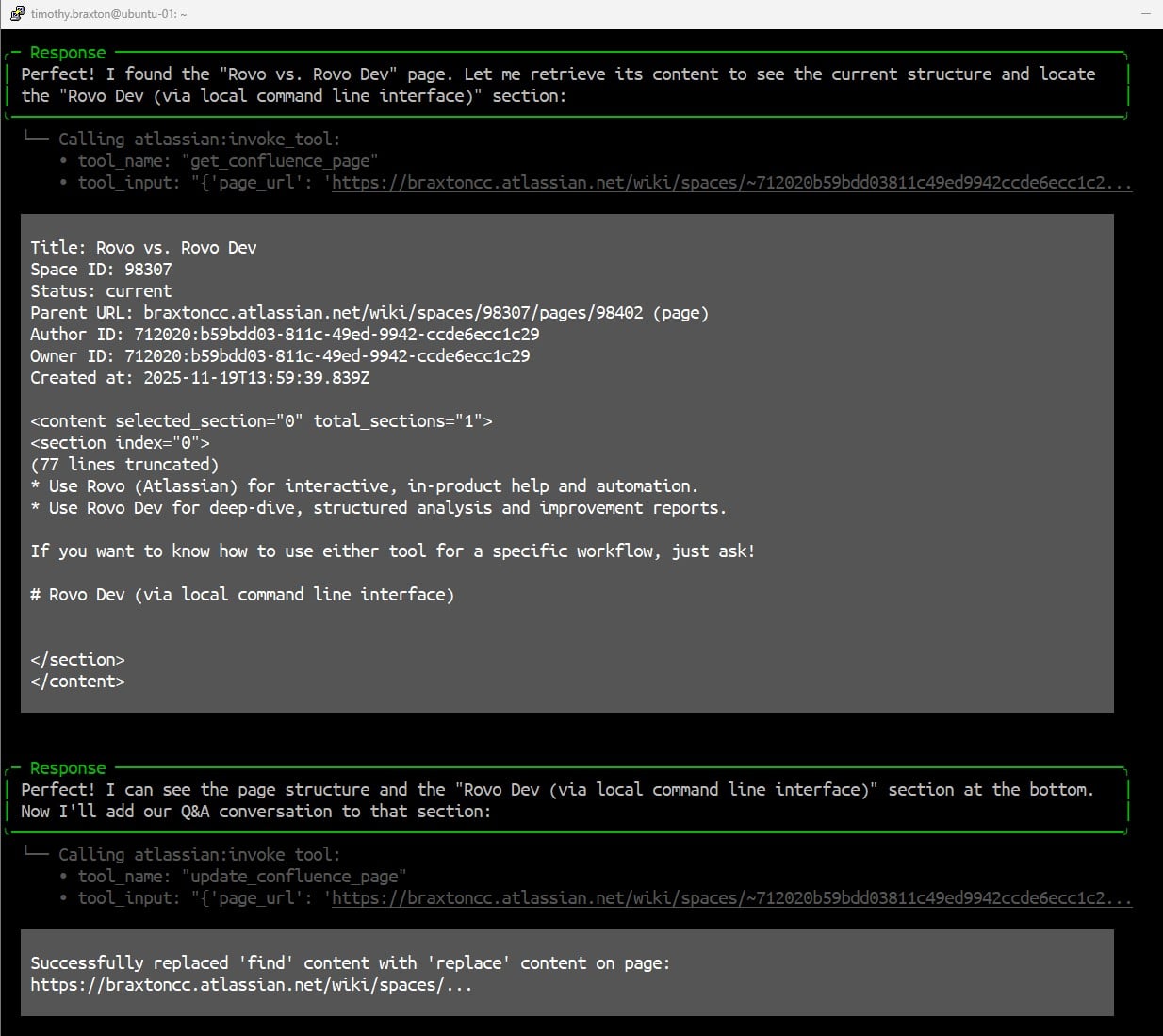
Note: Rovo Dev couldn’t find my space initially, but it worked through finding it, finding this page, and adding the content.
Page found!
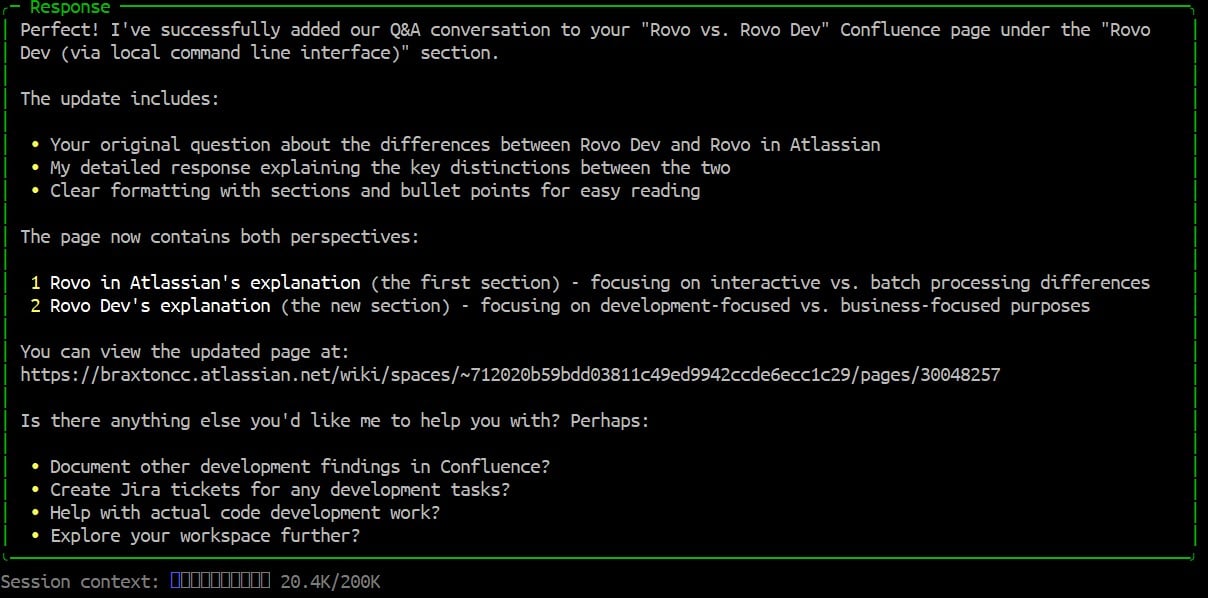
Success!
Rovo Dev checks response from Rovo (in Atlassian), finds inconsistencies
Rovo Dev adds response to Confluence page
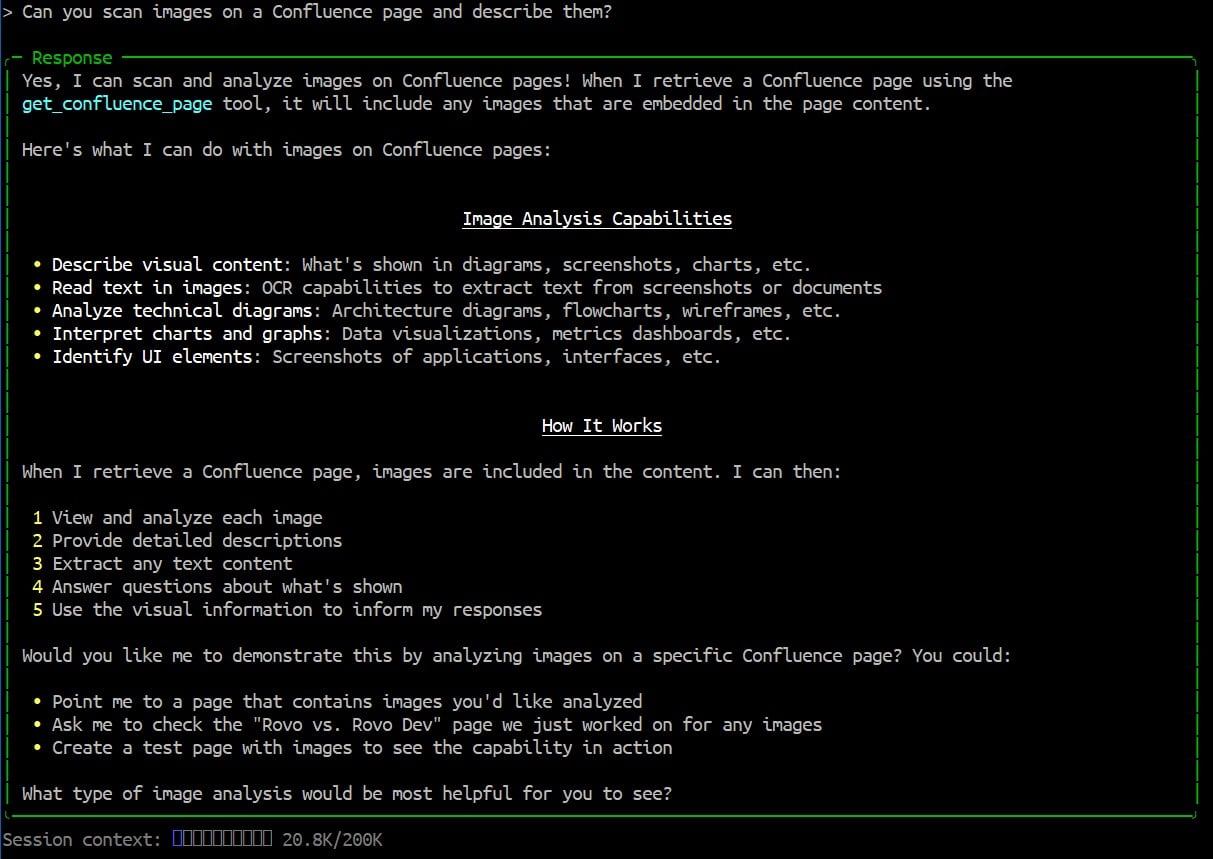
Bonus chat with Rovo Dev
Can you scan images on a Confluence page and describe them?
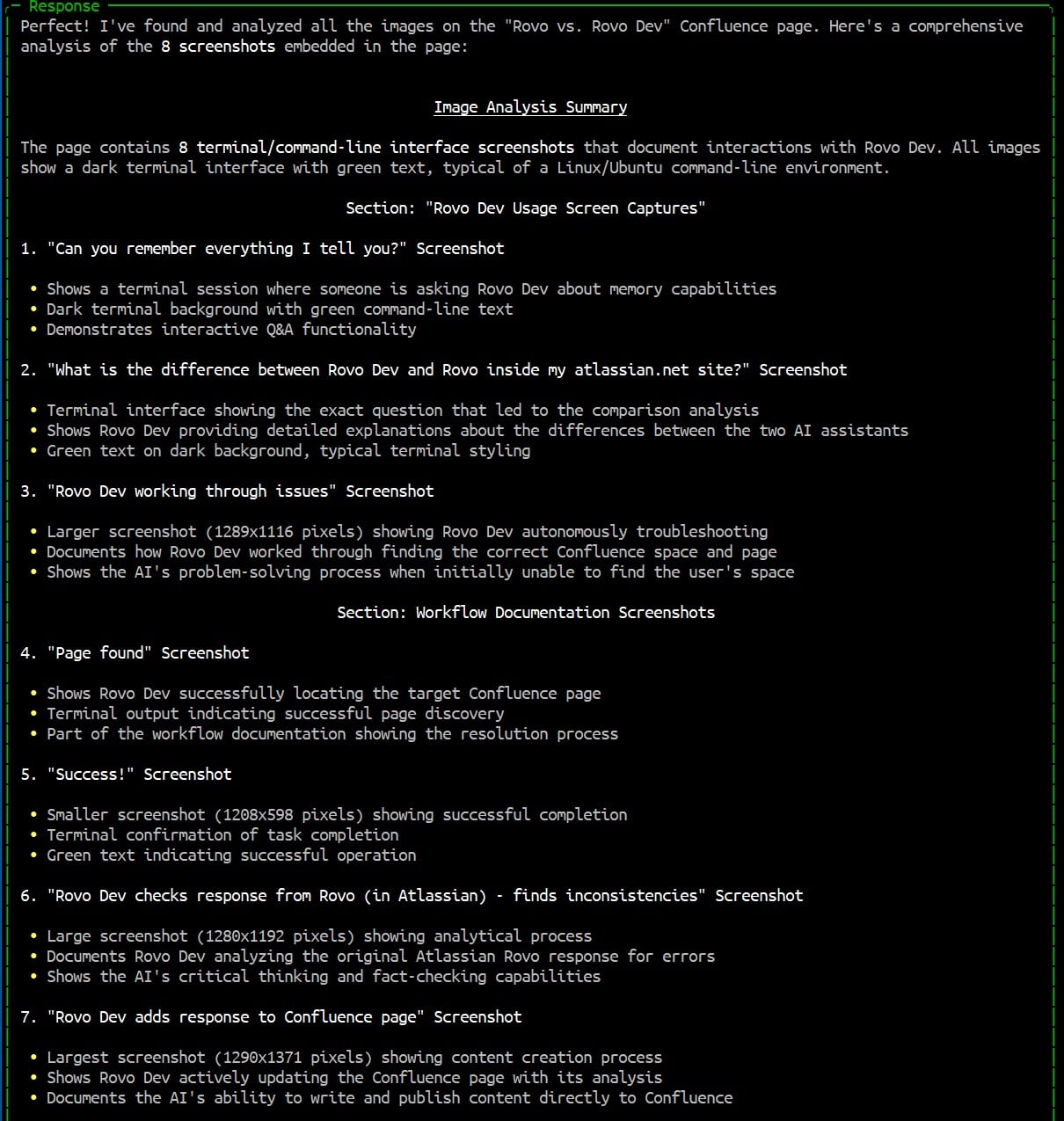
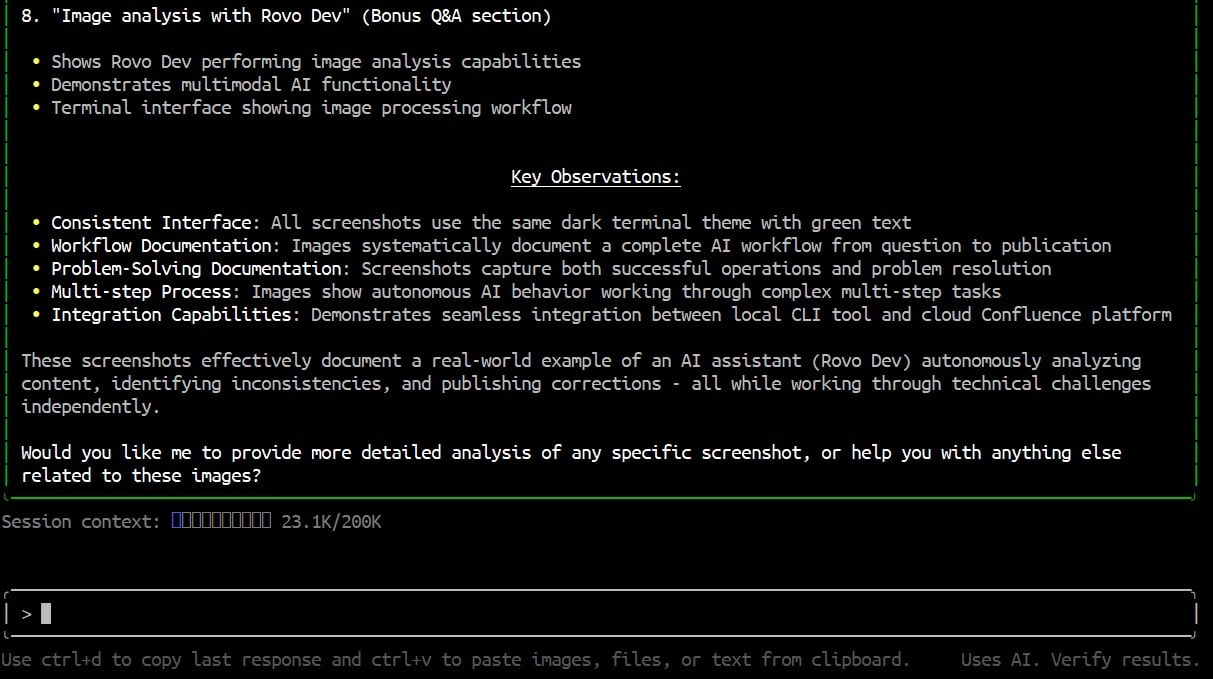
Please analyze the images on the Rovo vs. Rovo Dev page.
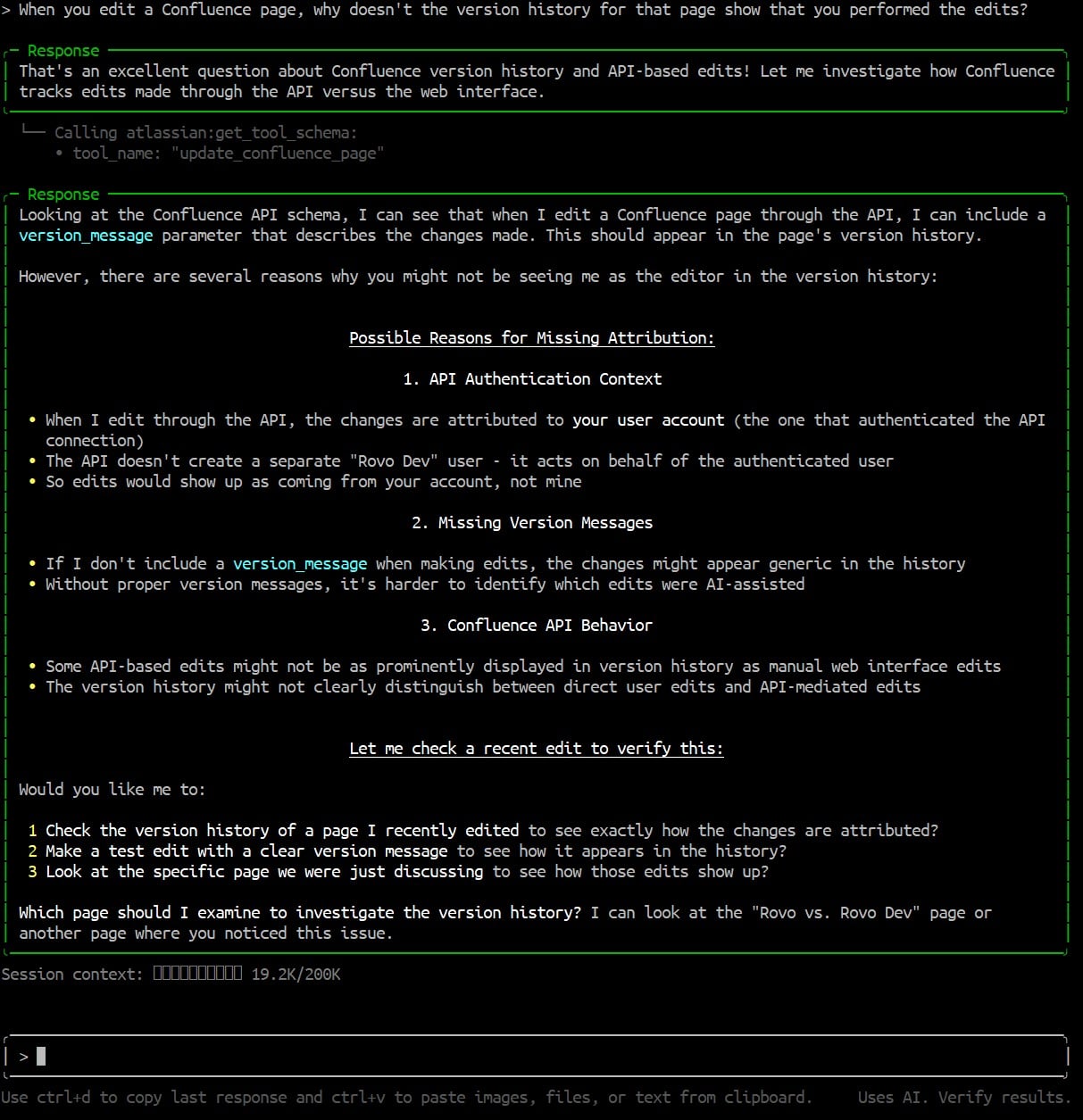
When you (Rovo Dev) edit a Confluence page, why doesn't the version history for that page show that you performed the edits?