For teams that want fewer bottlenecks, shorter cycles, and more predictable delivery
The Hidden Metric Agile Teams Overlook
In Agile environments, everyone talks about velocity but rarely about flow.
Sprints are filled with “done” and “blocked,” yet few teams can clearly answer:
“Where exactly does our work slow down and why?”
Tasks often spend more time waiting than progressing, and those invisible queues quietly eat up delivery capacity. Without measuring how long issues sit in each status, you can’t fix what you can’t see.
When flow isn’t measured inside Jira:
-
Stories spend days “In Review” or “In Progress” without updates
-
Dependencies stall, but nobody notices until the sprint review
-
Delivery feels inconsistent “sometimes fast, sometimes slow”
-
Managers push for more speed without real insight into delays
You don’t need new frameworks or heavy tools just visibility into how your work actually flows through Jira.
What Flow Management Actually Looks Like in Jira
Flow management isn’t about micromanaging it’s about understanding system health.
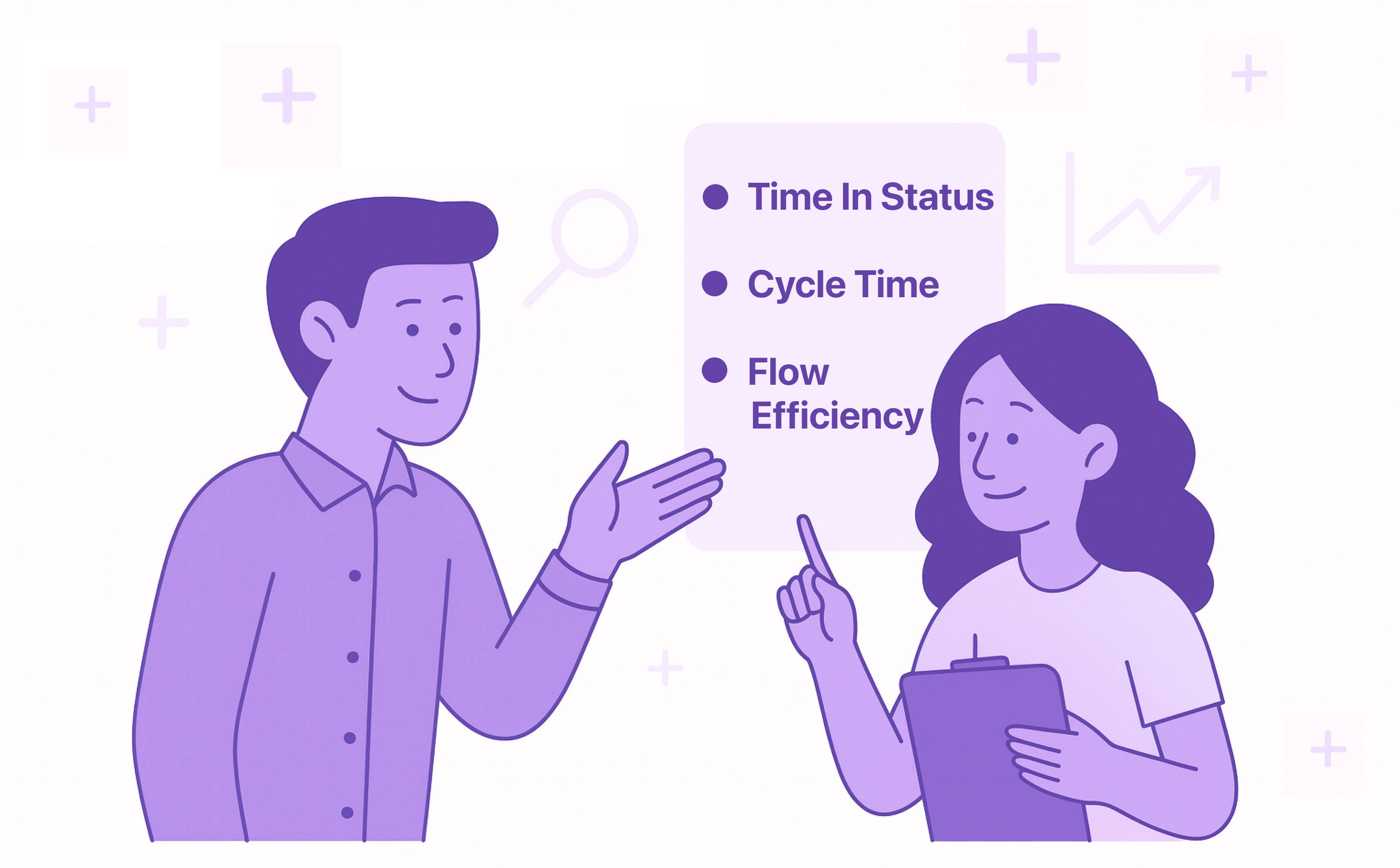
Before tuning processes, start with three core metrics every Jira team should know:
-
Time in Status → how long issues stay in each stage (e.g., “In Progress,” “In Review”)
-
Cycle Time → time from “Start” to “Done”
-
Flow Efficiency → percentage of time work was actively progressing vs. waiting
These three numbers tell a full story: not just how fast, but how healthy your workflow is.
How to Add Flow Awareness Without Extra Meetings
Backlog Refinement
Sprint Planning
Daily Standups
Retrospectives
-
Discuss: “Which statuses had the longest wait times?”
-
Turn insights into small process tweaks (e.g., pair reviews, test automation)
DIY vs. Using a Lightweight Tool
Yes, you can build “Time in Status” reports manually with Jira filters or exported data.
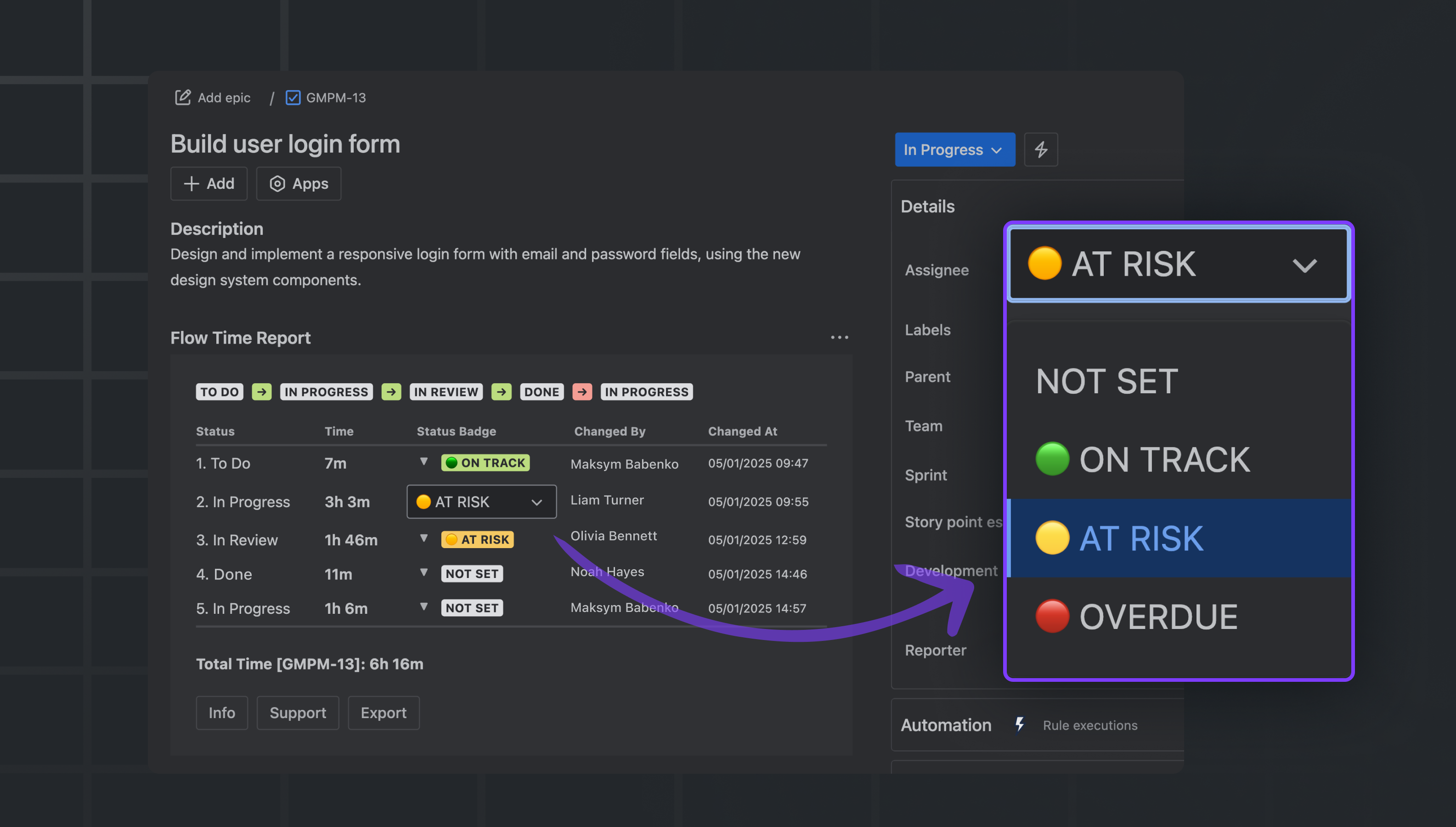
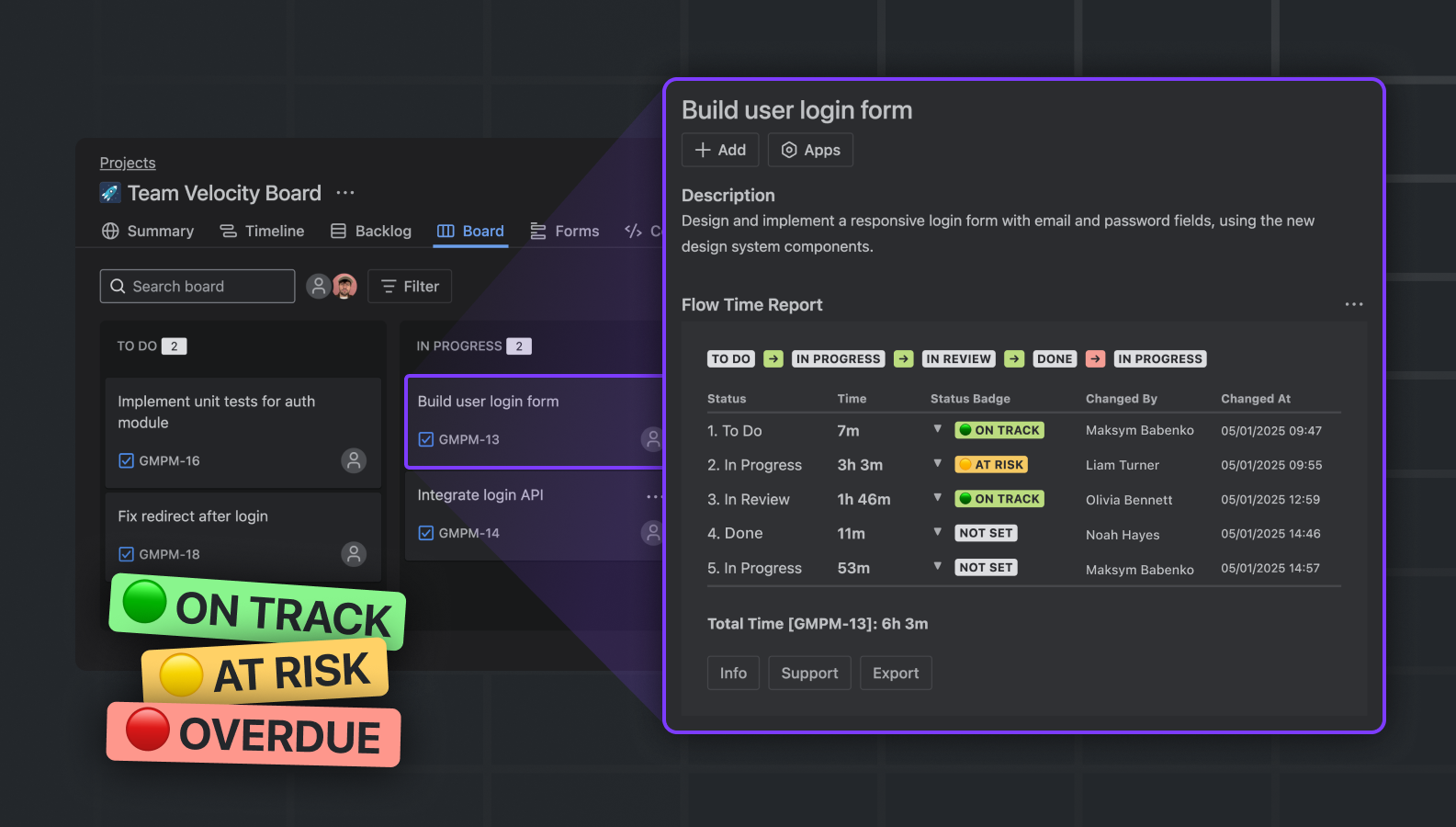
But if you want something clean, visual, and consistent across teams, use Flow Time Report. In a few clicks, your team can spot patterns that usually take hours to uncover manually.
Quick Playbooks to Get Started
Playbook 1: Find Hidden Bottlenecks
Filter: “Issues with Time in Status → 3 days”
Action: Discuss during standup → Why waiting? Dependency, unclear ownership, or review load?
Playbook 2: Compare Sprint Flow
View “Cycle Time by Sprint” → track if process changes actually speed up delivery
Playbook 3: Measure Flow Efficiency
Check “Active vs Waiting Time” → aim for 50%+ active time (industry benchmark)
Playbook 4: Detect Review Overload
Group by assignee → see who accumulates the most “In Review” time rebalance early
Final Thought
Flow isn’t about speed it’s about consistency and visibility.
The faster your team learns where work slows down, the faster you can deliver predictable results without stress.
Start small. Open a sprint in Flow Time Report and ask one simple question:
“Where does our work spend most of its life, moving or waiting?”
That question alone can transform how your team plans, collaborates, and delivers.