The blank page problem is real. You open Jira Product Discovery excited to organize your roadmap, only to wonder: Where do I start? What fields do I need? How should I structure this?
Many of you asked for more examples of how to use JPD effectively. Today, I'm excited to announce Pre-built Views—pre-configured views that showcase proven product management frameworks in action, complete with fields, filters, and grouping logic that solve real problems.
What you get
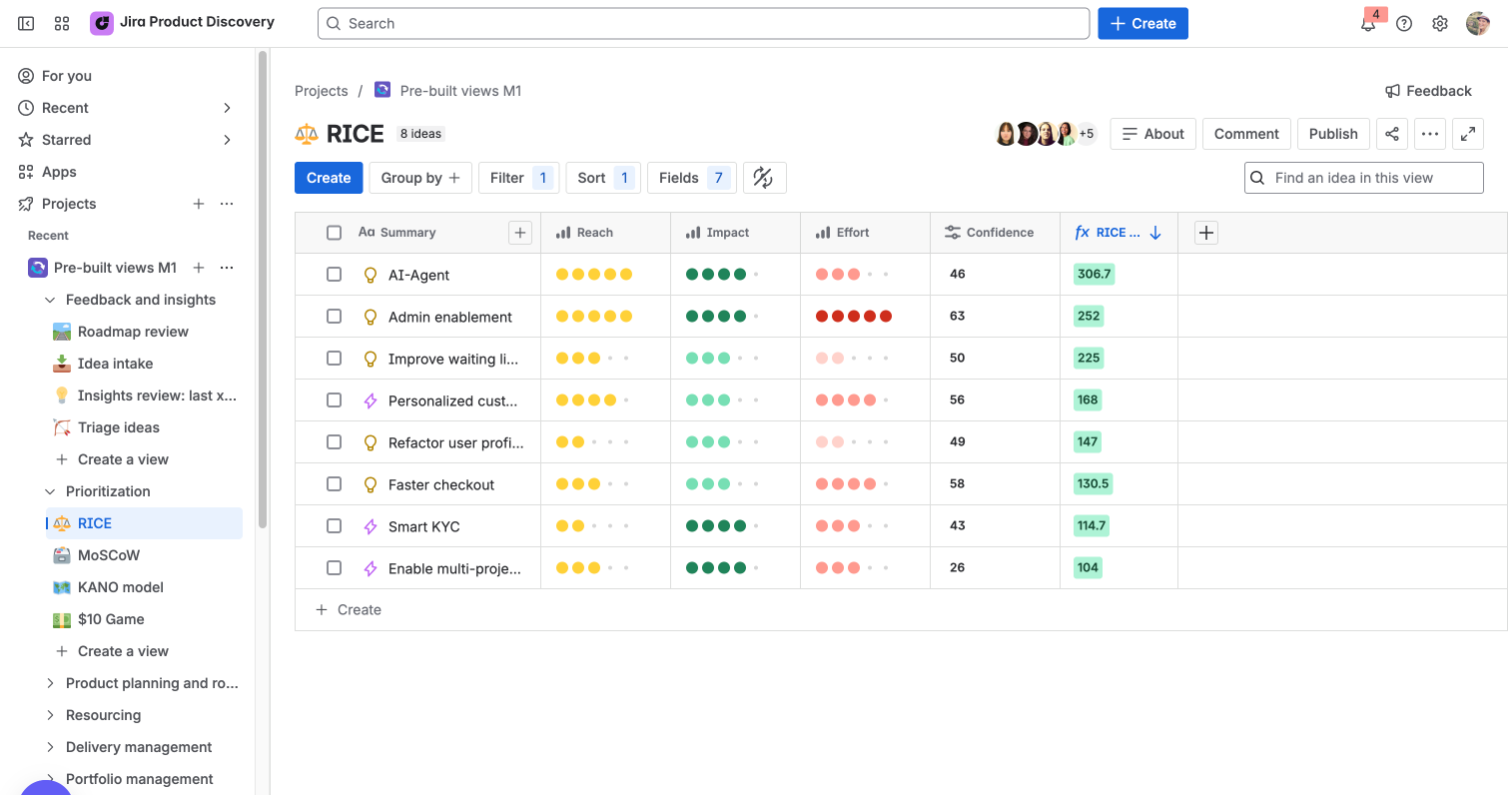
Our new Pre-built Views Playground features frameworks that demonstrate JPD's flexibility across key product management jobs:
-
Prioritization: Multiple framework examples including RICE, MosCow, KANO, $10game
-
Roadmapping: views tailored for different audiences—executives, engineering teams, and stakeholders
-
Feedback & intake: Complete workflow showing how to triage ideas backed by customer insights
-
Resourcing: Lightweight capacity planning and resource allocation examples
-
Portfolio management: Multi-project views for leadership oversight and strategic alignment
Each view solves a specific Job-to-be-Done while showing how JPD adapts to different ways of working.
Why use it?
Instead of building frameworks from scratch, you can:
-
Start with proven practices that successful teams already use
-
Learn by doing with working examples you can customize
-
See value immediately instead of spending weeks on setup
-
Discover new approaches that expand your PM toolkit
How it works
-
Explore the Playground in a sample project to see the frameworks
-
Try different views to understand how each framework responds to scenarios
-
Adapt what works by creating similar views in your own projects
-
Customize and iterate based on your team's specific needs
Ready to explore?
Check out this demo to learn more
This is our first iteration of pre-built views, and we're eager to expand with more templates based on your feedback. Have ideas for frameworks we should include next? Drop your thoughts in the comments below 👇
Known limitations


