|
Tip #1: Help your users see what’s most pertinent to them.
⭐️ Use the backlog view in Jira to get a clear overview of all your assigned work. Filtering by your name helps reduce clutter and lets you focus on what matters most.
Tip #2: Write a few JQL shortcuts you think would be handy for your users to bookmark.
⭐️ Use JQL shortcuts. Instead of clicking through filters to find what you’re looking for, bookmark Jira queries such as:
My open issues:
assignee = currentUser() AND resolution = Unresolved
All of the work I've reported that isn't finished:
reporter = currentUser() AND resolution = Unresolved
Tip #3: Take advantage of smart links.
⭐️ When you paste a Confluence link into a Jira issue, you can choose how it displays (URL, Inline, Card, or Embed). The Embed feature allows you to interact with Confluence content directly from Jira.
Tip #4: Watch work items instead of chasing people up for status updates.
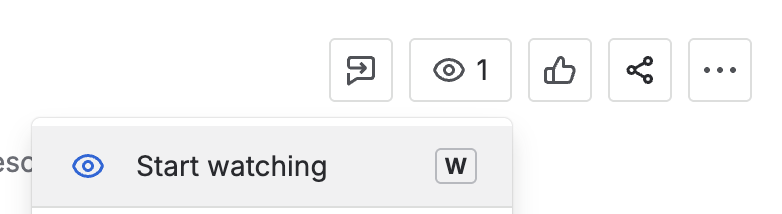
⭐️ If you care about a project that’s not assigned to you, click on “Start watching” or press “w” when you're in the work item. You’ll be notified of any updates without needing to bug people for status checks.
Tip #5: Take advantage of keyboard shortcuts.
⭐️ Press "?" anywhere in Jira to open up the shortcuts list.
Type "/" in a field such as description or comments to access the formatting menu. This feature enables you to quickly add elements like headings, tables, or checklists.
|