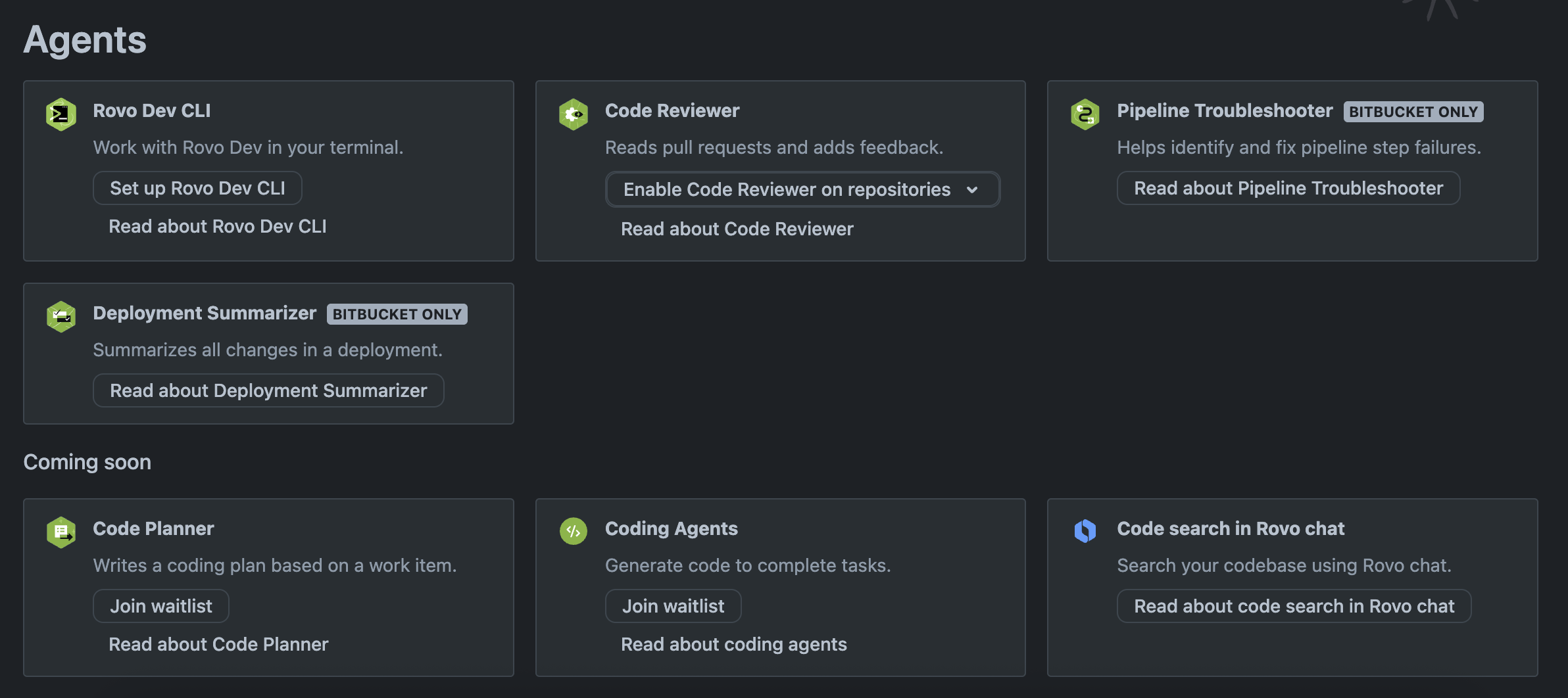
No doubt I'm making some simple mistake and would appreciate someone pointing me in the right direction. I am logging into acli rovodev just fine (below)
(⎈|awx)b@MacBookPro14 homelab_playbooks % acli --version
acli version 1.2.5-stable
(⎈|awx)b@MacBookPro14 homelab_playbooks % acli rovodev auth login
✓ Authentication successful
(⎈|awx)b@MacBookPro14 homelab_playbooks % acli rovodev run
Welcome to Rovo Dev (beta), Atlassian's AI coding agent.
Here are some quick tips:
• Ask Rovo Dev anything in your own words - from "explain this repo" to "add unit tests".
• Type "/" at any time to see available commands.
• Use CTRL+C to interrupt the agent during generation.
• Use /exit to quit.
Working in /Users/b/Documents/Code/Infrastructure/homelab_playbooks
╭─ Rovo Dev Agents is not installed on your site ──────────────────────────────────────────────────────────────────────╮
│ │
│ To use Rovo Dev CLI, your organization administrator needs to install Rovo Dev Agents. │
│ │
│ Visit https://www.atlassian.com/try/cloud/signup?bundle=devai to request access. │
│ │
╰──────────────────────────────────────
Other notes:
I have Jira connected to my GitHub repos AND it's commenting on my PRs:
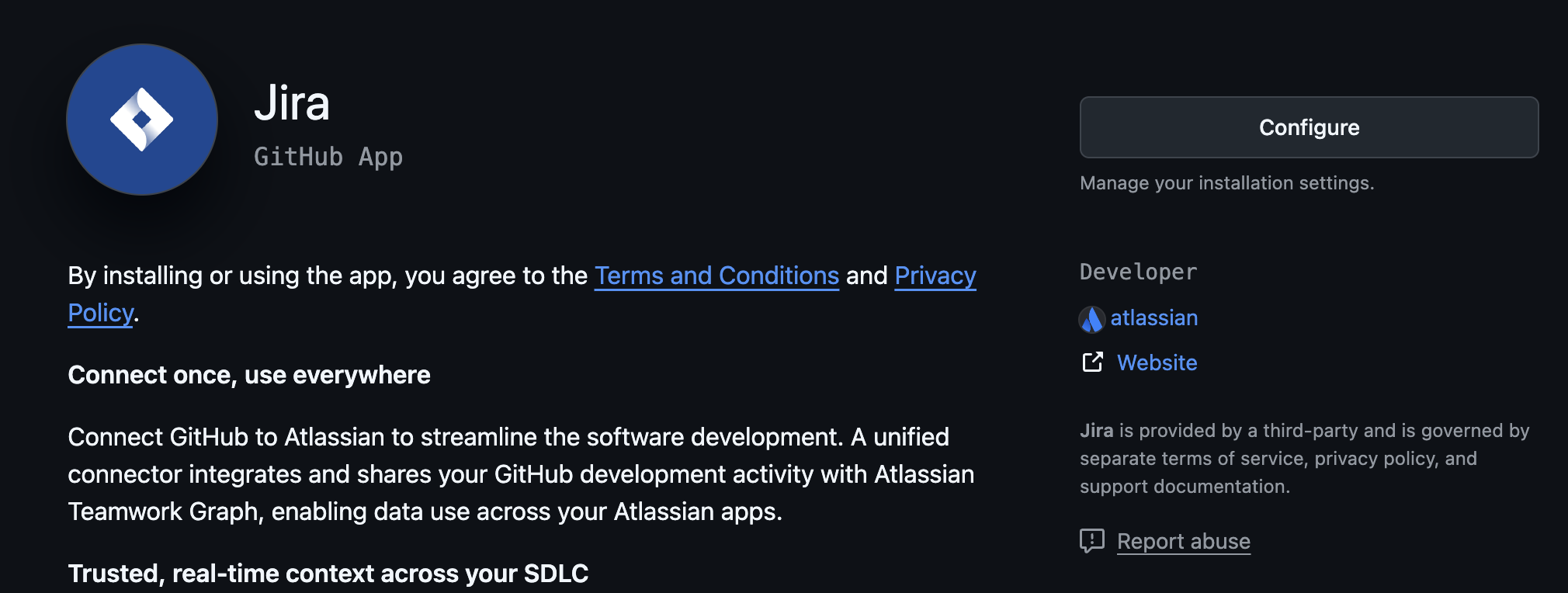

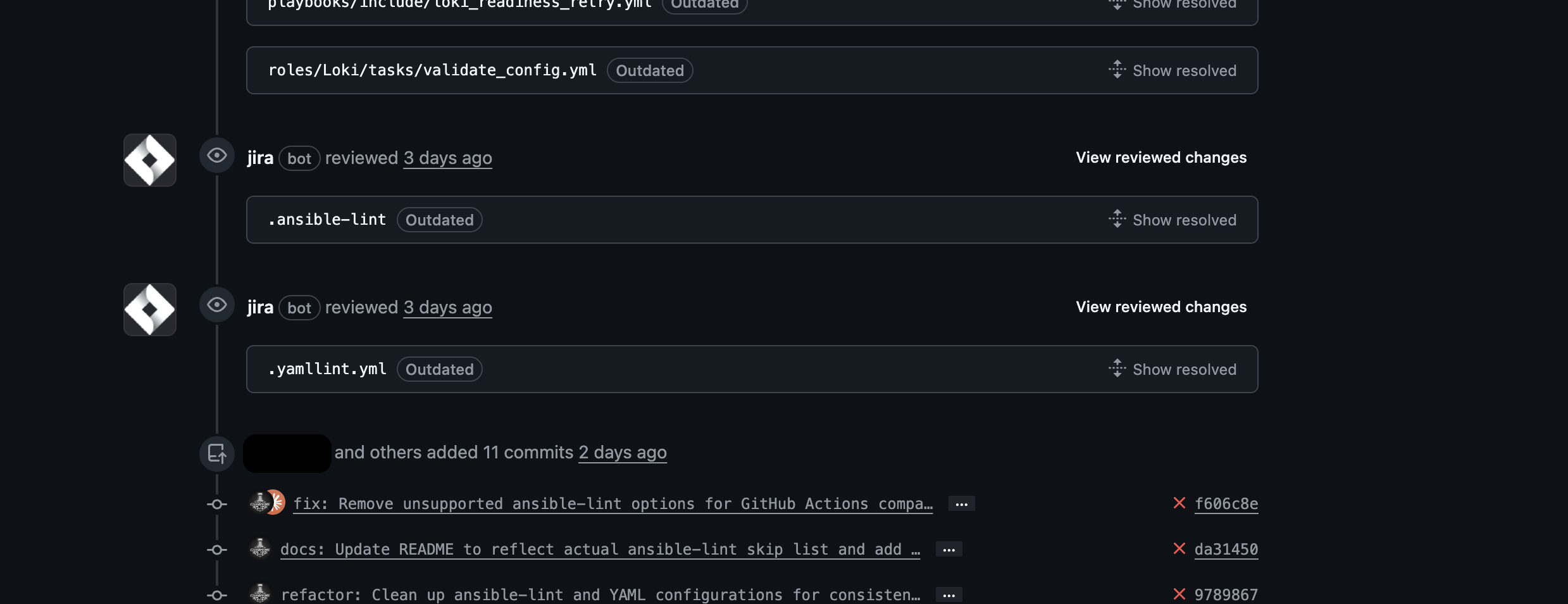
It's just me in the org right now. I'm listed as "Active".. Here's what I've got setup so far:

I followed the "Setup Rovo Dev CLI" instructions (see above), but I still get the error saying it's not installed on my site.