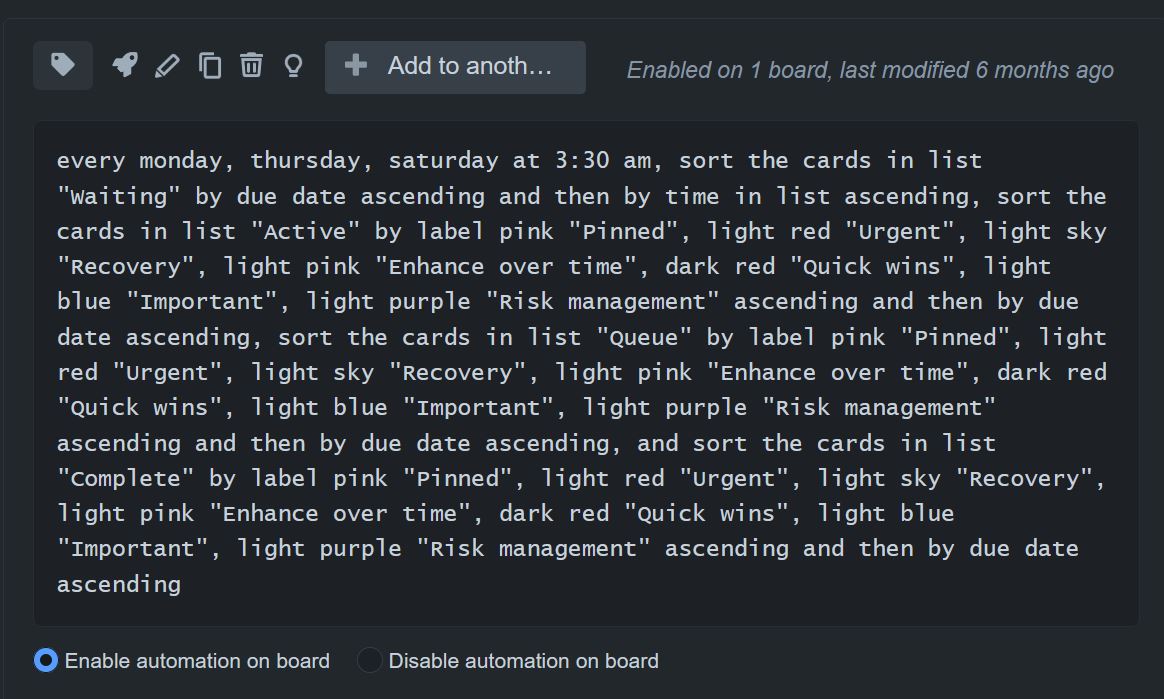
Is there any way to use only the name of a label, and not its color, in the automations (such as the scheduled automation rules?
If I ever need to change the color of a label on my board (due to creating a new label and wanting them to be separate colors, for example), I have to rebuild every automation I use that involves labels again from scratch so that the label colors are correct and the automation works. It doesn't seem to be possible to edit the automation instruction directly.
If I change the color of the label, the automation rule doesn't seem to change the color it uses to refer to that label. In fact, the names for the colors used in the automation rules don't even seem to match the names that pop up when you hover your mouse over the label color, in the labels menu.
The automations use both the color and the label name to refer to the label (in the interface, at least), so is it possible to remove the color information and only refer to the label by name?
Here's an example automation. You can see that the automatically generated text includes not only the label name but also the color (the "pink", "light red" etc. before the label name in quotes):