Good Morning,
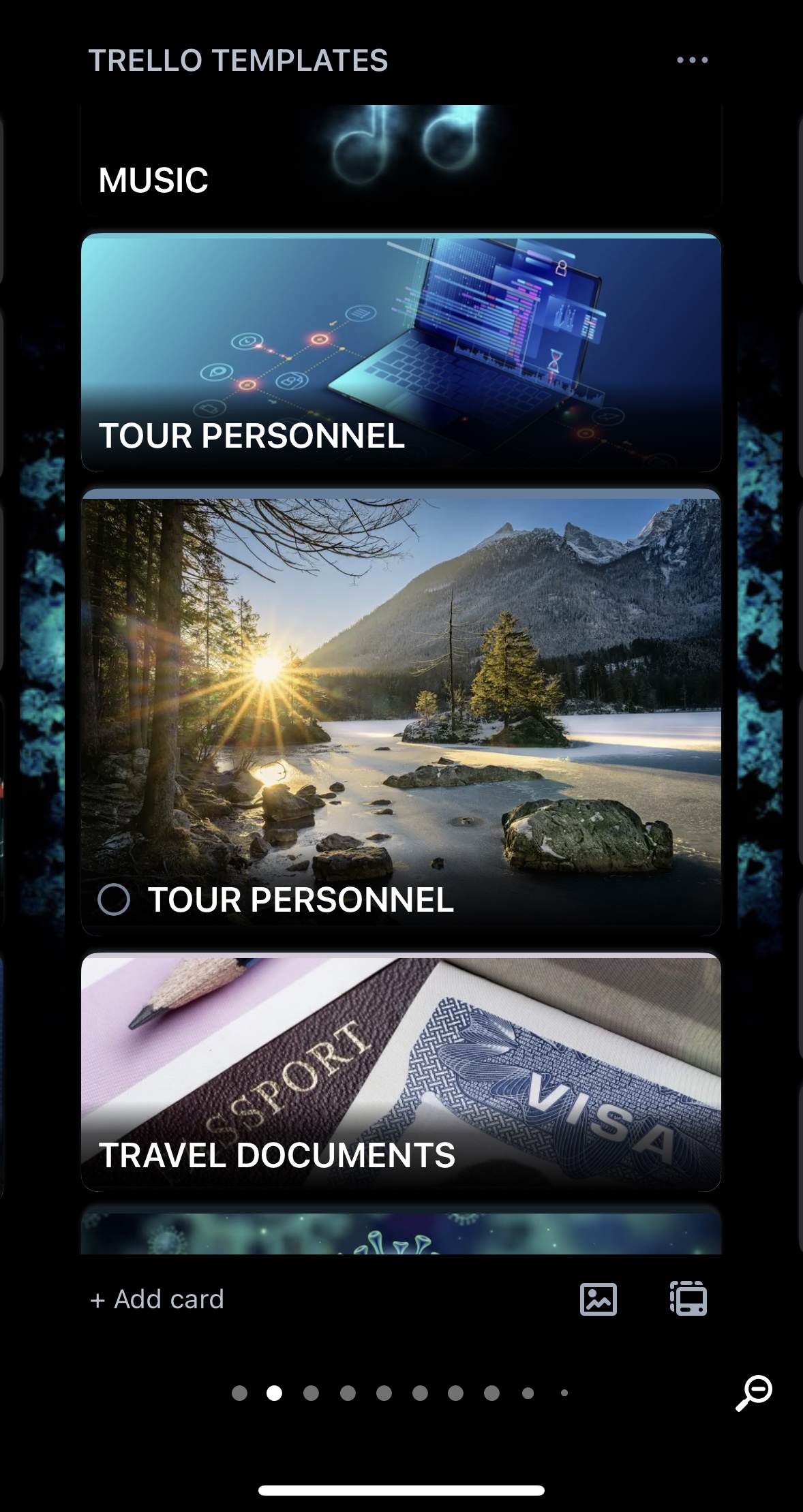
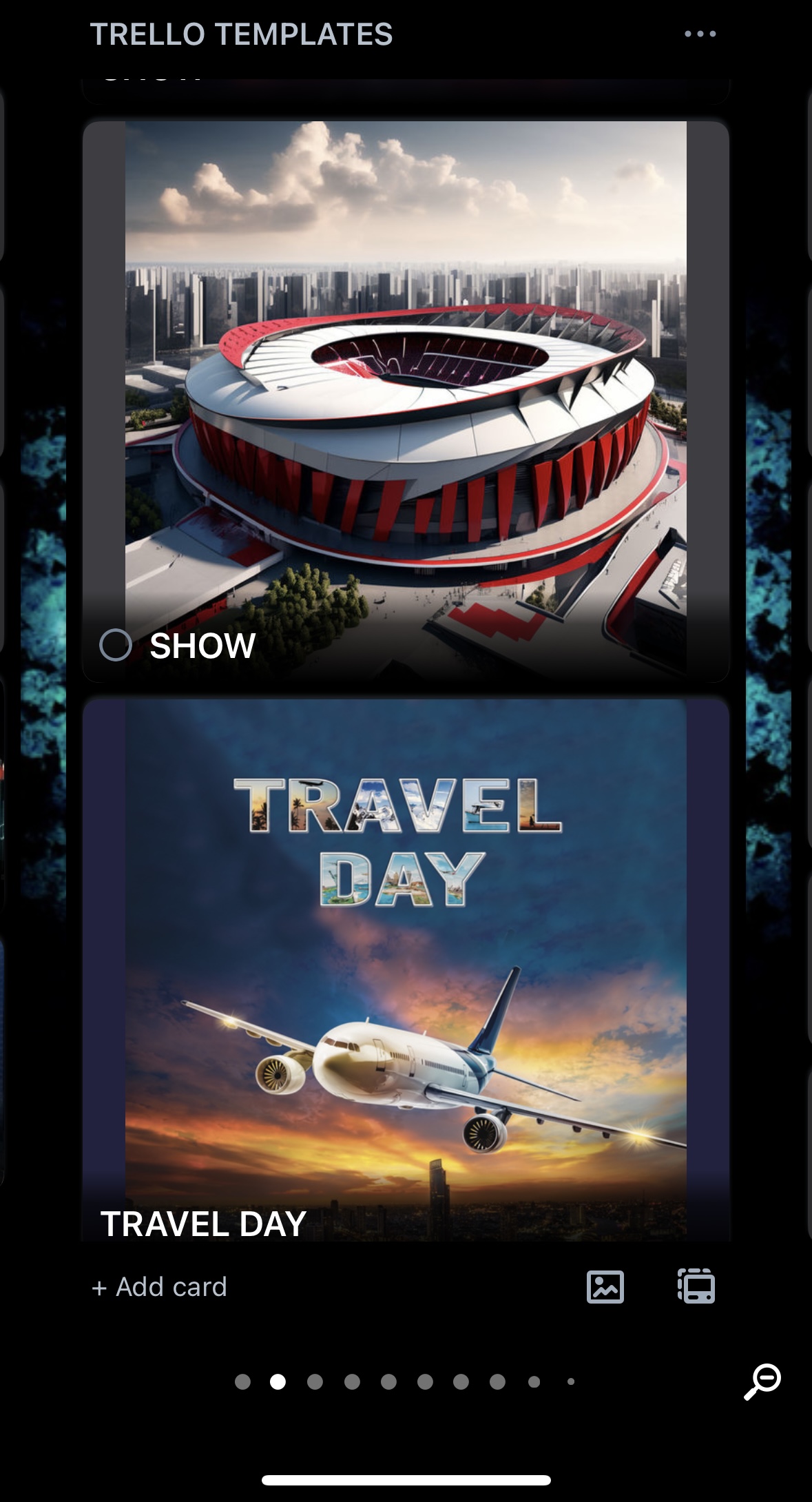
Since the latest update, trello has now re added the card cover margin boarders around the edges of all card covers as a default (whether you use your own image or stock image).
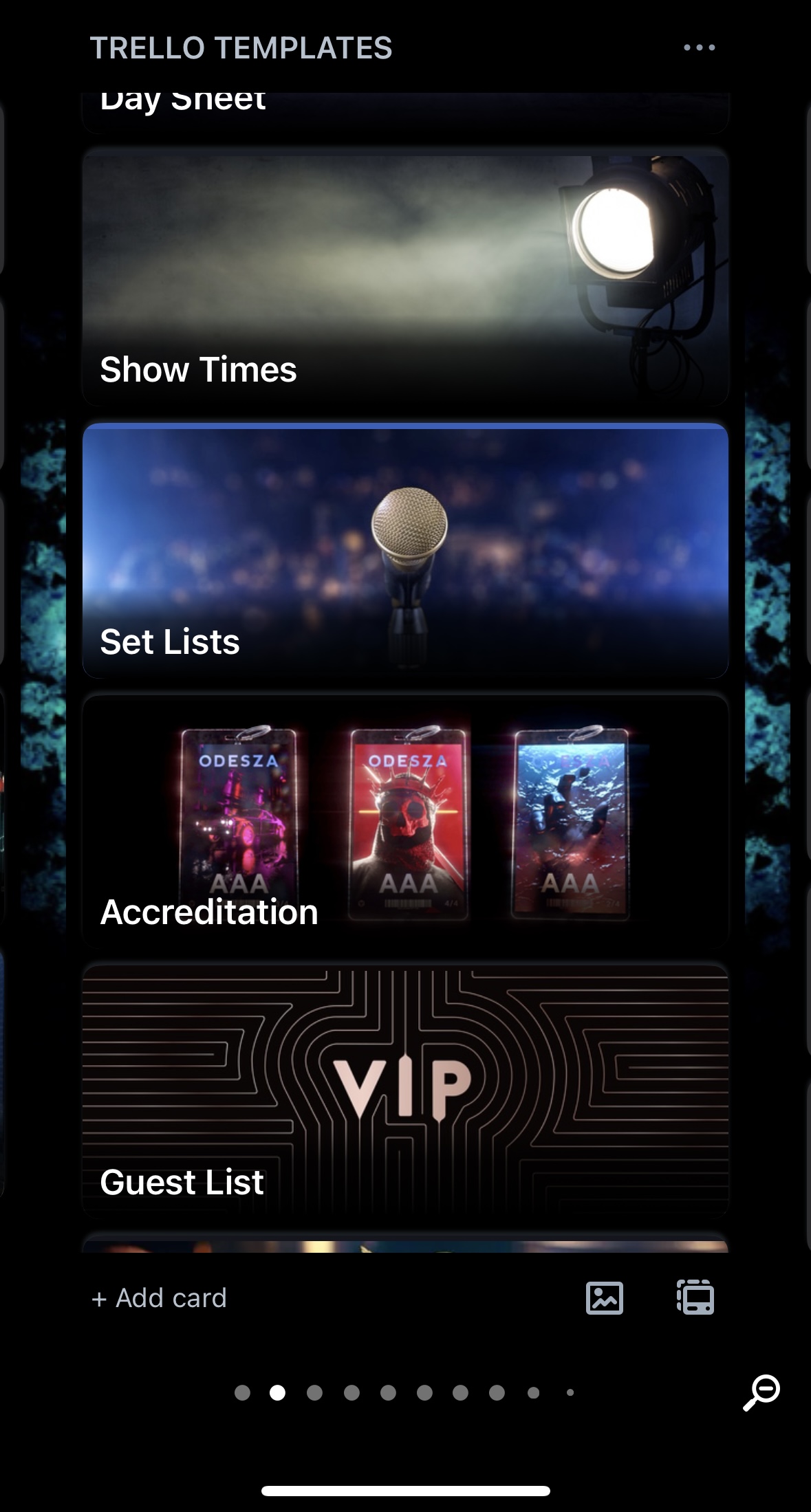
The new card cover margin boarder also try’s to colour code itself, to the colours which are within the images being used, and the majority of the time these margin boarder colours which are being automatically created do not match the image colours, therefore makes the card cover look ridiculously unappealing. I’ve attached an image so you can see
If I select the full size card cover, I do not want trello to add a boarder to any of my selected images, whether it’s my own image or stock image. How can I remove this feature and go back to the previous update where this issue did not exist, and there was no automatic margin boarders being applied to card covers? if someone would like to use and image without a boarder being applied then this should be an option, especially when the full size option has been selected (this should mean full image - no boarder applied)
The automatic colour coded boarders make your entire board look horrendous, especially if you use a substantial amount of cards like I do
Please can someone get back to me on how to resolve this issue? Thank you