Reproducible every time.
Steps:
1. Open card with a long checklist
2. Immediately (without scrolling) hit the kebab menu, select "Share"
3. Click "Print..."
Expected result:
Print preview and resulting print displays all items in the checklist
Actual result:
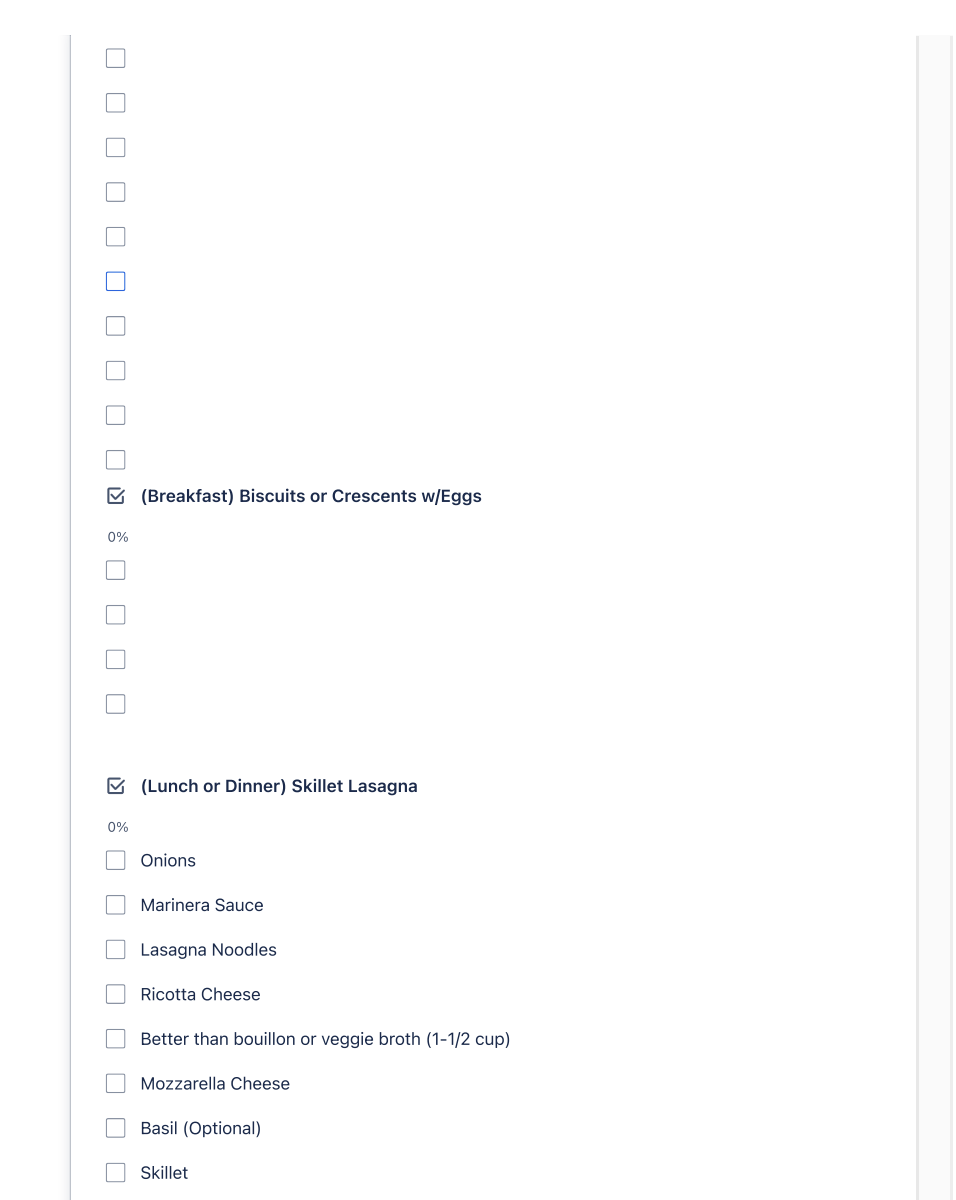
Print preview only displays first page of items, subsequent items have headings and checkboxes but no text for checkboxes
Workaround:
Before hitting "Share" dialog, scroll to the bottom of the card's list, allowing each item to be lazy-loaded. After that, hit "Share." All items are now printed correctly

