Hello there,
I wrote my first article to present how we try to handle changes for Confluence Cloud, and get some feedback from the community regarding our process.
So since our Cloud migration, our 2600 users have to get used to a solution were the change is permanent.
This is quite a step for a more than 125 years company used to mainframes and paper !
I will explain how we configure our site, how we get and share the information to be sure that we are ready to support our users.
Manage Release Track
We configured our Release tracks as below
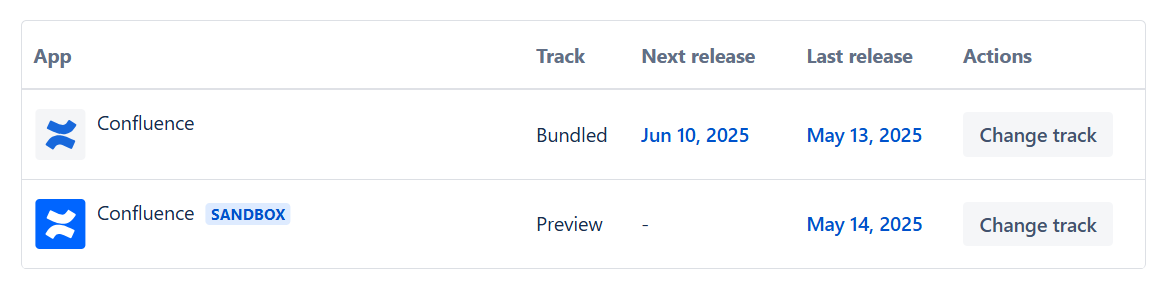
It allows us to get the changes on the sandbox, to experimente and try the changes with a small group of users is needed before the effective release on Prod.
Get release notes informations
Based on this screen, we copy/paste all the changes in a table on a specific page stored on our Confluence space dedicated to Confluence.
We add the following informations for each new change:
-
Users Impacted
-
Users
-
Confluence Space Admin
-
Confluence Admin
-
Prequisites
-
Atlassian Intelligence
-
Jira Cloud
-
...
-
Communication
-
Confluence Blog Post
-
Company Intranet
-
None
At the end of the day the table looks like

Room for improvement…
Get a csv file with all changes for a specific release
What could be great is to have a csv file at each release to import as a table in Confluence using Table Filter or better in a Confluence database that we are trying now.
Use Confluence DataBase
We will start to use Confluence DataBase instead of a table to store and follow the changes per release with our stakeholders. It will help to create a simple board for each Release based on a filter with the release date, using our Communication tag as column.
If you want to know how with use the Communication tag, please read the next chapter.
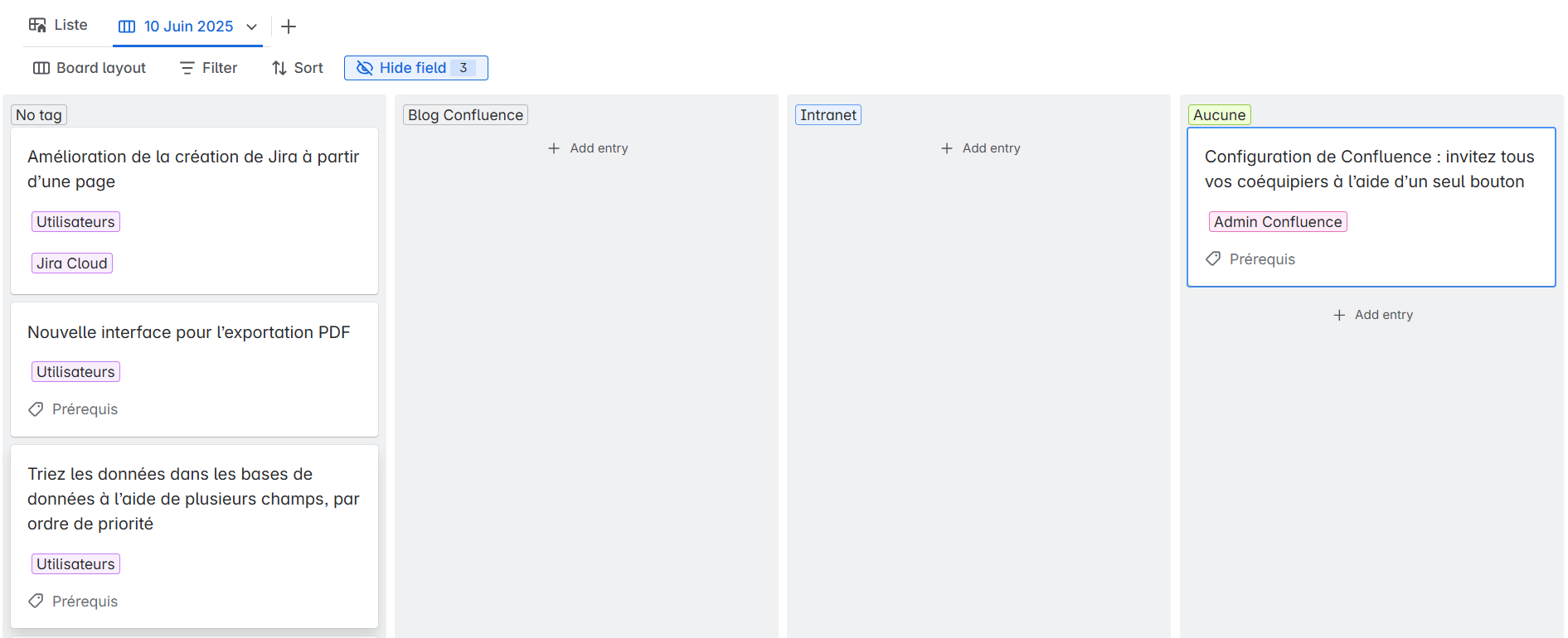
❓If Atlassian is able to communicate the releases notes with a CSV it could be great just to import the data in our DataBase instead of creating them manually !
Share release notes with Stakeholder
We have a commitee including Collaboration Solution Stakeholders in our company, and we review all the changes a few days before the are released on Prod.
We have a meeting with them, and we use the Release Note page to review all changes and make decision regarding the way we want to handle them.
Communication of the change
The main goal is to define what will be communicated to the users and to take action if necessary.
We identified the following communication, depending on the impact of the change
-
Confluence Blog Post
-
Intranet
-
None
Other Actions
Support Team
Some of the changes need to be communicated specifically to our LVL 1 and 2 so that they have the right informations to support the users.
Exemple:
So the comitee decide, based on our suggestion, to involve or not the Support Teams, and what is the correct option from a specific communication to a meeting or some addtionnal user guides.
Specific Documentation
For some of the changes, it appears that we are able to create a specific documentation, whereas there is a clear usecase in our company for the change, or any need to highlitght the feature.
We also make specific documentation sometimes for our non-english speakers, to be sure they have all the information requested to enjoy the new features (exemple: Confluence Whiteboard) .
Share release notes with Users
It appears that, based on the last year, we always create at list a blog post on Confluence
What is on the blog post ?
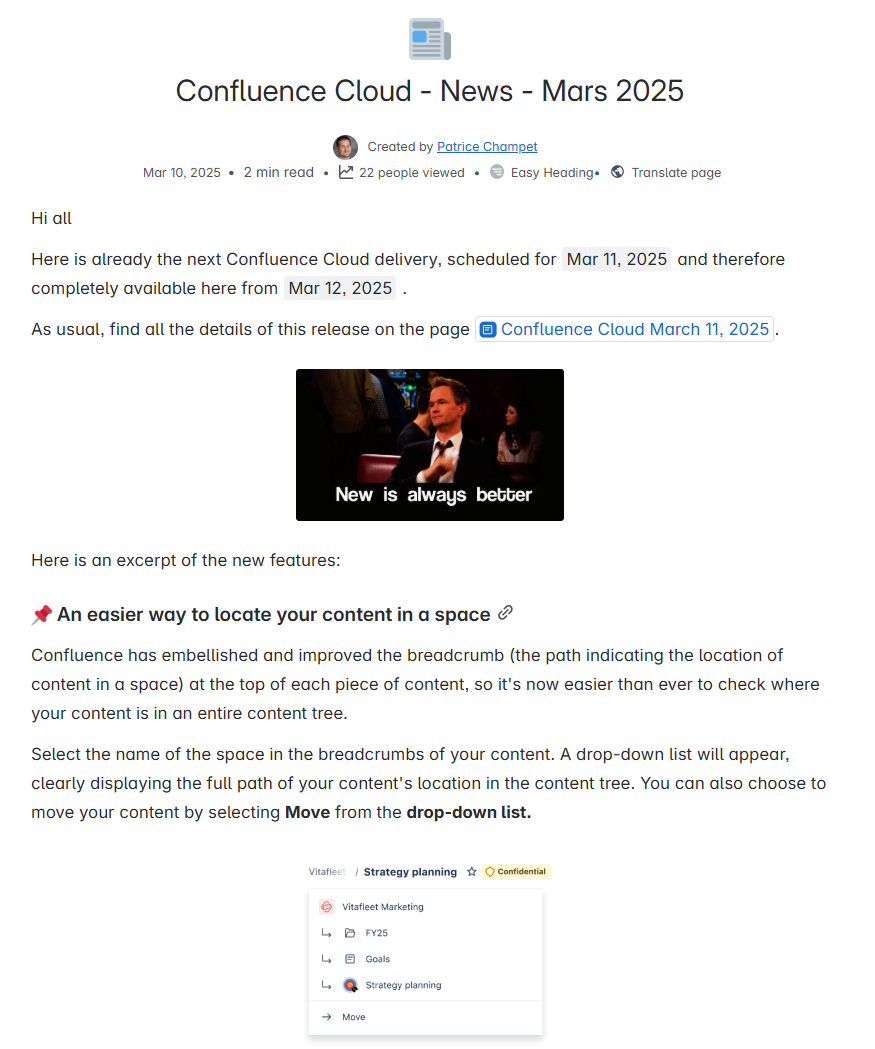
On the blog post, we highlight each changes, grouping them by category and if possible linking them to a use case.
We make the blog post as readable and short possible, and we add a link to the Relase Note page generated before so that our most curious users have access to the whole list of changes.
Do you have such a process in your company ?
I will glad to have any feedback or Experience sharing on this topic !


