Hi Atlassian Community,
We are excited to announce that Rovo activities are now tracked in the Audit log.
This means administrators can see logs for the following activities for Rovo:
-
Chat Started
-
Agent Created, Updated, or Deleted
-
Bookmark Created, Updated, or Deleted
-
Definition Created
-
3P Connection Connector Created, Updated, or Deleted
If you already have Rovo activated, you will be able to see the activities you have done in the past. As you and your organization members continue using Rovo, the activities from above will continue to populate.
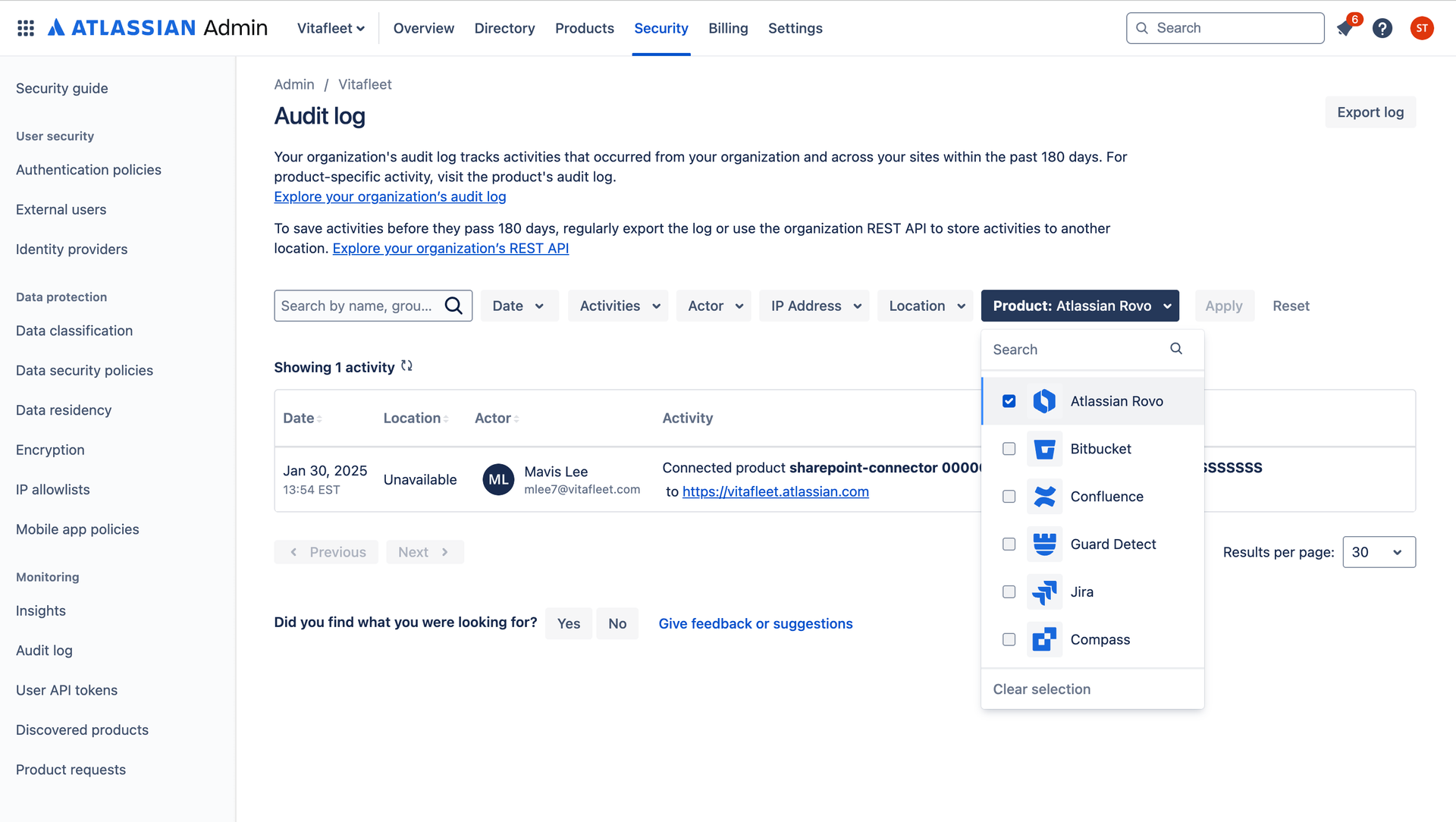
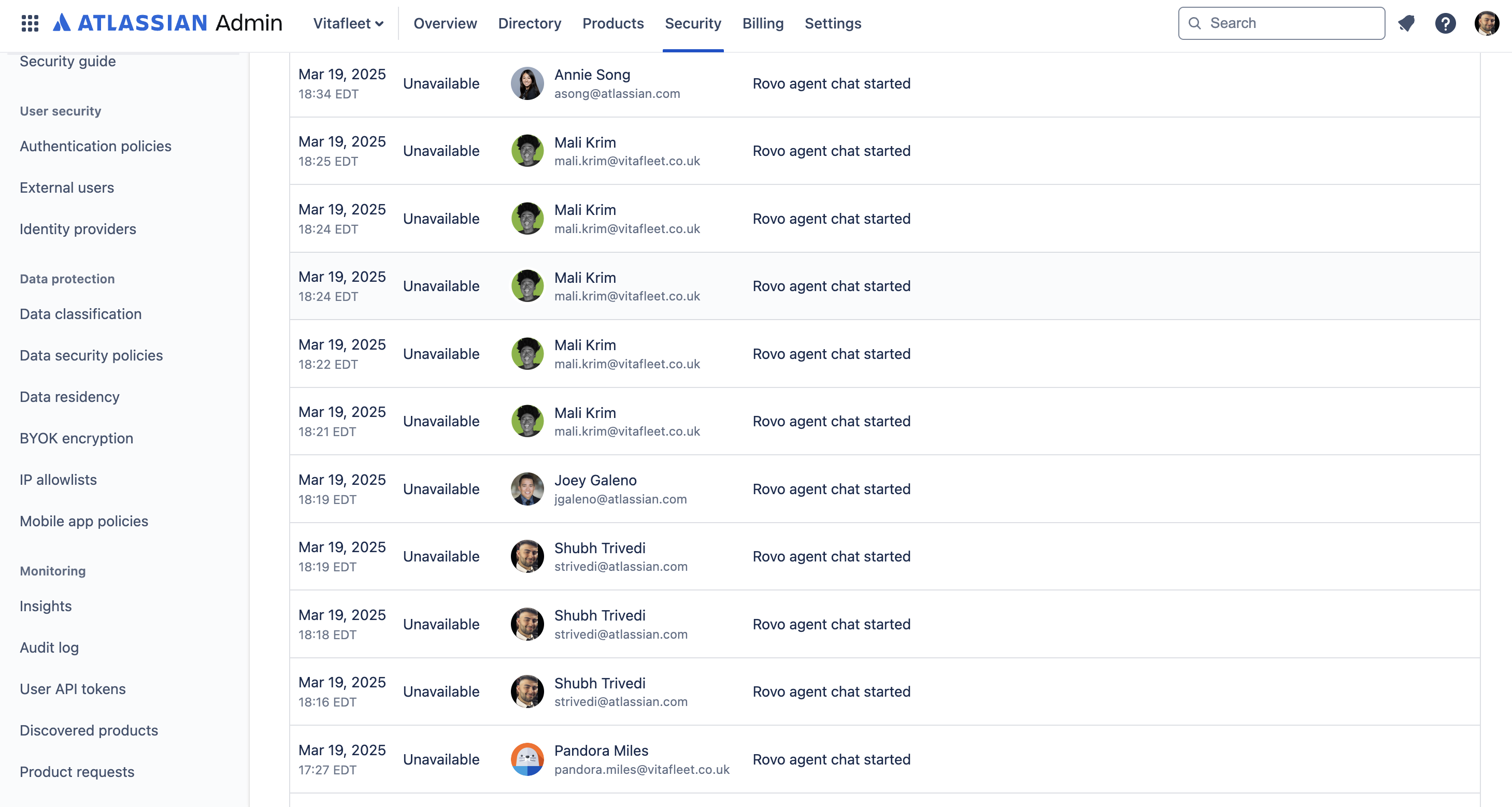
To see the Rovo activities in the Audit Log:
-
Go to admin.atlassian.com. Select your organization if you have more than one.
-
Select Security > Audit log.
-
Filter by Atlassian Rovo.
To find out more about Audit logs, see our support documentation.
Note: Rovo Admin actions are accessible to Guard Standard+ customers and Rovo user actions are available to Guard Premium customers.
To learn more, refer to this page: https://support.atlassian.com/security-and-access-policies/docs/audit-log-activities-database/


