Managing large volumes of documents and images within Confluence just got much easier! We’re thrilled to introduce two major enhancements to the SharePoint Connector for Confluence Cloud that will improve your workflow and increase efficiency:
Drive Productivity with AI-Powered Document & Image Processing
Sorting through lengthy documents, detailed reports, or complex images can be time-consuming. With the new AI integration, you can now:
- Summarize content in seconds
- Extract key points and insights
- Change document formats with ease
- Create structured quizzes based on content
📌 Let AI handle the heavy lifting so you can focus on what matters most!
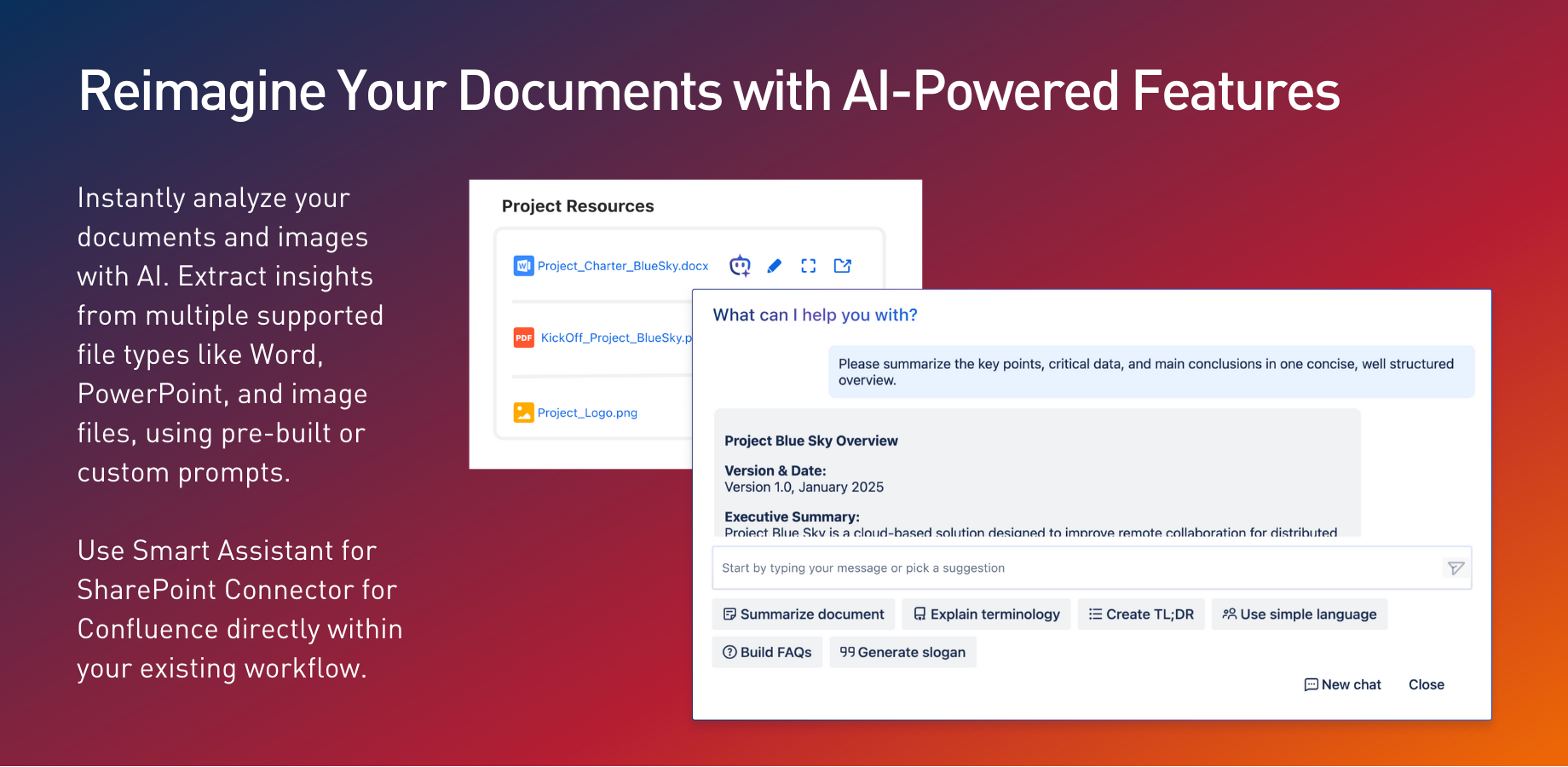
Quick Responses with Premade Prompts & Custom Queries
We’ve introduced a set of premade prompts to help you quickly interact with the AI. You can get started instantly if you need a document summary, insights, or content restructuring. Plus, you can ask any custom question to tailor responses to your specific needs.
🚀 Get the right answers, fast – whether through predefined prompts or custom queries!
Simplify Navigation with Multi-File & Folder Embedding
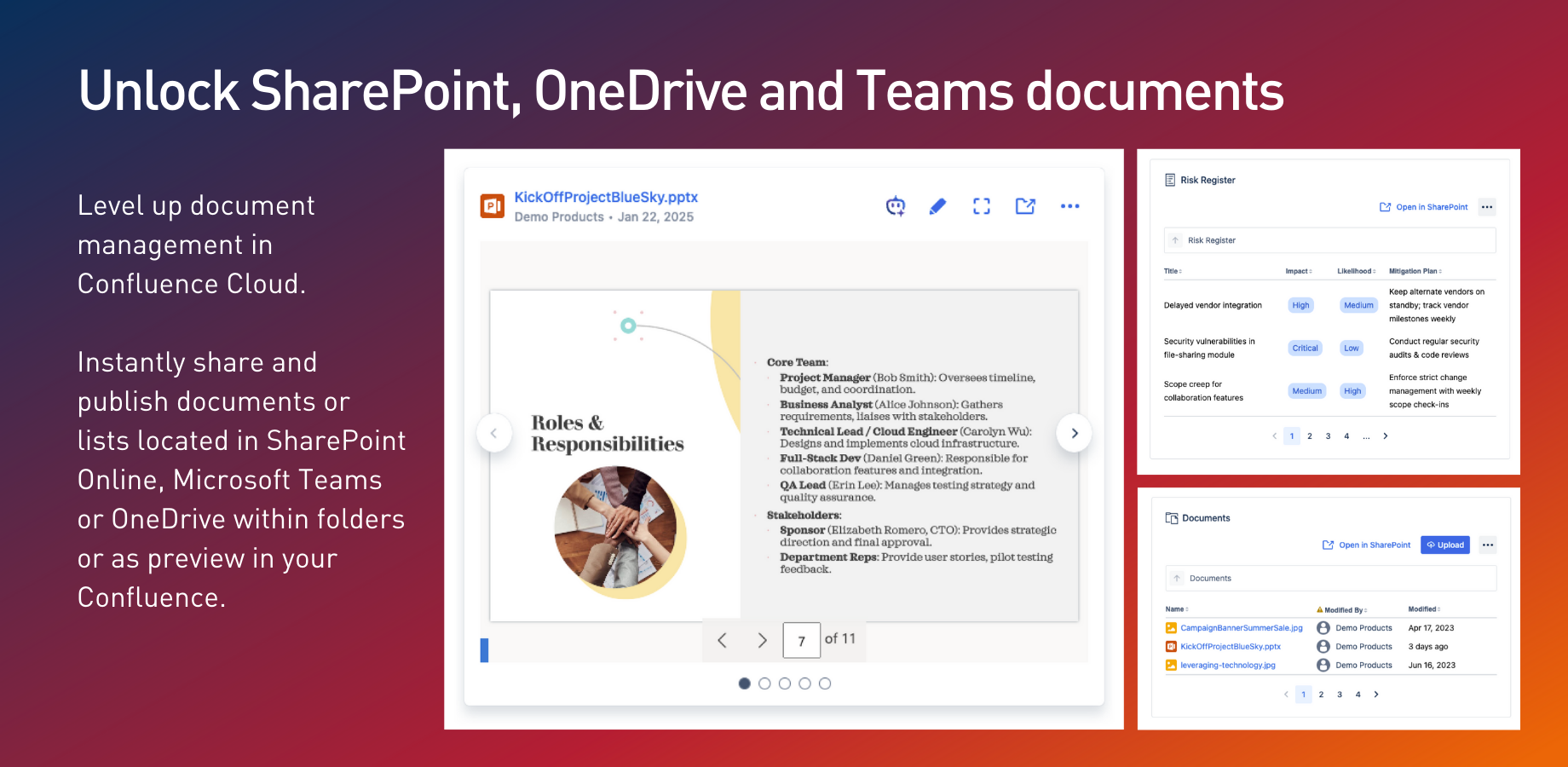
No more hassle embedding one file at a time! You can embed multiple files and folders into Confluence in a single step. This makes referencing, navigating, and presenting multiple documents easier without switching tabs or pages.
🎯Display everything in a single, user-friendly carousel for better organization and presentation.
Do you prefer to Work Without AI? Opt-Out Anytime!
We understand that not everyone wants AI assistance. That’s why we’ve made it completely optional – you can enable or disable AI features whenever you like.
Want to know more? Drop your questions in the comments!
Try SharePoint Connector for Confluence for free.
