1. After long time that Google Drive power up wasn't available in Trello, it is available again.
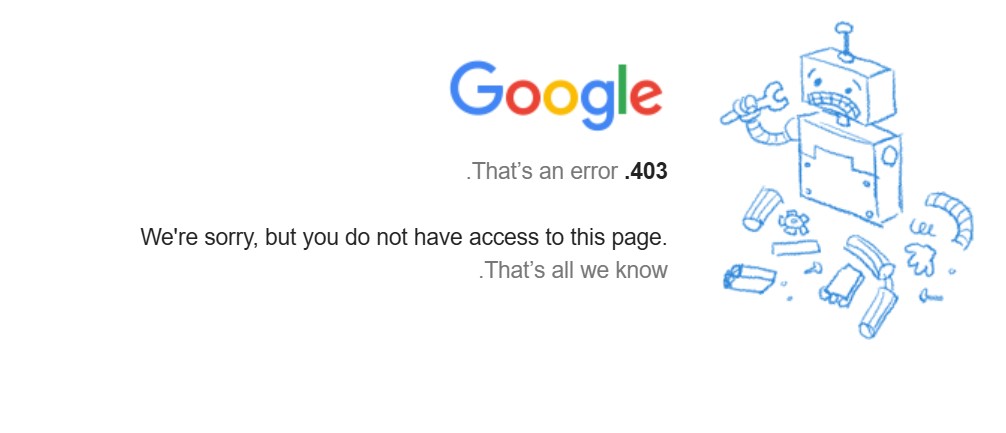
However, after adding, verifying the google account and enabling the power up, all 3 options are not working. "Create and Attach" not responding. "Attach file" and "Attach folder" result with error 403
The authentication on the google account seem to be Ok, unless I miss something.
Are there any steps that I missed, that were changed or added now that the power up is back?
2. I saw in tutorials that the google drive power up is available on the top tool bar of the board as well as within the cards. However, I see it only in the cards and not on the board tool bar. Is there a step that I missed to have it there?