Compass Communique: August 2024
Hello Compass Community,
Check out our State of DevEx Report for a fresh look into how devs feel about their work environments in the age of microservices and AI. We’re also bringing you new features like dark mode and alerts and on-call as an Early Access Program (EAP).
Find it all here with Compass (log in here if you're already signed up).
What’s included this month:
-
📊 Atlassian reveals the State of Developer Experience Report 2024
-
⏰ Alerts and on-call in Compass coming soon
-
💡 Dark mode is here for a better developer experience
-
⚡️ Discover Atlassian’s approach to platform engineering
-
🤩 Register for Team '24 in Europe
📊 Atlassian reveals the State of Developer Experience Report 2024
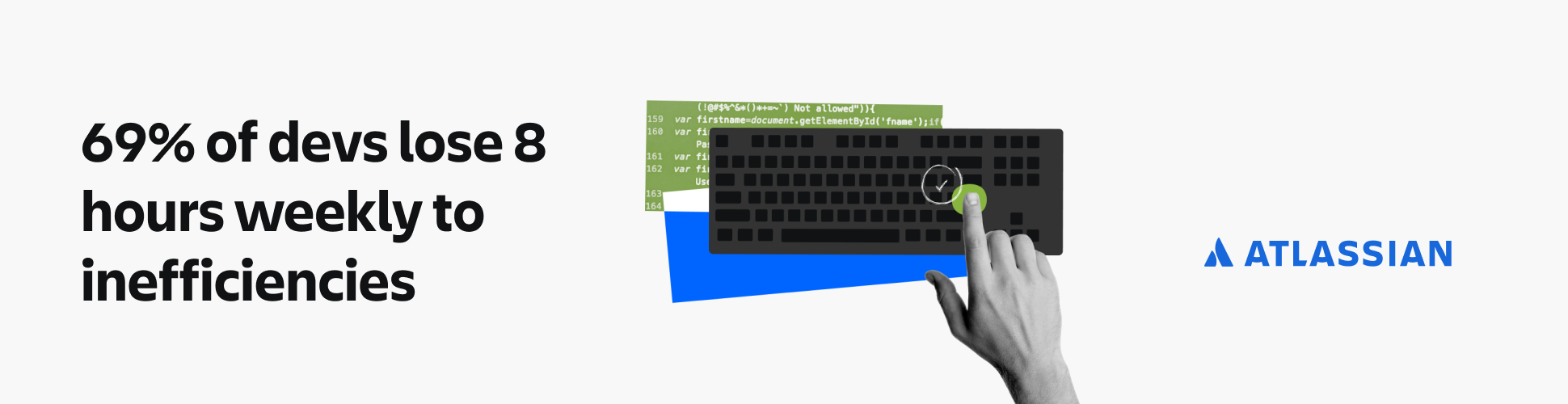
Did you know 69% of developers lose 8 hours or more of their working week to inefficiencies in their role? We surveyed 2,100+ developers and managers to understand the points of friction getting in the way of developer satisfaction and productivity. In this report, you’ll discover:
-
How to improve developer experience in a meaningful way
-
Mismatches between leader attitudes and what developers experience
-
The future of developer experience, including the impact of AI
-
Progress and limitations to developer experience
Get the report.
⏰ Alerts and on-call in Compass coming soon
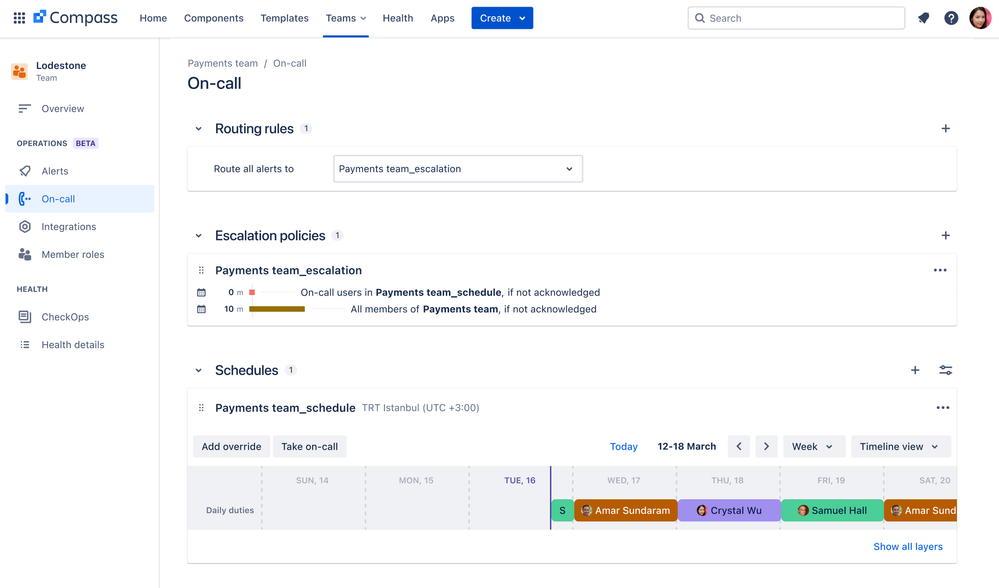
Alerts and on-call scheduling just got easier! We announced an Early Access Program (EAP) for new alerts and on-call functionality in Compass this month. This feature makes on-call scheduling and alerts easier by consolidating all of the information you need in Compass – the same place you already track, collaborate on, and improve your software components with your team.
Alerts and on-call will initially roll out to a limited cohort of eligible Compass customers included in the Compass Standard plan, and we plan to announce GA later this year. Learn more about alerts and on-call in Compass.
💡 Dark mode is here for a better developer experience
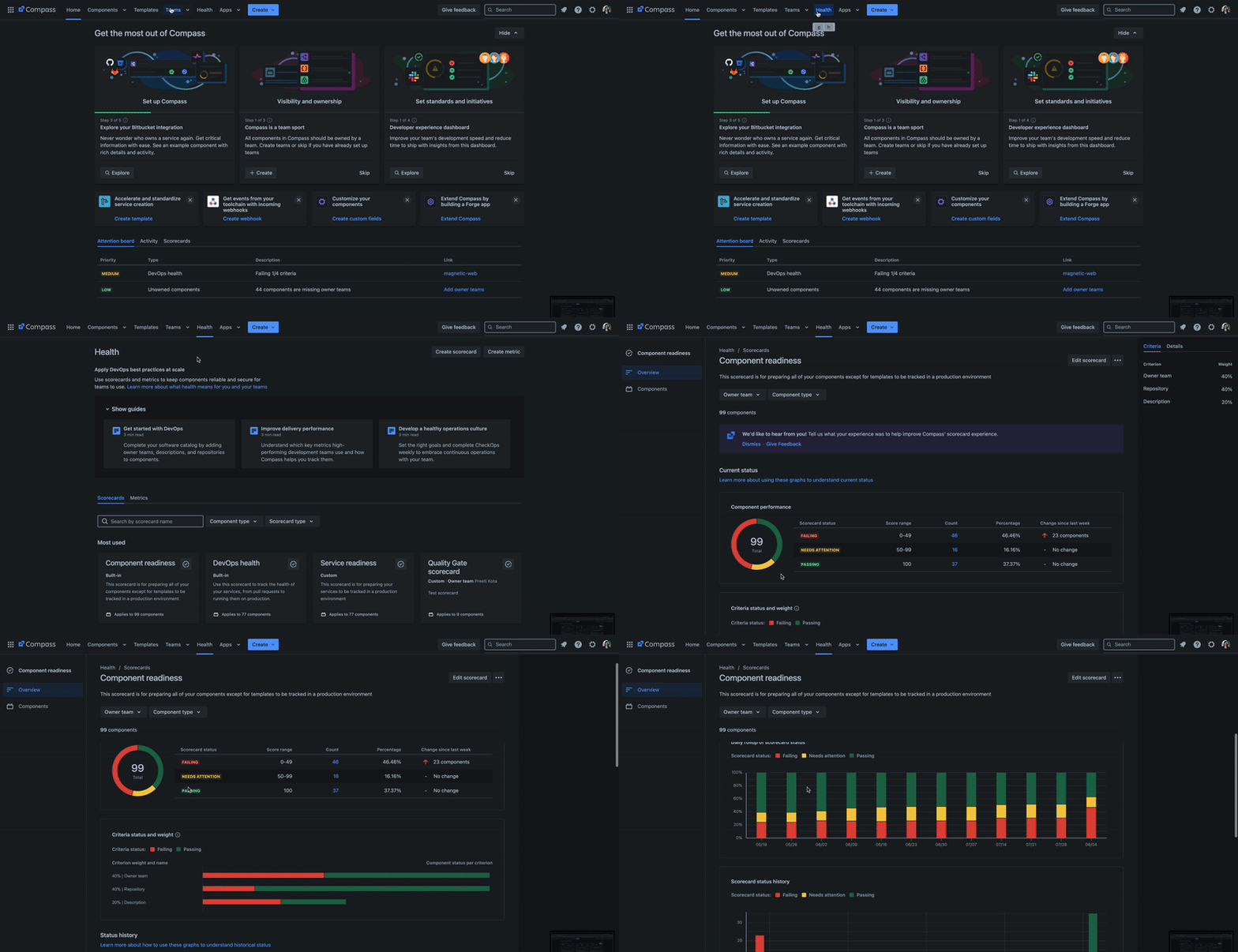
Change your theme to view your catalog, scorecards, and components in dark mode. Compass users can transform their UI into a low-light, sleek environment, reducing eye strain during long work sessions. Flip the switch – your eyes will thank you.
Here’s how to toggle on dark mode:
-
Click to your icon in the upper right hand corner in Compass
-
Select “Theme” and see your options
-
Choose between Light, Dark, or automatically match your browser
Log into Compass to check it out.
⚡️ Discover Atlassian’s approach to platform engineering
This past month, we hosted a webinar to discuss Atlassian’s platform engineering journey and how we use our own tools to empower our developers. Here are our takeaways on how your platform teams can leverage Compass:
-
Centralize compliant platform services
-
Reduce cognitive load on developers
-
Gain visibility into component health across the organization
Watch the full recording.
🤩 Register for Team '24 in Europe
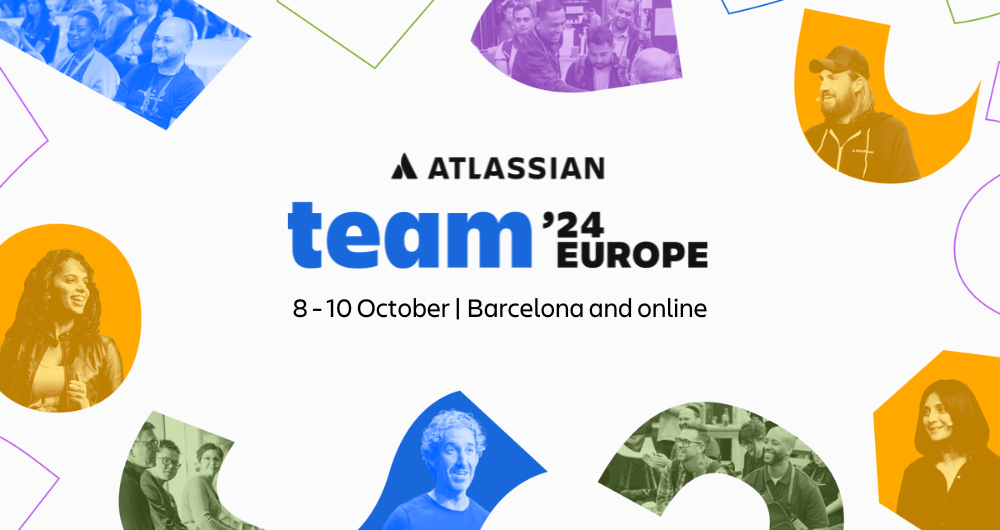
Atlassian is inviting you to join us in the heart of Barcelona for our largest flagship event of the year. Participate in 80+ inspiring sessions, connect 1:1 with product leaders, and get a front-row seat to our latest AI innovations. Join the Compass team as we unveil new features and host a DevEx Super Session.
Save €400 on Team '24 Europe Registration today!
Want to share your thoughts or ideas? Let us know with a comment below! Haven’t tried Compass yet? Sign-up today!
