Hi, community!
The last few months have been busy, and we’ve had a number of exciting releases. Read on to learn more, and see what’s coming.
✨ Recently shipped
Data shares
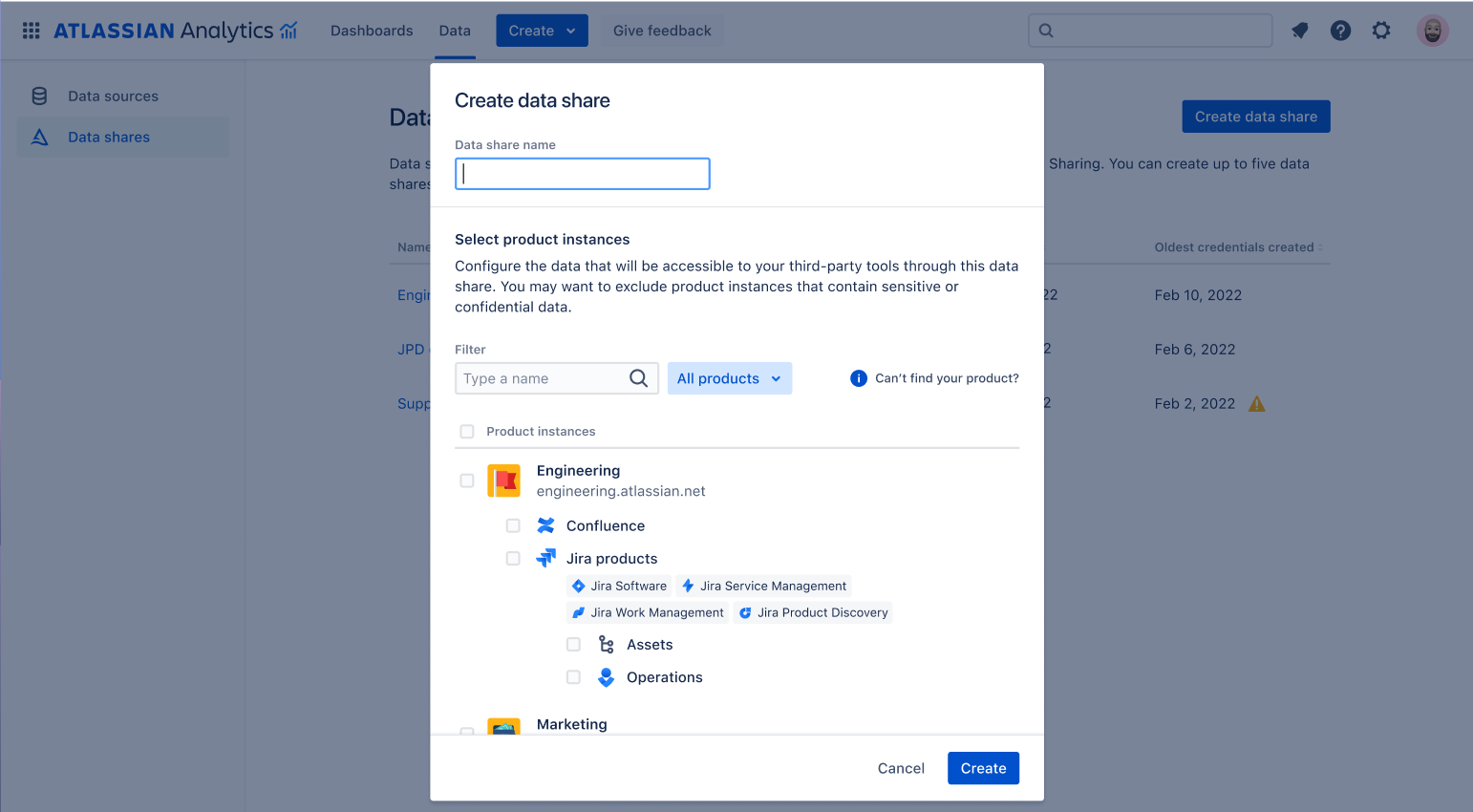
At Team ‘24, we announced the general availability of data shares! With data shares, you can read or download your Atlassian data from the Atlassian Data Lake into your own environments or third-party tools. It’s powered by the Databricks Delta Sharing protocol, which offers connectors to BI tools such as PowerBI and Tableau as well as programming languages like Python and Spark.
Read more about data shares in our announcement post.
Chart Insights
Using Atlassian Intelligence, you can get short summaries or quick insights for each chart (except bubble maps and maps) on a dashboard. To try it out, hover over the chart and select Insights.
 Improved query filters for visual mode
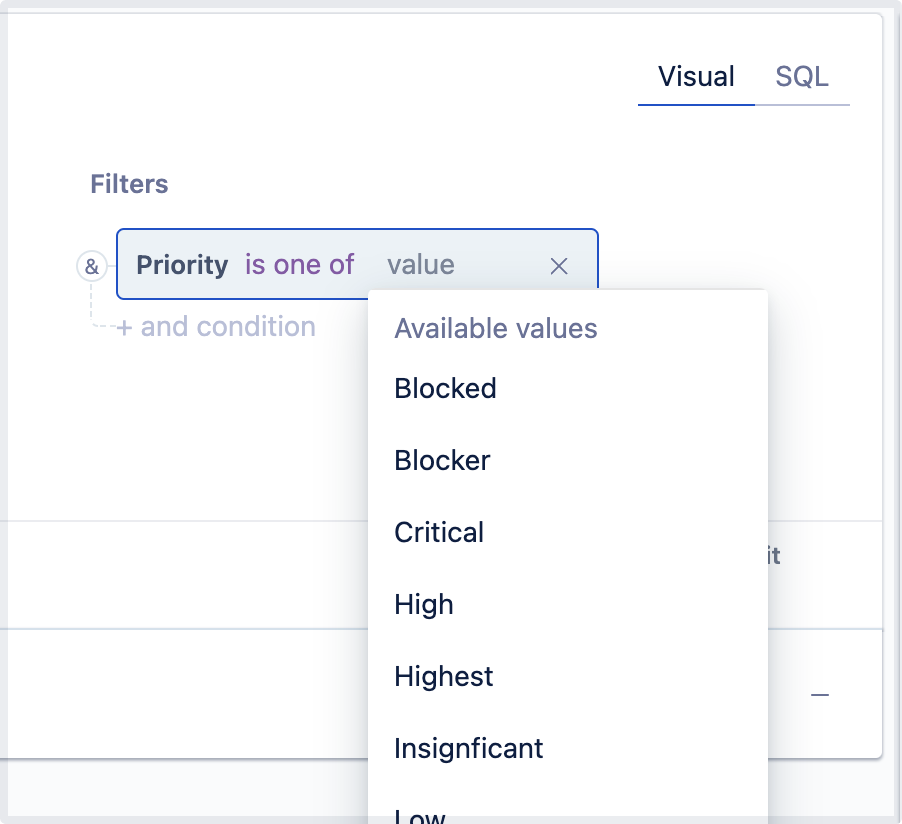
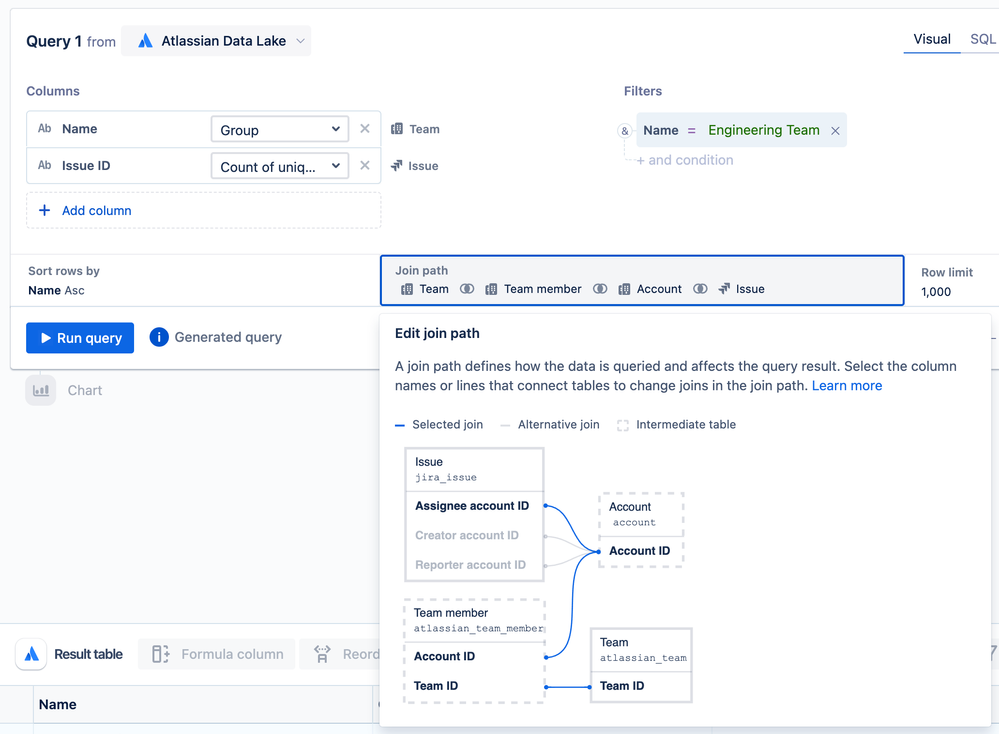
When you query an Atlassian Data Lake connection, it’s even easier to add filters to your visual mode queries. We’ll now show you the list of available values found in the data source when you add a value to your filter.
New chart templates and added AI search
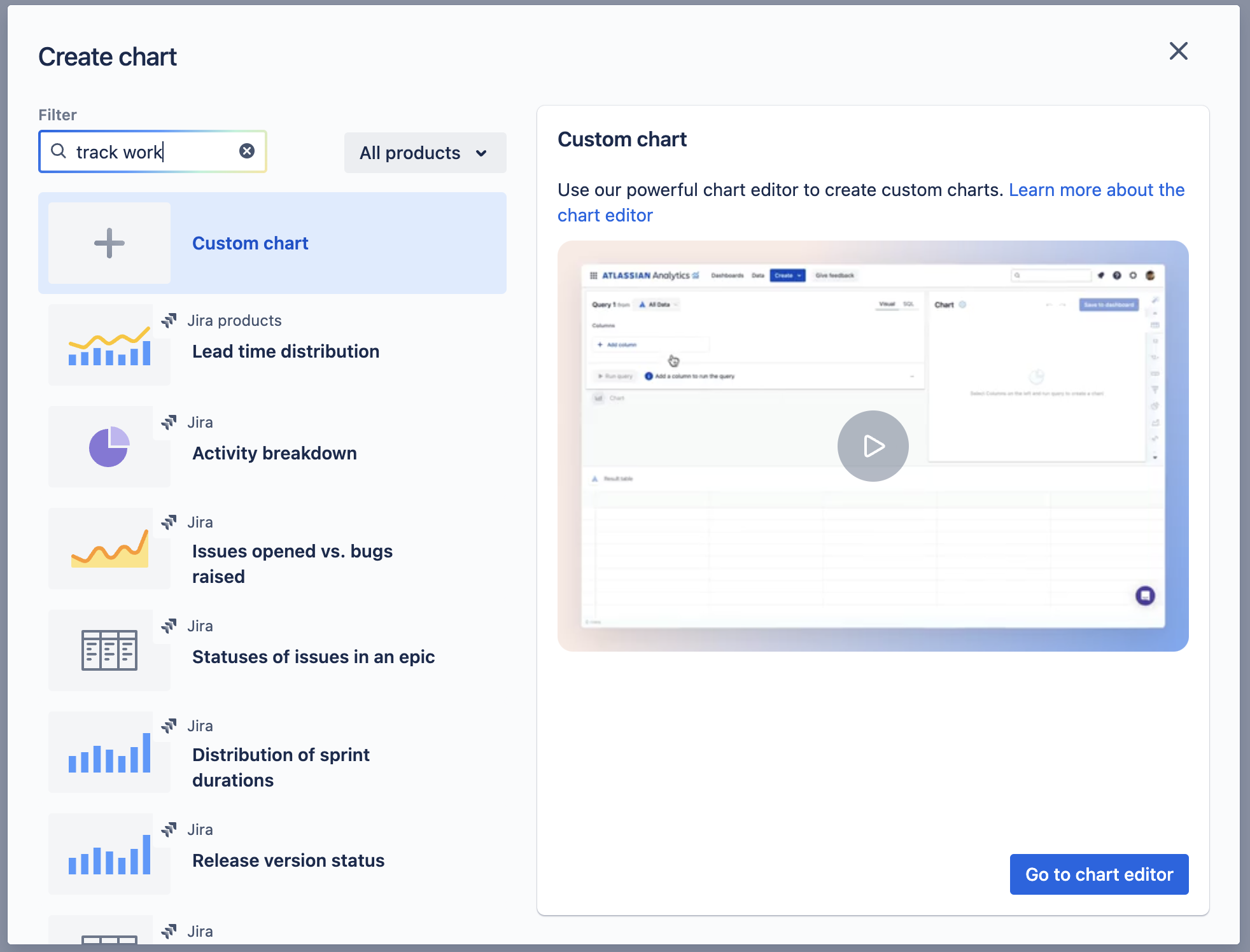
Over the past few months, we’ve added over 20 new chart templates! To help you find chart templates that meet your needs, we’ve also added AI-powered search, which will surface chart templates that are relevant to your search term.
Dashboard templates
We’ve released two new dashboard templates:
-
Jira - Multiple sprints overview - Gives you an aggregated overview of one or more sprints, which includes metrics such as committed vs. completed issues, scope change, and sprint carryover.
-
Confluence content restrictions - Gives you an overview of the restricted content within your Confluence spaces
Workspace setting to restrict who can add third-party data sources
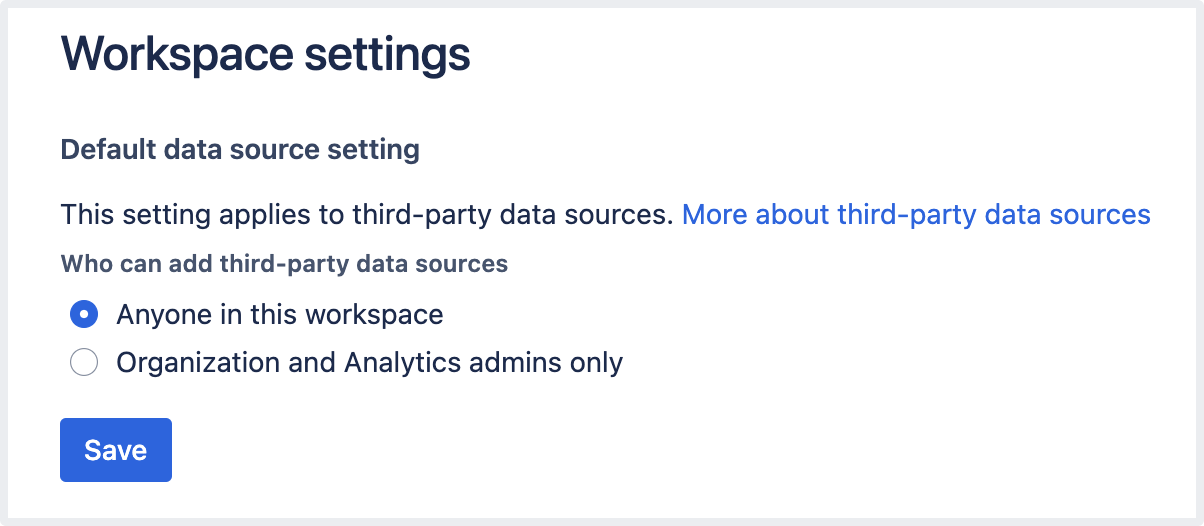
To give you more control over data security, we’ve added a new workspace setting to restrict the connection of third-party data sources to only organization admins or Analytics admins.
If you’re an organization admin or Analytics admin, you can select Admin settings > Workspace settings from the global navigation to change this setting.
Data Lake updates
Over the past few months, we’ve also been working to enrich the Atlassian Data Lake by adding new data as well as making your existing Atlassian product data points easier to query:
👀 Coming soon
New dashboard templates for Confluence to track which spaces and content each group has access to and how much storage is being used in each space.
🎓 Atlassian Analytics Office hours
Office hours with the Atlassian Analytics team continues! The next office hours with our support and product teams will be held on August 7 (AMER/EMEA) / August 8 (APAC)! Keep an eye out for another Community post in the coming weeks with the signup links. You can also join our chapter to be notified of new office hour events.
