I am creating project pages that roll-up to a report page using page properties and page properties report, table excerpt and table excerpt include, as well as table filter and table transformer. I am by no means an expert on using table transformer, but have been able to figure out how to get things to show up as desired on the report page.
On the report page there is a project status section (Status | Start Date | End Date | Risk | Latest Update) and a team workload section (Team Member | Start Date | End Date | Level of Effort) like this:
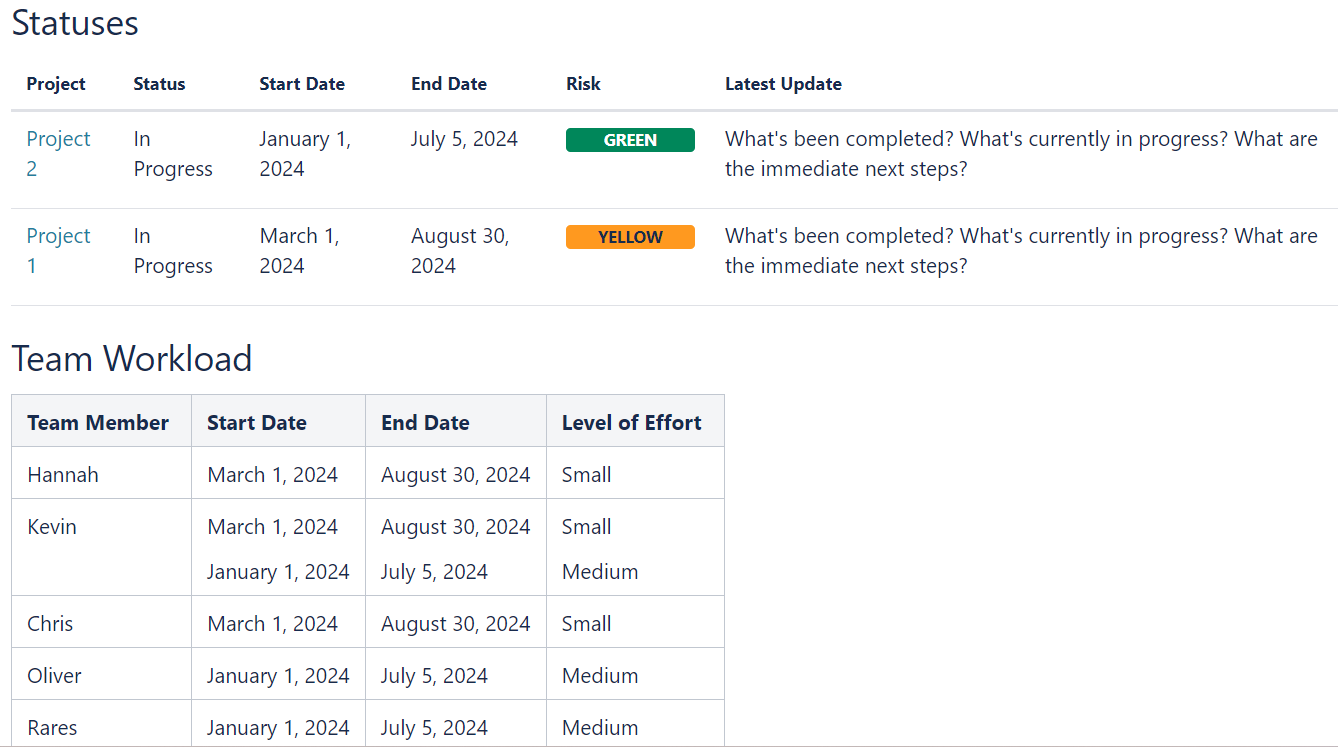
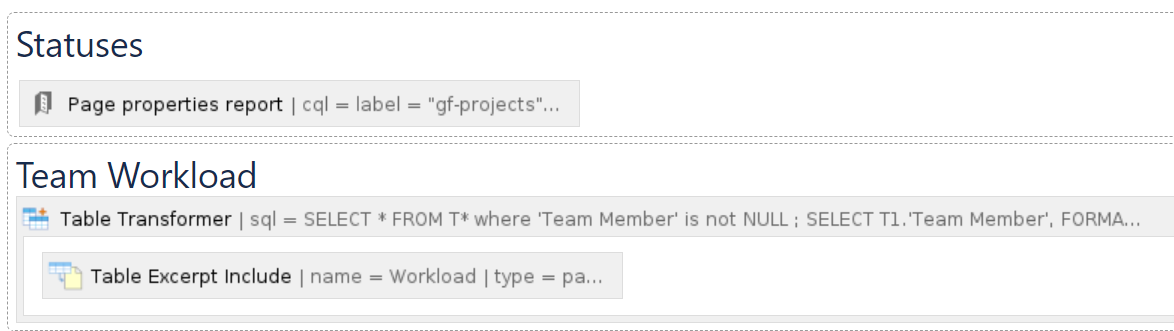
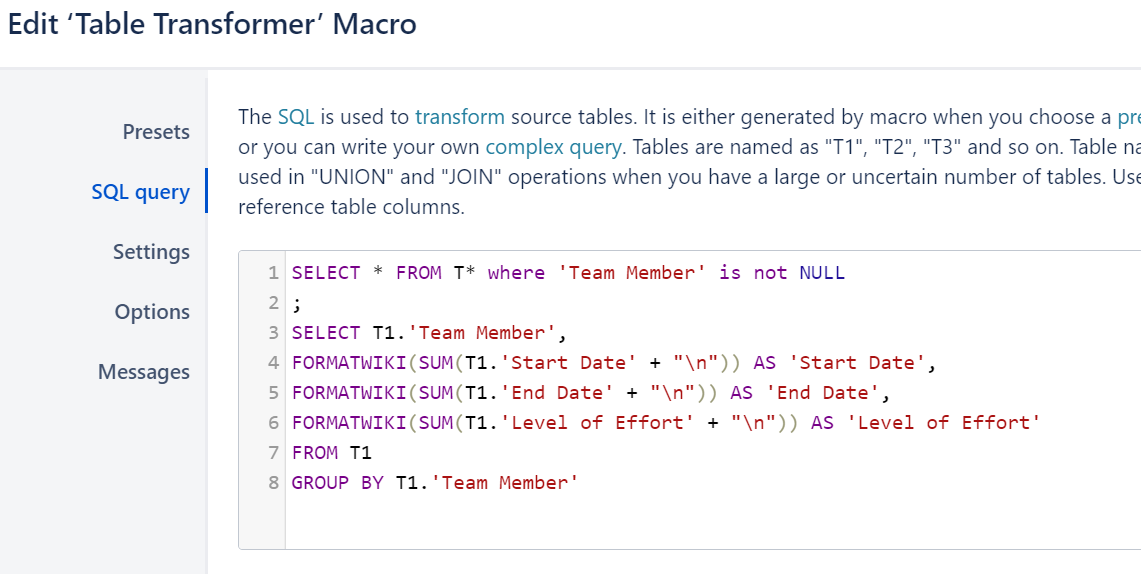
On the project pages I want to have a section to list team members separately from the overall project status details like this:
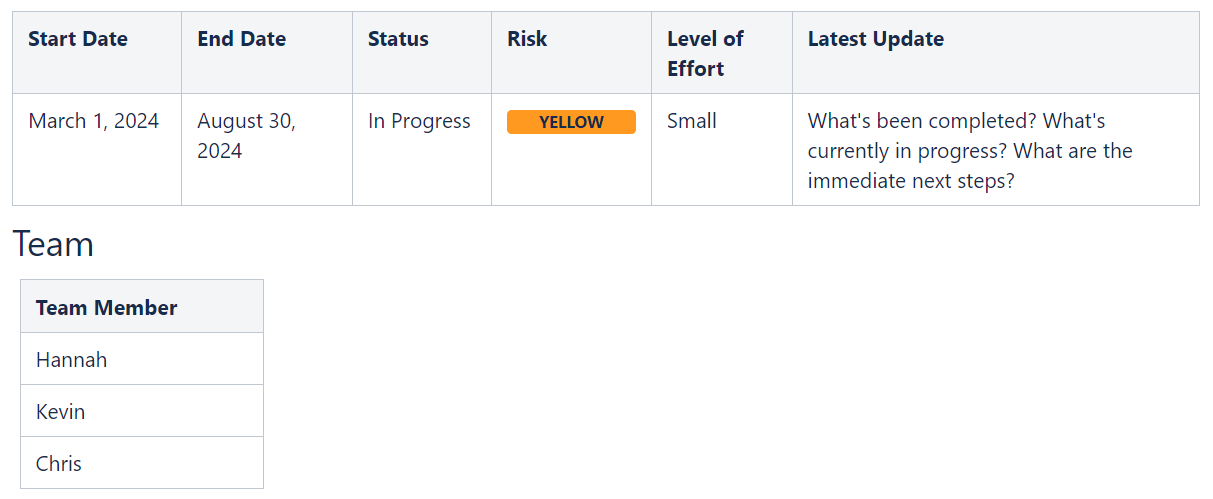
But the only way I have been able to figure out how to get the level of effort and dates for each team member to show up on the report page (and still get the project page to look the way I want) is to add those columns, copy and paste the values into each row, and then hide the columns, like this:
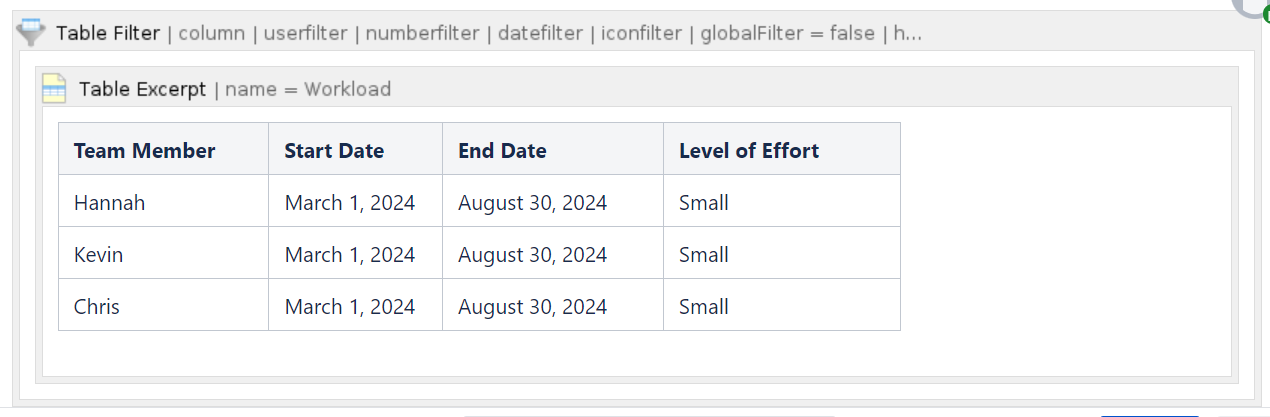
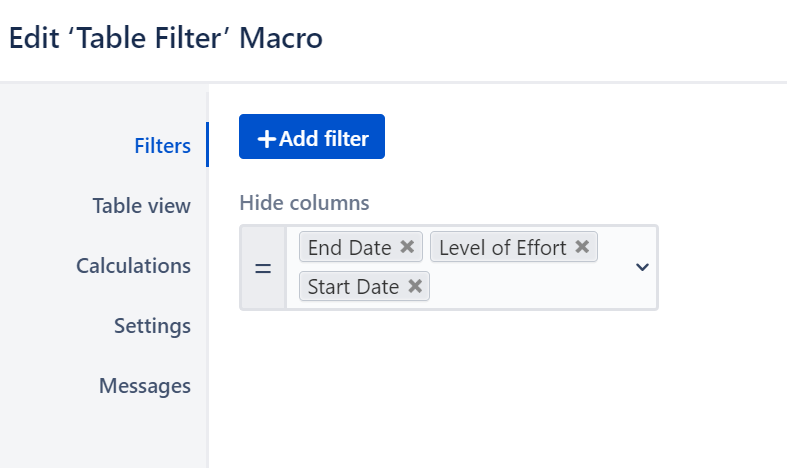
The problem with this solution is that when this is rolled out to others to create and maintain pages, it will not report correctly if they do not copy and paste to each row.
So can I auto-populate values from one table to another table? Or is there another way to do the team workload report without having those hidden columns?


