If you go to Assets -> Object Schema -> (for a schema) gear icon -> Configure -> Automation:
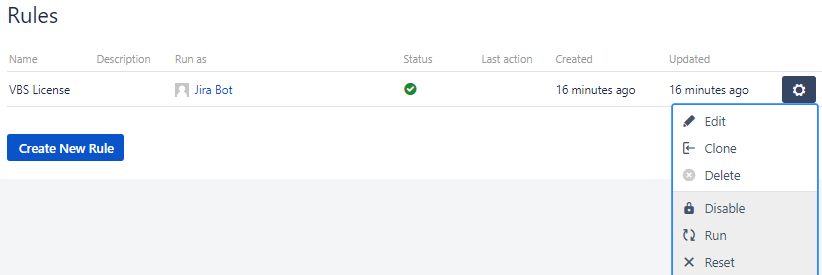
If you click on the gear icon here, you have Disable, Run, Reset. Selecting Disable doesn't seem to do anything visibly... the rule continues to run. The rule contains a scheduled event and an email sent which I set for every minute (for testing purposes) and when Disabled is selected, I continue to get an email every minute.
Is there a way to disable the rule? Or how can one tell if a rule is disabled?

