Hello,
In our doc spaces, we add related topics links by using the Panel macro and putting the link in it. We wanted to place these related topic panels at the top right of our topics, and the only solution we could come up with was using Page Layout sections.
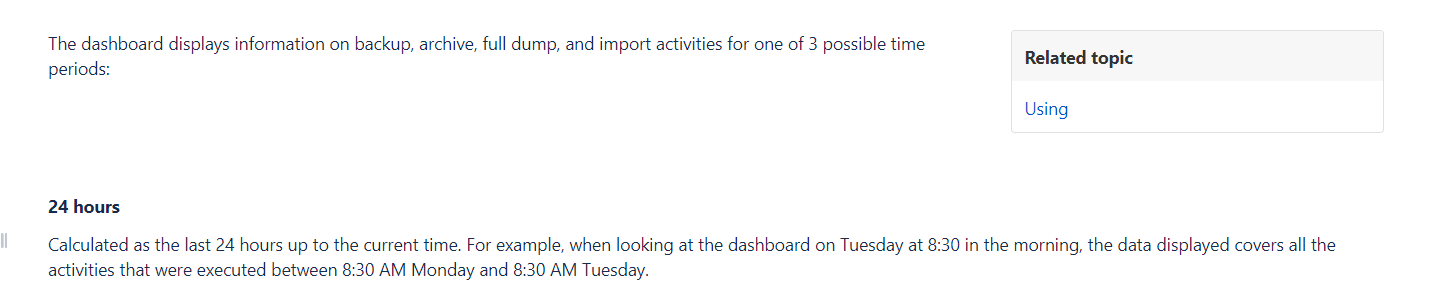
What we do is we add two sections to each topic. We change the top section to the Two column section with the right-side bar layout. Then, we place the first paragraph of the topic in the left side, and the related topics panel in the right side. This works fine, but when the first paragraph is too short, there's a gap between the first paragraph and the rest of the topic because of the size of the related topics panel.
Here's an example of how it looks with the gap because of the sections:
Instead of using sections, is there a way to format the Panel box to a specific size, and have the text wrap around it similar to an image?

