I have 2 coniform form definitions. One form has a field called "toolUses" that references the other form using a smart checkbox field. In the registration control form I want to use the users smart checkbox entry to the "toolUses" question to display more information about the entry from the second form that the "toolUses" field pulls data from. I think I want to display it in a table view.
Below is a picture of what I want it to look like if a user selects an option such as "calibrate models and simulations":
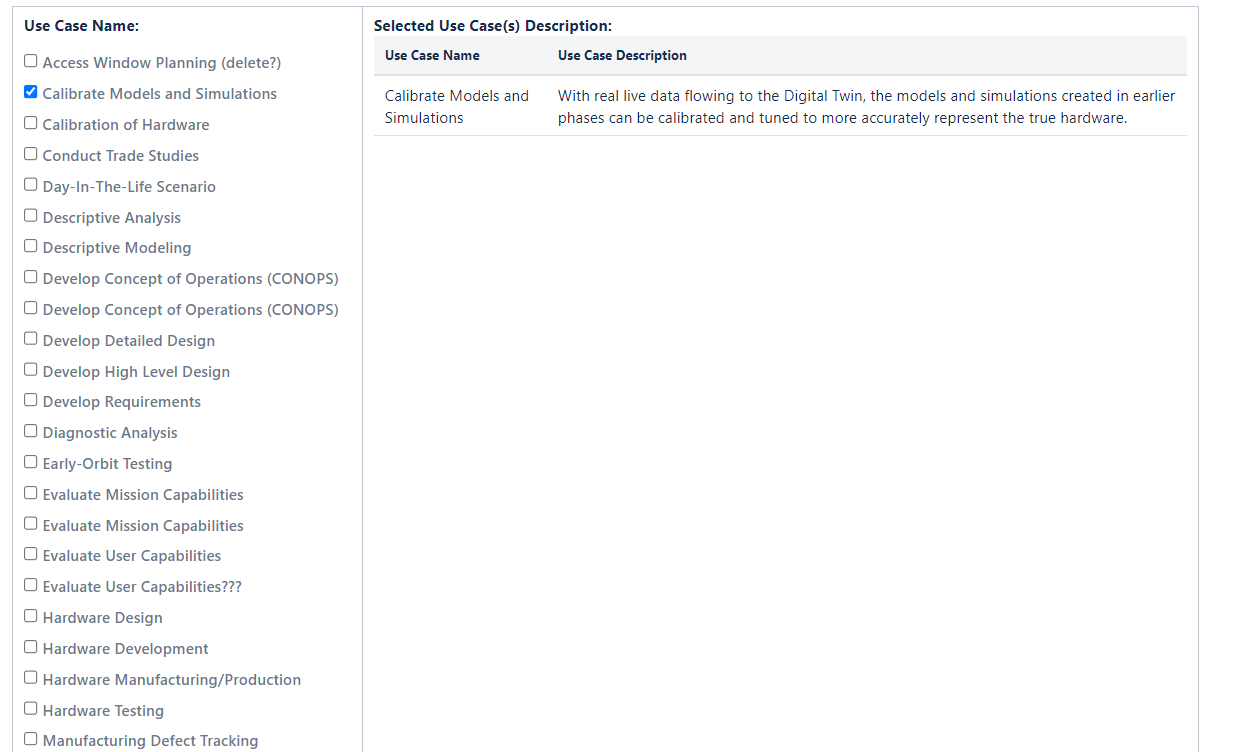
I am doing this because I am trying to show the Use case description information without having to show all of them at the same time. I don't want to overwhelm the user. (If you have better suggestions, I am open to them)
Anyway,
Below is a picture of how I currently have this defined:

Where the TableView has this filter currently (I only do it like this as an example):
Filter is:
useCaseName.text:Calibrate Models and Simulations
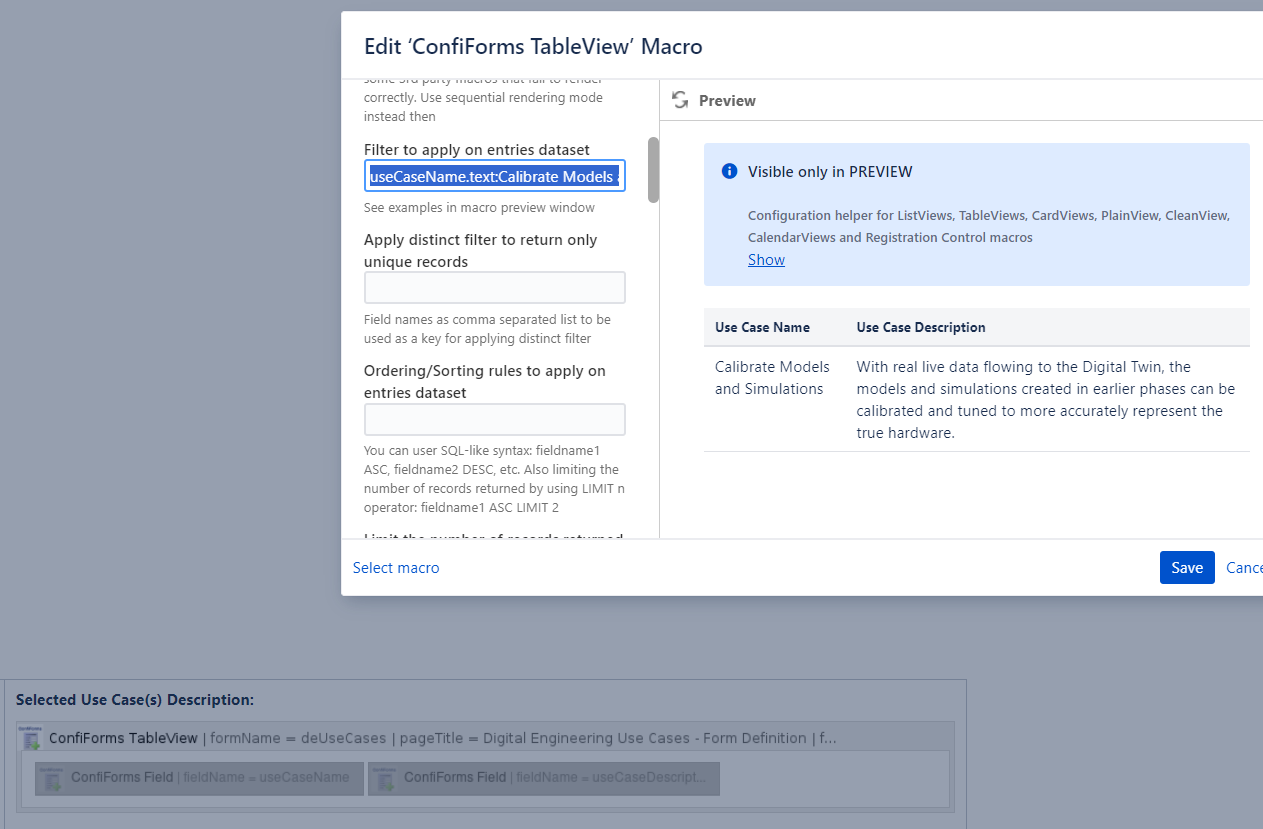
I have tried to replace the filter with this, but it displays nothing:
useCaseName.text:[entry.toolUses.text]
For context, here is the definition of the "useCaseName" Field defintion:
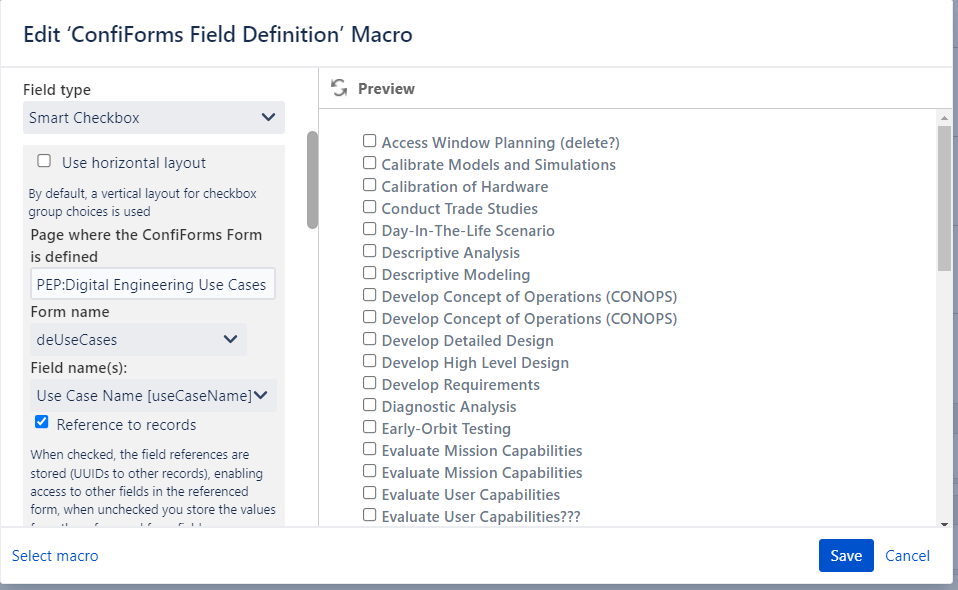
Any suggestions would be great! I also have duplicate "Use Case Names" and I am not sure how to deal with those, but I am trying to solve one problem at a time.
Thanks


