Global Permissions
While we’re talking about admins and user types, let’s also briefly discuss the highest permission level.
Note: Cloud free plan users will need to upgrade to leverage permission features.
Global permissions are application-wide settings that influence user and individual project and space abilities. Here are the settings and implications of the most important permission items.
To access the global permissions page in Jira and Confluence:
-
Login with an application administrator account
-
Click the “cog” admin icon at the top right
-
In Jira, select “System“
-
In Confluence Server and Data Center, select “General configuration”
-
In Confluence Cloud, you’re automatically directed to the “General configuration” page
-
Then select “Global Permissions” in the left sidebar.
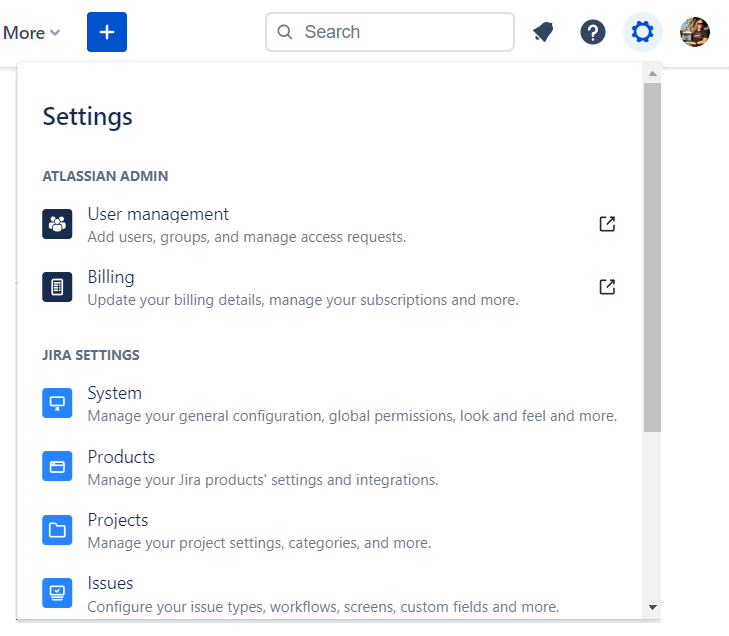
Cog icon at top right of Jira Cloud
Cog icon at top right of Confluence Server and Data Center
The left of the global permission page shows all permissions for the entire application. On the right are the users and groups who have each ability. In the screenshot, Jira administrators, service desk users, and software users all have the “Browse Users” permission.
Global permissions admin page in Jira Server and Data Center
Part 9: Global Permissions - Jira


