Hi there,
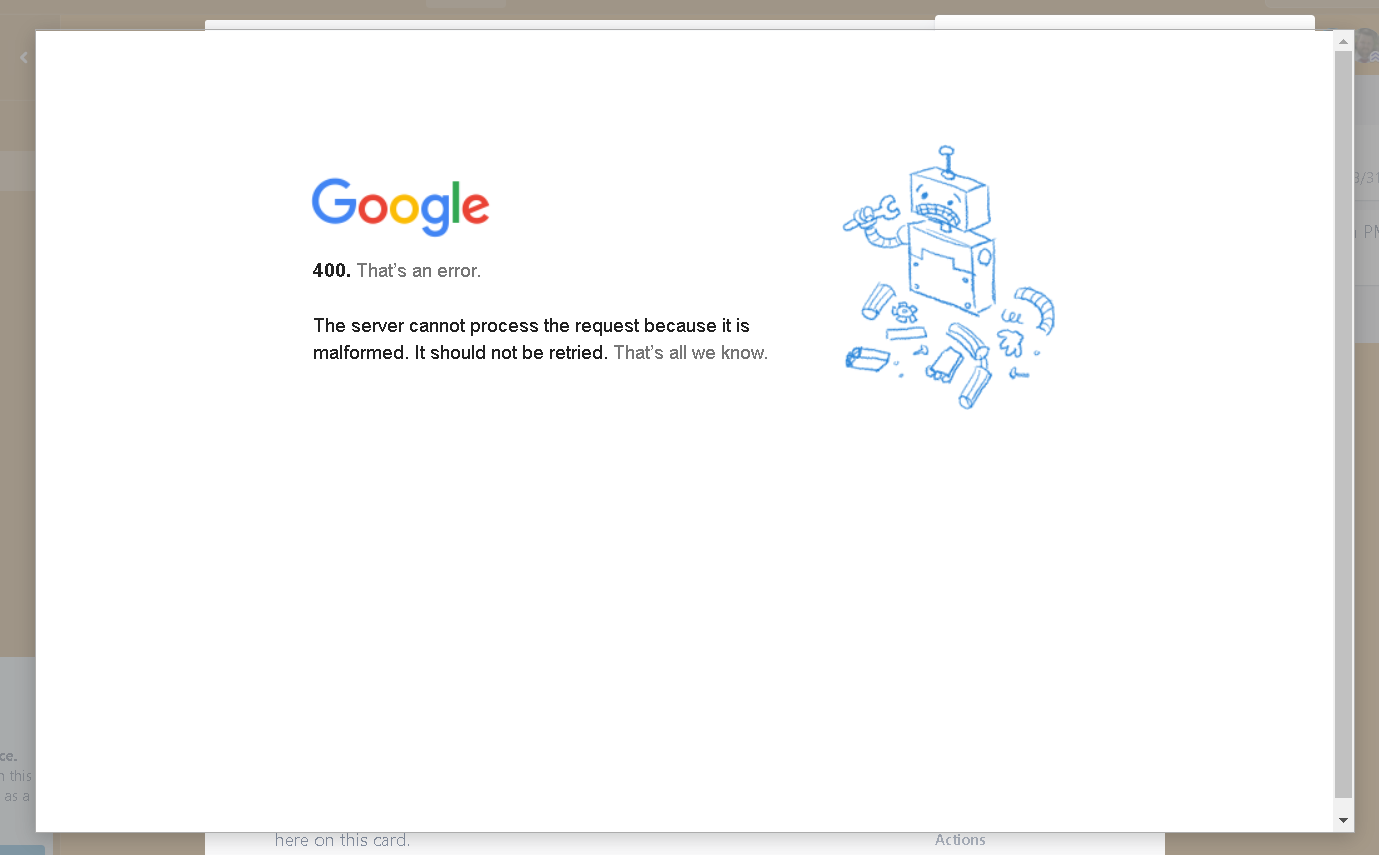
I am trying to attach a Google Drive Document to a Trello Card and getting a 400 error.
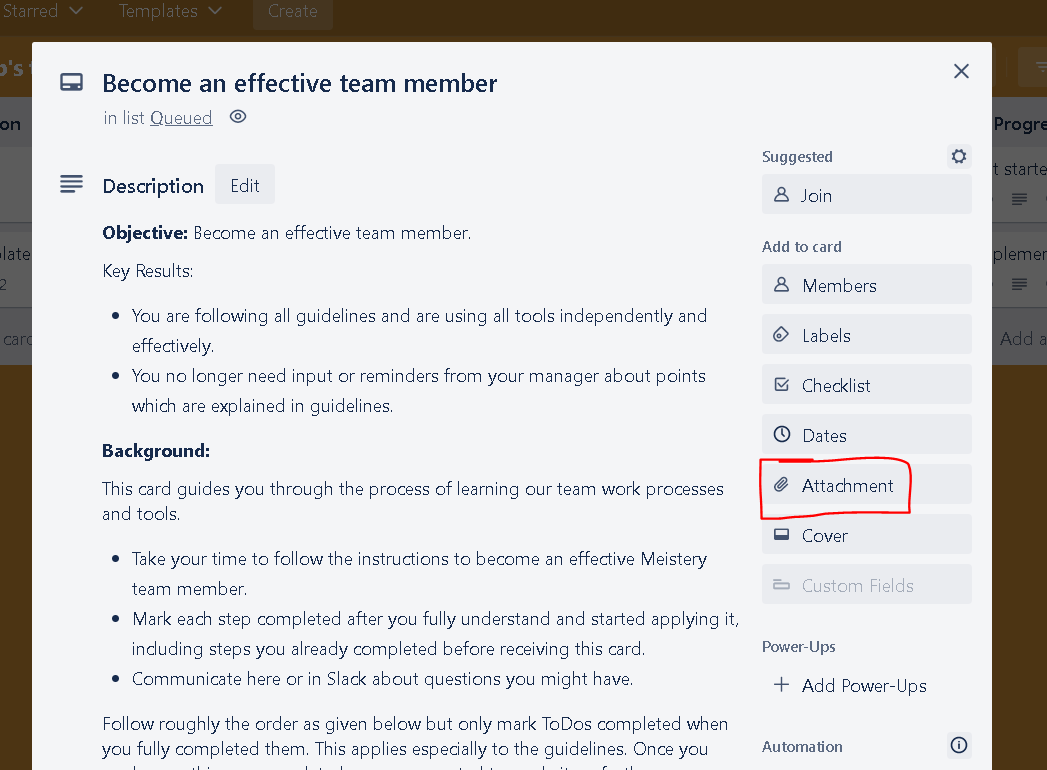
After opening a Trello Card, I click on Attachment as below:
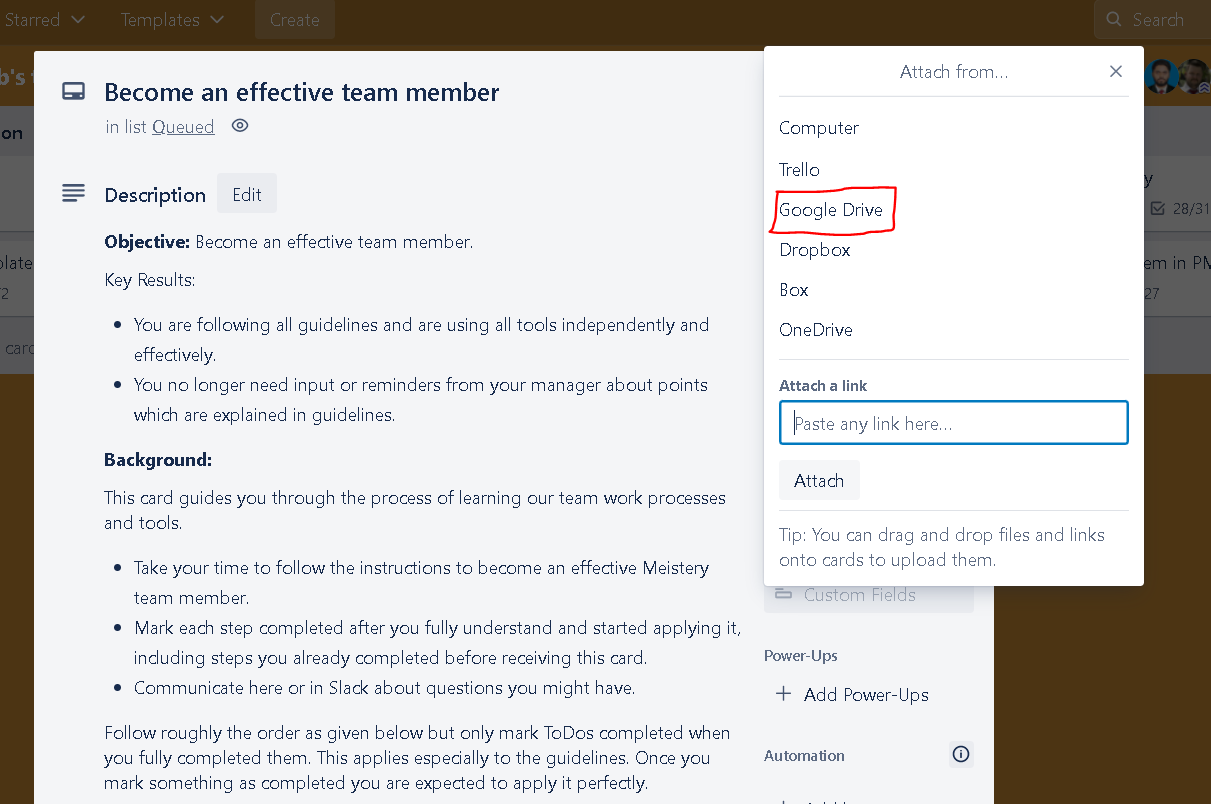
Then I click on Google Drive, as below:
Then I get this sign in screen:
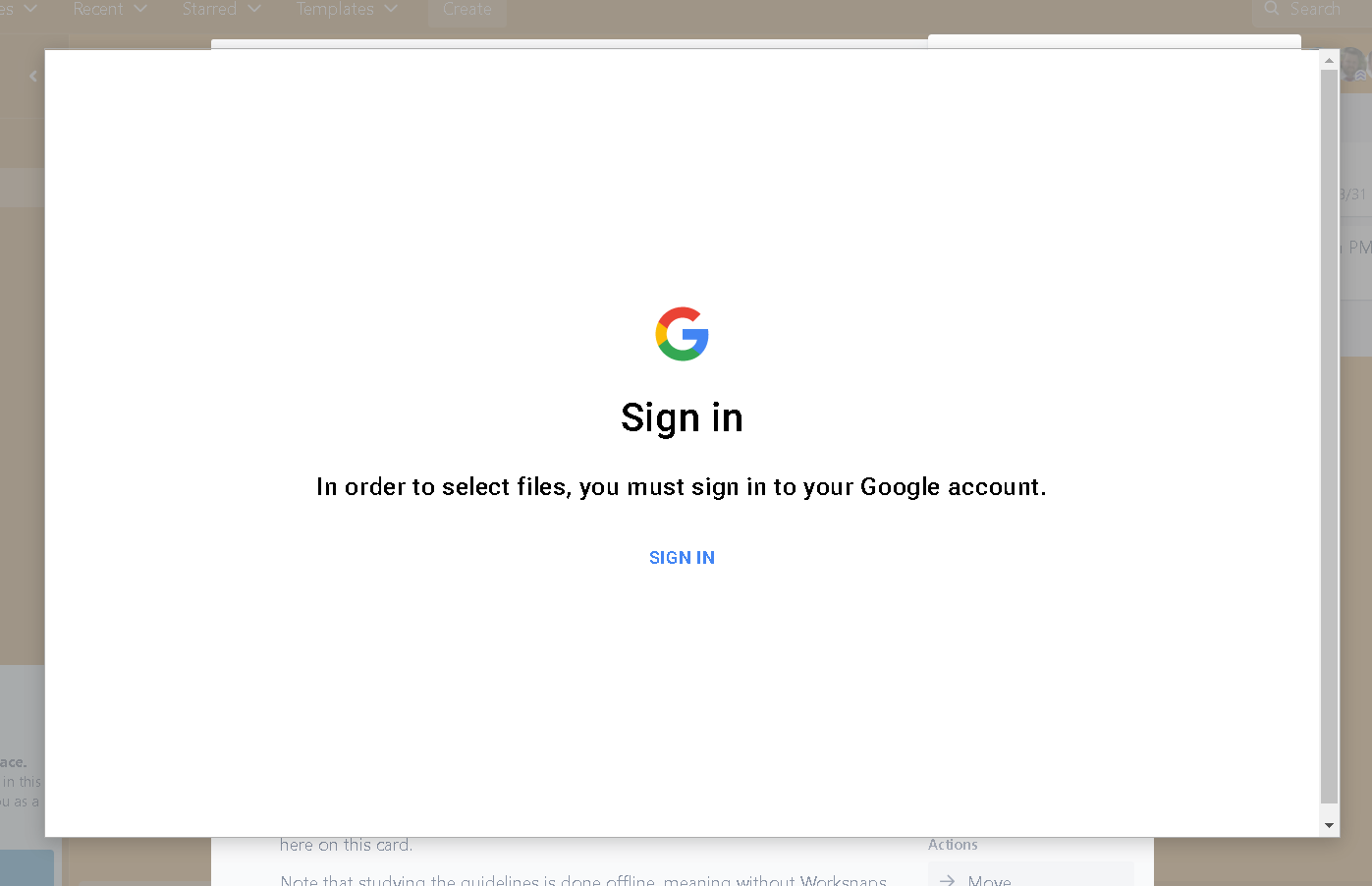
After clicking on SIGN IN button, I again get the same screen. And after click on SIGN IN button second time, I get this 400 error:
I want to make sure the following things:
- I am using Windows 10 Pro
- I am using the latest version of Chrome
- I have allowed all kinds of cookies in Chrome settings
- I have signed in my Google Account in a separate tab
- I am not using incognito mode or private window
But I am still getting this issue.
I have already tried the solutions given by @Lara in this question ( https://community.atlassian.com/t5/Trello-questions/Unable-to-attach-google-drive-document-to-card-login-error-400/qaq-p/2036476 ). but none of them worked.
I also tried to contact Trello support but they only accept tickets of the category Billing, Sales and Report Abuse. Please anyone help me in solving this issue.

