Hi,
I've seen that this question has been asked a few times, but I haven't seen a viable solution. I'm in the process of deploying the Atlassian Companion app to all end users. I need to get rid of the prompt for user to allow the site: 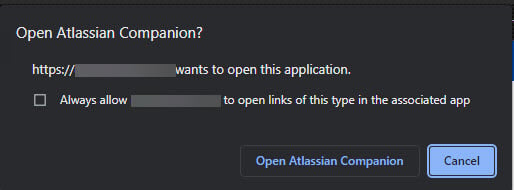
The online documentation says to use COMPANION_TRUSTED_DOMAINS=“https://...", but that is not working for me. I can see that the Environment Variable is being created in Windows, but Chrome is still prompts. How do we fix this???
Thanks,
James

