Hello!
Apparently we have an issue with the jira links when using Teams Calendar in Confluence DC.
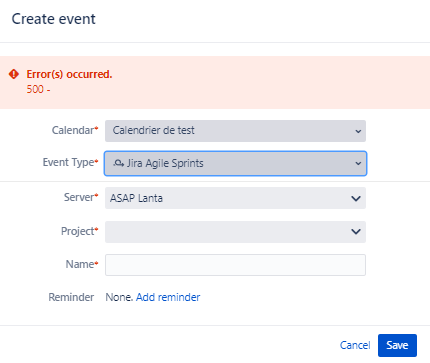
The links are well set in both ways (picture), but when we try to add an event "Jira issue date" , the screen doesnt display the options of project or JQL filter in order to add a Jira issue date.
I tried to erase and recreate the links in both ways
The logs we had: ERROR [http-nio-10443-exec-4] [calendar3.rest.ExceptionMappers.GeneralExceptionMapper] getResponseError General exception happen on calendar resources
Jira and Confluence are in DataCenter
Can someone try to explain me why this happens?
Thank you!