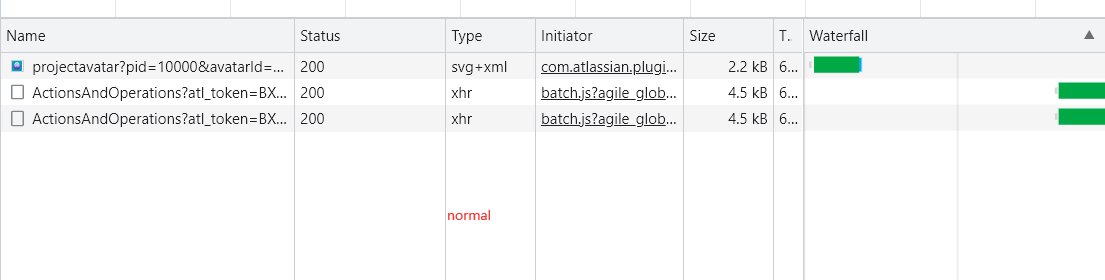
1. When accessing the server ip, click the applet to be normal (gadget)
2. "The Jira server could not be contacted. This may be a temporary glitch or the server may be down" will appear when accessing through the server ip or domain name after proxying through nginx
Request URL: “http://xxxxx.com/rest/api/1.0/issues/xxxxxxxx”
Hope to get an answer, thanks
The following is the screenshot that appears when you click on Actions in the gadget after accessing through ip and proxying with nginx