Hey everyone.
I wanted change Jira form http to https ,
Detalis Jira:
app: Jira Software
version: 8.18
host: server
I did many steps :
1.Create certificate of type ".pfx".
2.Edit a URL in system of Jira
3.Shut down Jira
4. Install the 'Java 1.8'
5.Create environment variables 'JAVA_HOME'
6. Edit 'Server.xml' file and add
<Connector port="8443" protocol="org.apache.coyote.http11.Http11NioProtocol"
              maxHttpHeaderSize="8192" SSLEnabled="true"
              maxThreads="150" minSpareThreads="25"
              enableLookups="false" disableUploadTimeout="true"
              acceptCount="100" scheme="https" secure="true"
              sslEnabledProtocols="TLSv1.2,TLSv1.3"
              clientAuth="false" useBodyEncodingForURI="true"
keyAlias="jira" keystoreFile="<C:\Program Files\Atlassian\Jira\'certifcate name...'" keystorePass="*********" keystoreType="JKS"/>7.Start up "Jira"
and after all that, this is the screen display ..
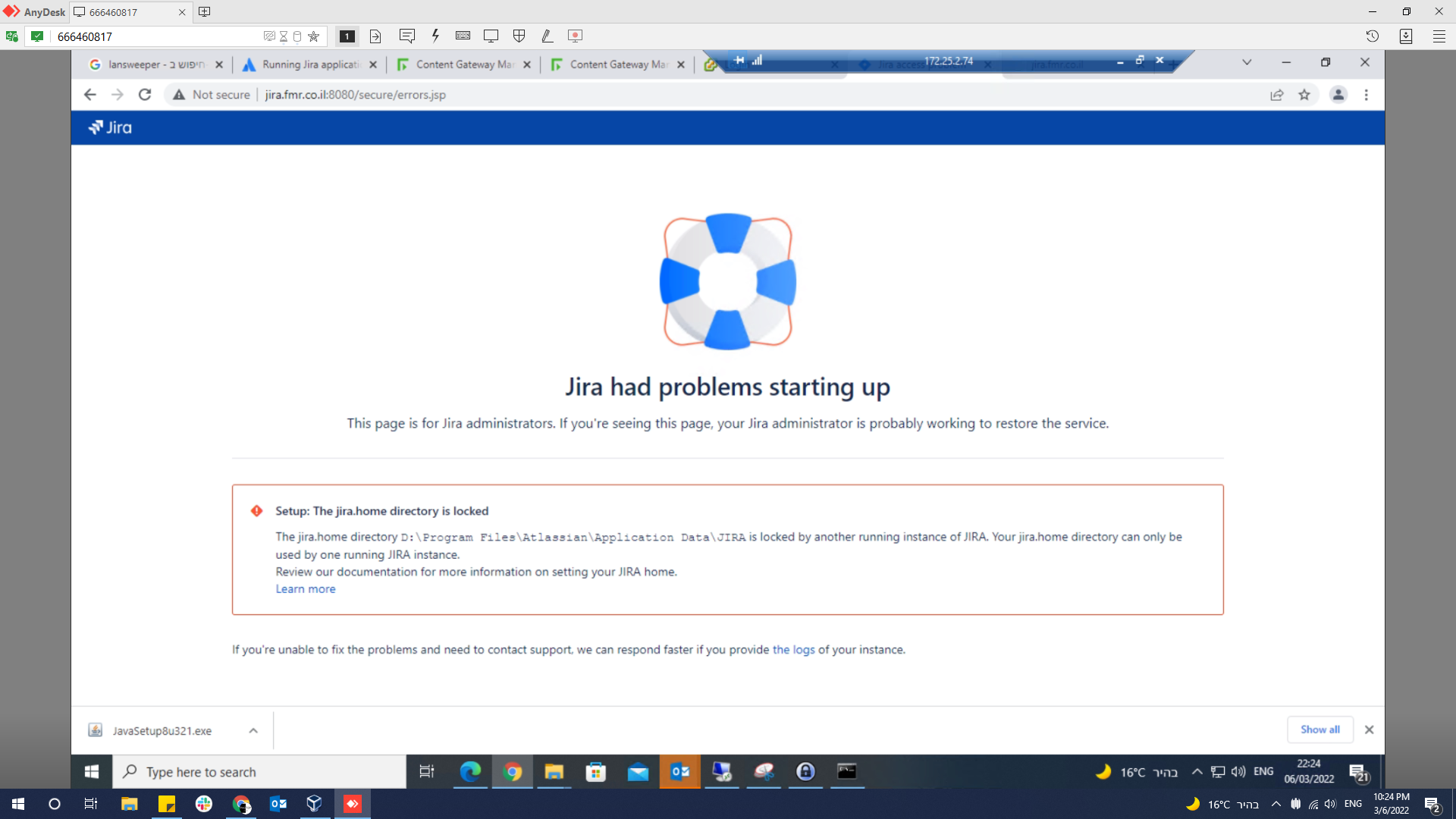
What can I do ?

