Based on documentation here, I tried to import my JUnit-style XML using the following inputs. curl -H "Content-Type:multipart/form-data" -u mylogin:mypassword -F "file=@output.xml" https://jira.nayax.com/rest/raven/1.0/import/execution/junit?projectKey=TGP&testPlanKey=TGP-25
I used this article to convert my JMeter XML output to JUnit format using XSL. The output is:
output.xml
<span><?xml version="1.0" encoding="UTF-8"?></span>
<span><testsuites></span>
   <span><testsuite></span>
      <span><testcase classname="httpSample" name="Set-up Thread: loginUsingPOST - Success"
                time="0.789"></span>
         <span><failure/></span>
      <span></testcase></span>
      <span><testcase classname="httpSample" name="Set-up Thread: loginUsingPOST - Success"
                time="0.631"></span>
         <span><failure/></span>
      <span></testcase></span>
      <span><testcase classname="httpSample" name="createNfcTagUsingPOST - Success" time="0.282"></span>
         <span><failure/></span>
      <span></testcase></span>
      <span><testcase classname="httpSample" name="handleTagDetectionUsingPOST - Success"
                time="0.311"></span>
         <span><failure></span>Test failed: code expected to equal /

****** received  : [[[403]]]

****** comparison: [[[200]]]

/<span></failure></span>
      <span></testcase></span>
   <span></testsuite></span>
<span></testsuites></span>
The output was:
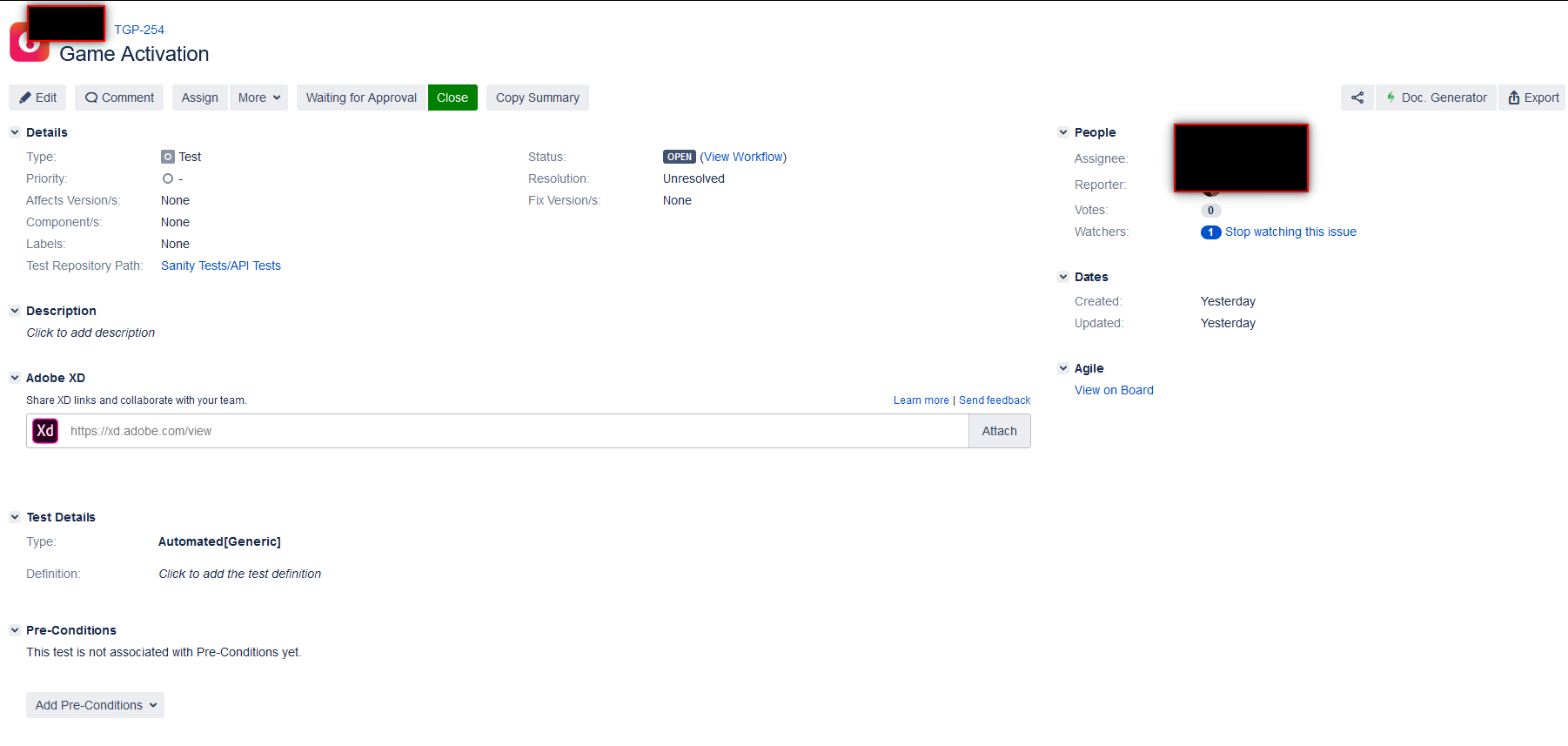
{"error":"Error assembling issue data: Field \u0027customfield_11033\u0027 cannot be set. It is not on the appropriate screen, or unknown."}When I looked at a Test in the source-code view in the browser, that field was hidden:
<span><input type="hidden" name="raven-testexec-test-customFieldId" id="raven-testexec-test-customFieldId" value="customfield_11033"/></span>
So it is simply <span>customFieldId</span>.
Now what?
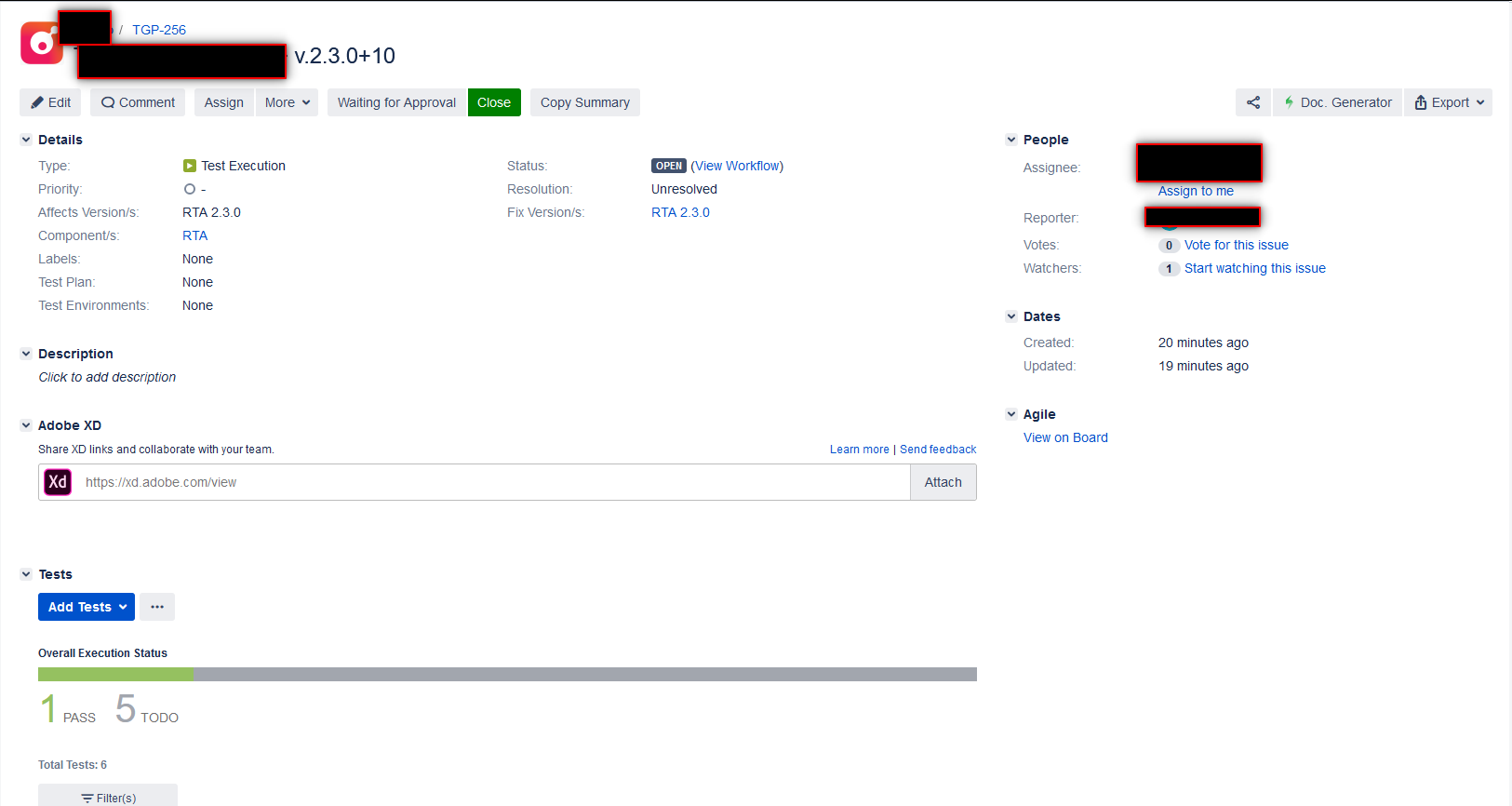
When I looked at a Test Execution in the source-code view and searched for 11033, I did not find it at all.
Other Attempts
I read on XRay's documentation site that one can use the multipart variety of the API, but I get the same result.
curl -H "Content-Type:multipart/form-data" -u login:password -F "file=@output.xml" -F "testInfo=@test_info.json" -F "info=@test_exec_info.json" https://jira.nayax.com/rest/raven/1.0/import/execution/junit/multipart
test_exec_info.json
{
    "fields": {
        "project": {
            "id": "12900",
            "key": "TGP"
        },
        "summary": "Test Execution for JMeter Execution"
    }
}test_info.json
{
    "fields": {
        "description": "Game Activation"
    }
}