Trying to include Wiki Markup in our sidebar.
And I have several questions:
1. When creating a link to another page, according to this article:
Confluence Wiki Markup | Confluence Data Center and Server 7.11 | Atlassian Documentation
It says to include the link within square brackets. But just doing
[page]
does not work. It needs to be a hyperlink, but then of course, we also don't want the actual hyperlink to be the text that shows up in the sidebar either.
[https://confluence.atlassian.com/conf711/confluence-wiki-markup-1044781498.html]
How can we link to a page with the page title being what's displayed in the Sidebar using Wiki Markup?
2. How can you create a Page Tree using Wiki Markup?
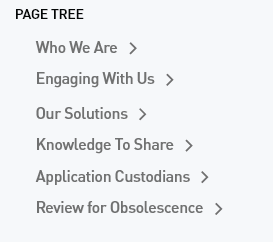
This is not a list or a set of headings with indentations. Each Page Tree item needs to be 'expandable', where, after one is clicked, it reveals a set of sub-menu items. Is this possible in Confluence Wiki Markup?
3. Also, when I enter the Wiki Markup here in Space Tools here:
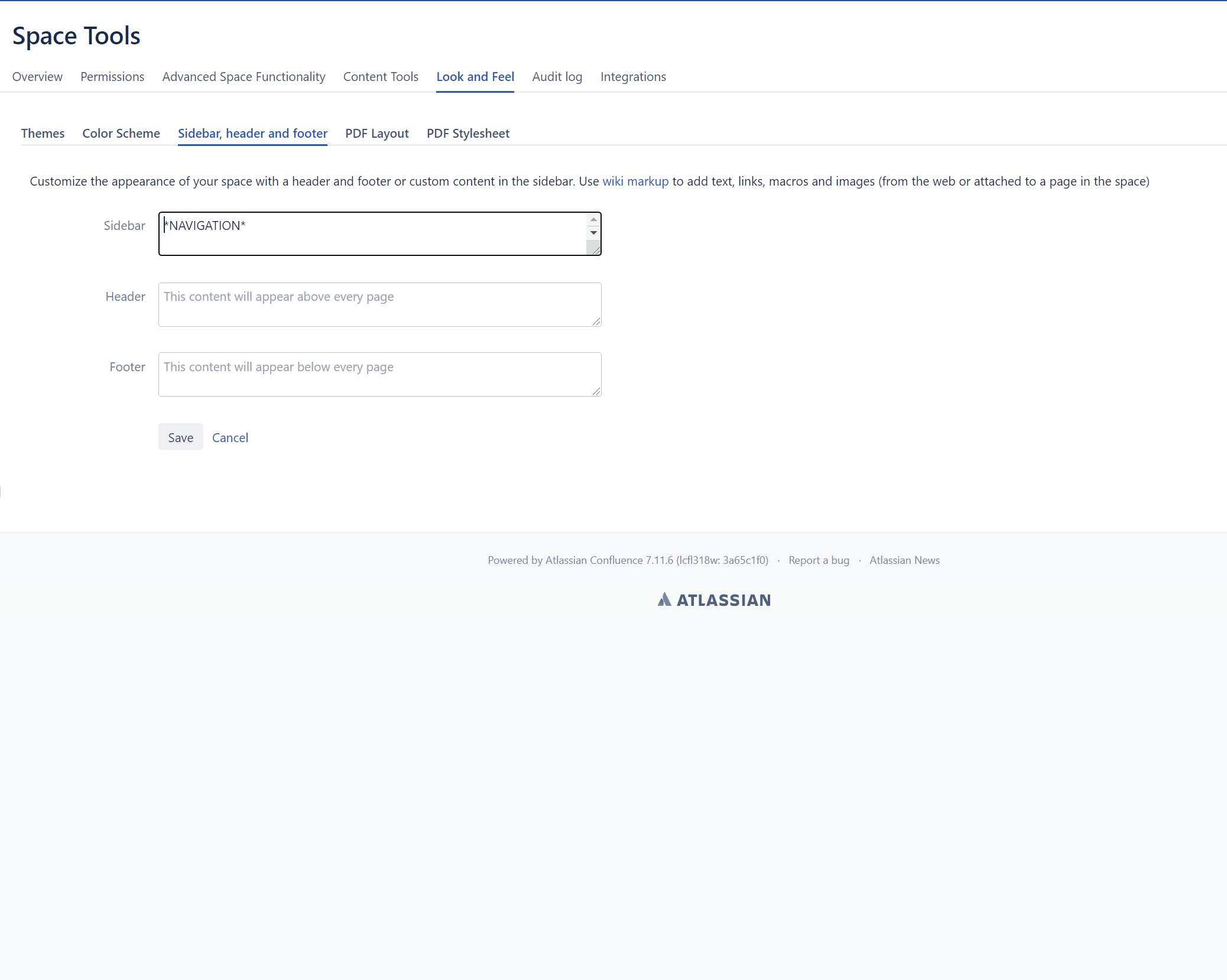
and hit save, the Sidebar Content gets inserted below what's already there - but it does not replace it.
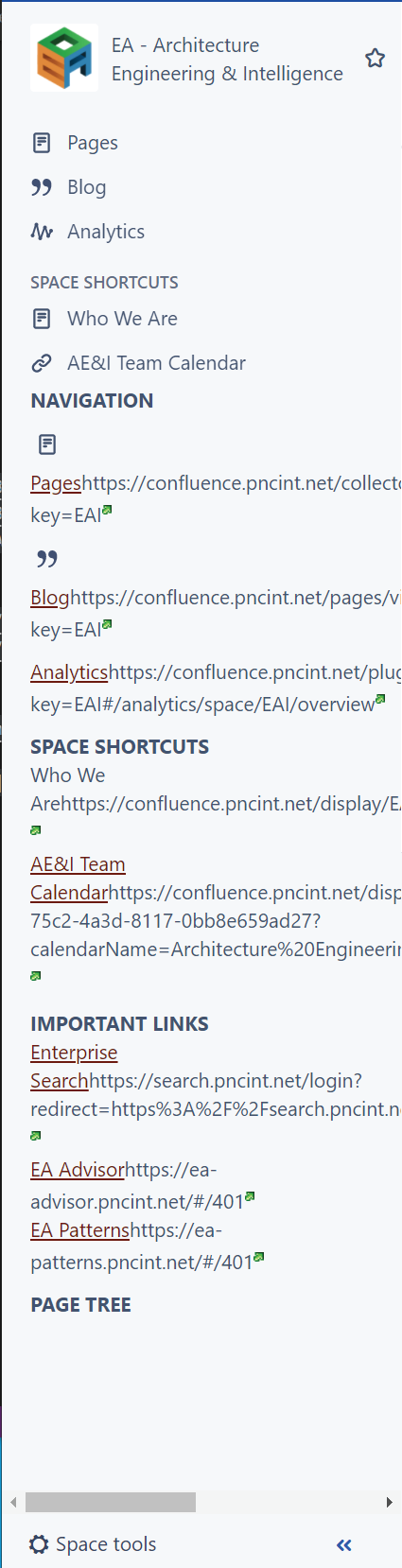
And lastly for whatever reason, the links are not showing up properly. Is the format not [text][url] ? (Related to the first part of my question).
Thanks
*EDIT* - I was able to figure out how to enter a link properly. It's [text|url].
So that's [ text | url ]. That fixes my first issue and part of the third. Now I'm wondering where those little green arrows are coming from. If there's a way to get rid of them? And still, the original content remains above all of my Wiki Markup. And lastly, the images are not aligned vertically with the Links. We could fix this with some CSS but I'm not sure if you can add CSS here?


