Hi
We are trying to upgrade Confluence to 7.13.1 but we get an error while upgrading as shown in the picture.
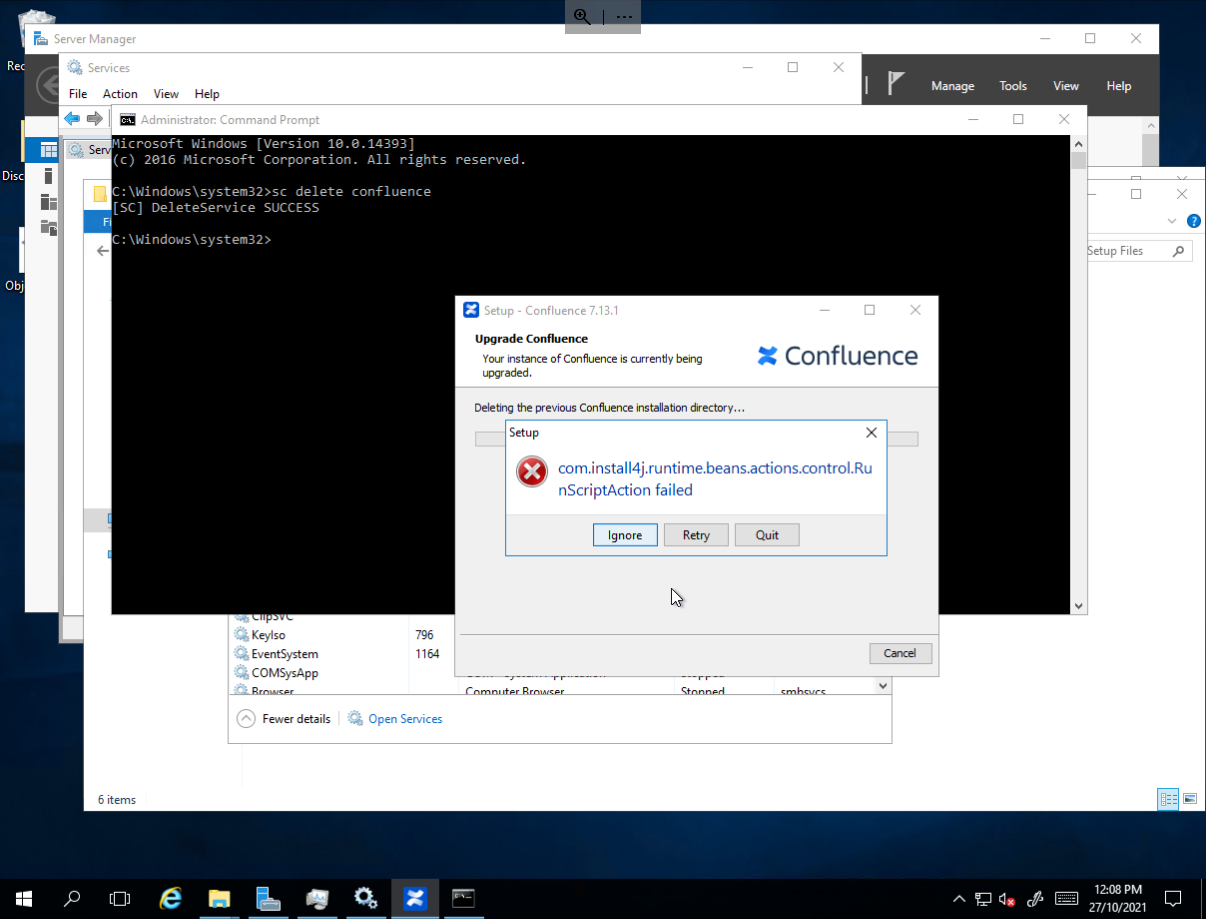
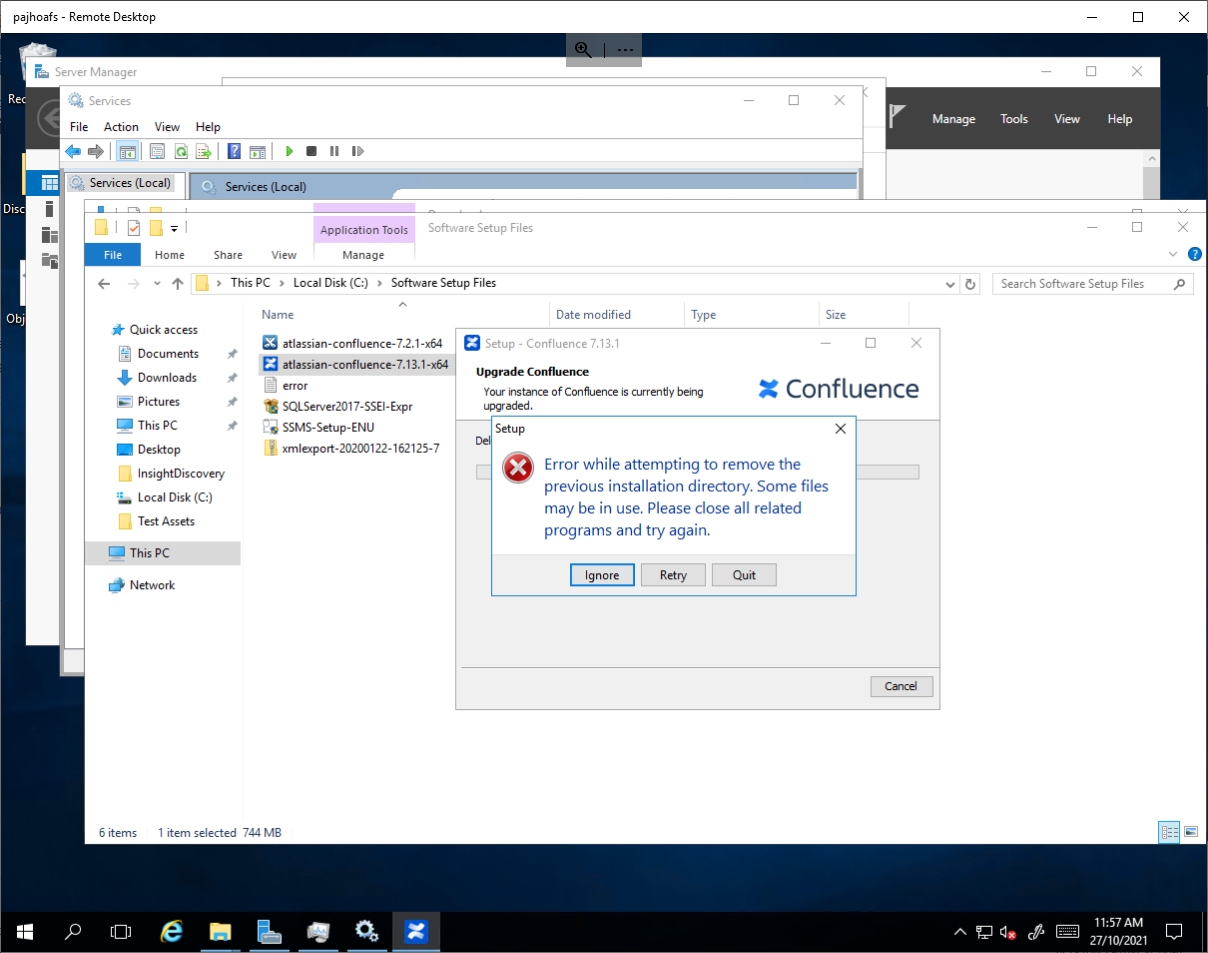
We follow the steps below
Upgrade Confluence in production
If you're happy the test environment works as expected, you can upgrade in production. Here's how:
- Schedule downtime.
- Check app compatibility with the Confluence update check.
- Back up your data, including your database, installation directory, and home directory.
- Download Confluence.
- For the installer method, choose the installer.
- For the manual method, choose the archive.
- Stop Confluence
- Run the installer or extract the archive.
- If you run Confluence as a service on Windows, delete the existing service then reinstall the service by running <installation-directory>/bin/service.bat.
- Reapply custom modifications to the following file(s). Edit the new file, rather than copying the old file, as the default configuration may have changed between versions.
- Start Confluence.
- Update your apps. Manage apps
- Stop Confluence
- Clear the plugin cache. This step is optional, but can be useful to avoid any issues with third-party apps. Learn more
- Start Confluence
- Test any user-installed apps, customizations, and proxy configurations, and perform UAT (user acceptance testing).
If you manage the Atlassian Companion app, check to see if a new version is available. Learn more

