Hello, Community folks!
Here’s a fast and furious snapshot of what we’ve shipped recently to the Jira apps for iOS, macOS, and Android:
New and improved features
Have you discovered Home? (iOS, Android)
Home is the newest item on the tab bar (iOS) or bottom navigation bar (Android). Go to Home for fast access to your favorite or recently-opened issues, projects, boards, filters, or queues. Switching back and forth between multiple projects or most-used items is faster than ever.
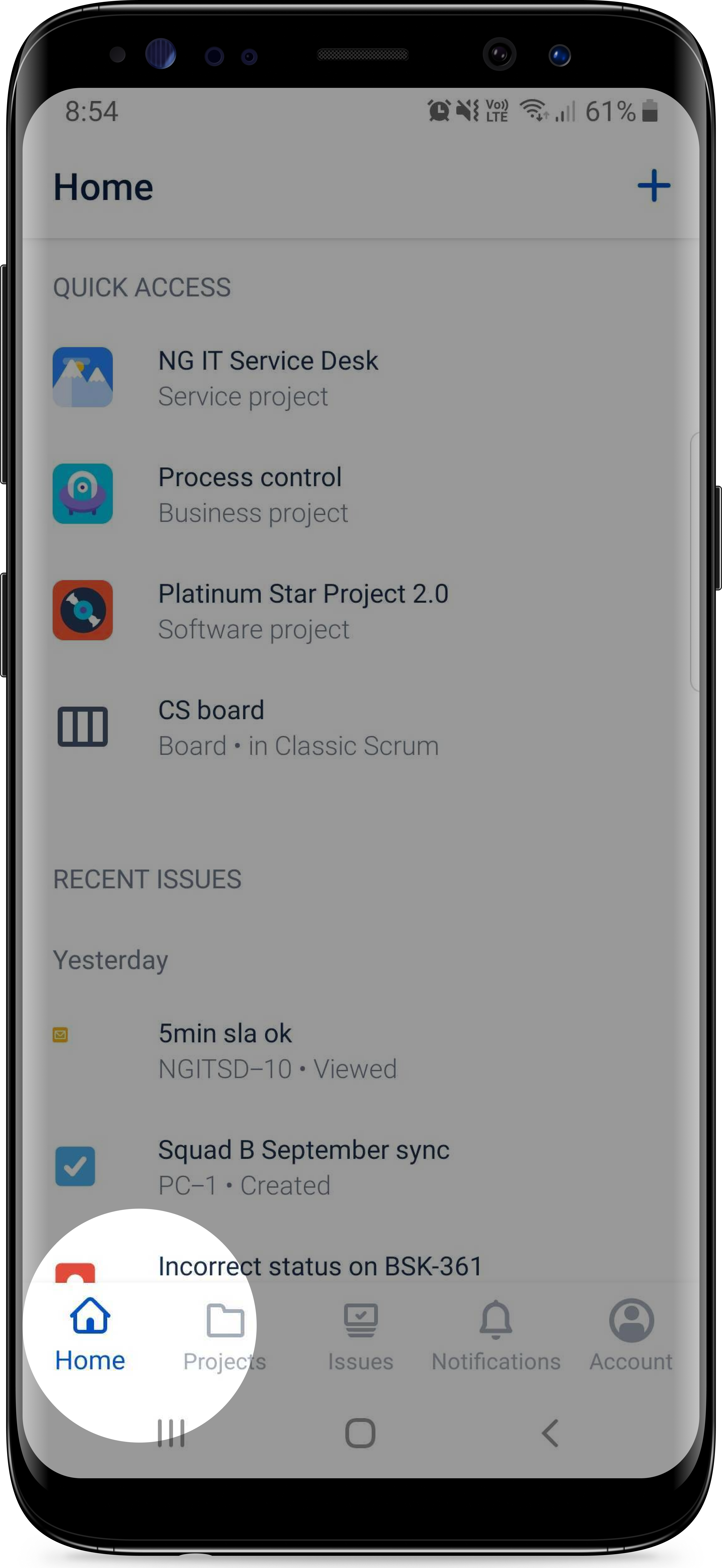
Image: Home is spotlighted in the bottom-left corner of an Android screen
Say hello to smart replies (iOS)
What are smart replies?
When someone leaves a comment on an issue, suggested responses will appear for you. Select one to automatically mention the person you’re responding to, and begin your message with the pre-written response.
What's the benefit?
Save time and precious mental energy! Days are busy, time is fleeting, and anything that can save some brainpower is beneficial. When you’re replying to issue comments regularly in order to keep up with multiple projects or teams, seconds add up to minutes, which add up to hou-- yeah, you get the idea. (See? I’m saving time already.)
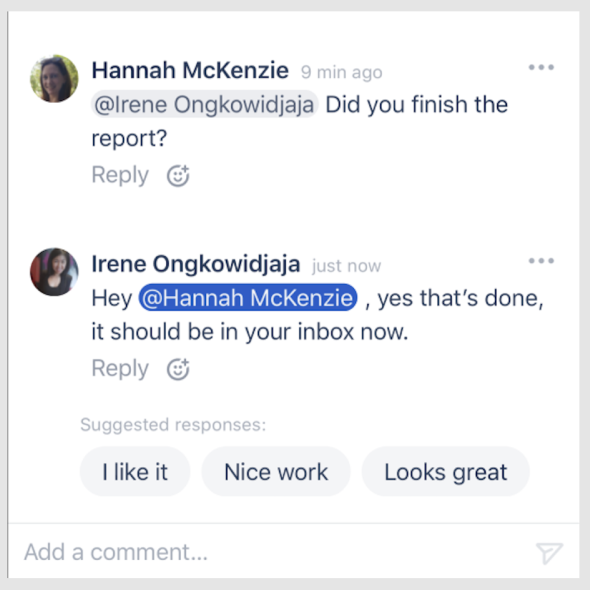
Image: Smart replies appearing on a Jira issue
Whoa, the widget's arrived (iOS, Android)
What's this about a widget?
Monitor the number of issues across multiple Jira projects by adding the new widget to your device’s home screen. Choose issue filters (such as assigned or watching) and track the numbers as issues are transitioned in and out of those statuses.
What are the benefits?
- Know when issues arrive in important statuses without opening the app.
-
Stay on top of status bottlenecks, before they create potential problems.
-
Monitor your team’s overall momentum by tracking varying issue quantities.
How do I get it?
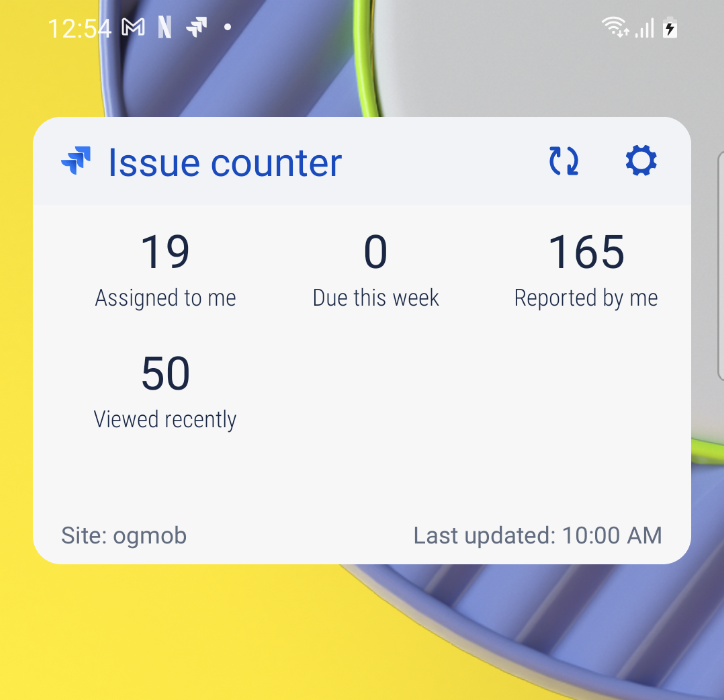
Image: The Jira widget on Android showing example data
Notification filtering (iOS, macOS)
Reduce the noise and increase the focus! This feature is due to arrive in early September. (As in, any minute now!)
In your notification settings screen, you’ll find new options:
-
Unread: Enabling this setting means notifications will be hidden after you’ve opened them, leaving just the unread ones in your notification feed.
-
Direct: Enabling this setting means you’ll only receive notifications for issues you’re assigned or @mentioned on. It excludes general updates to issues you’re watching, thereby reducing your notification noise, and allowing you to focus on notifications that may be of higher importance to you.
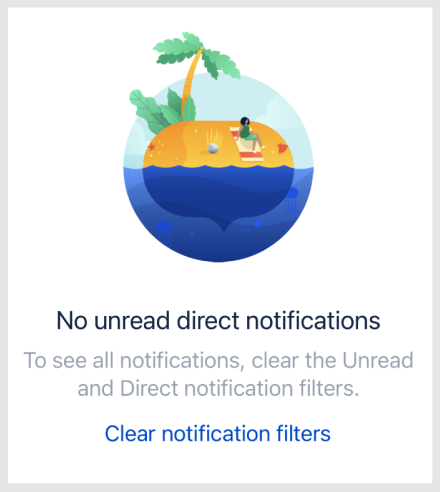
Image: An empty notification feed, with text stating: 'No unread direct notifications: To see all notifications, clear the Unread and Direct notification filters.'
Issues on your board are more informative (iOS, macOS, Android)
Glean information from issues on your board faster, without opening them:
Priority icons allow you to quickly determine an issue’s urgency or importance. You might notice that the design of the icons has recently changed; read about how the new priority icons are more accessible to everyone.
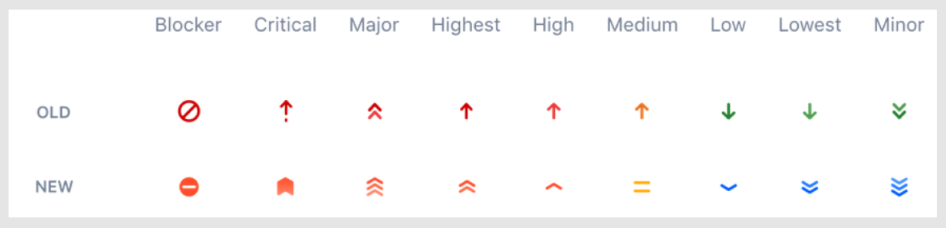
Image: Table comparing original vs new priority icons
Development status icons convey branch information. Hover over an icon for specific details, such as ‘1 branch’, or ‘4 merged branches’.
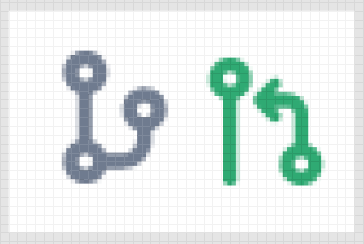
Image: Branch icon, merged branch icon
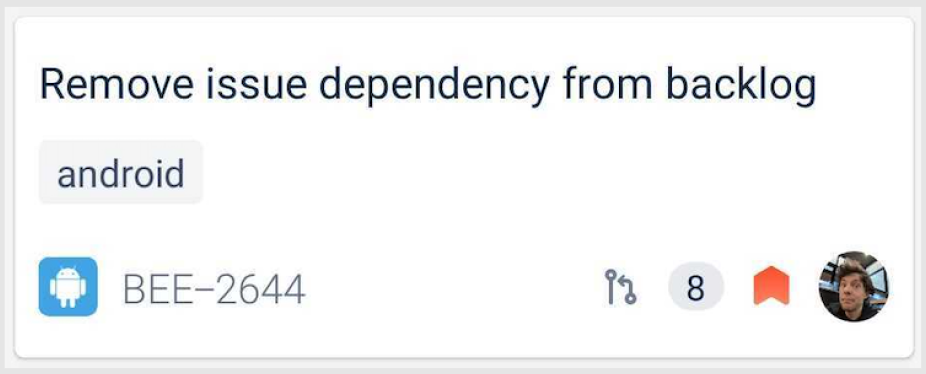
Image: An issue displaying a development status 'pull request' icon, as well as a 'critical' priority icon
Done icons(or done checkmarks) let you instantly see which issues have been marked as complete.
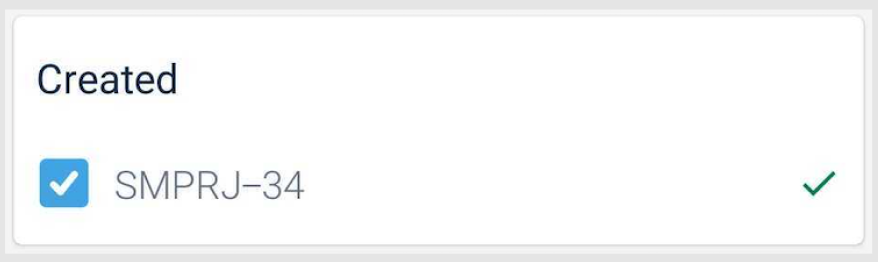
Image: An issue displaying a done icon
Days in column indicator dots display the approximate length of time an issue has been sitting in a status, which can help you prioritize which issues to focus on next, or identify status bottlenecks as they occur. Learn more about days in column indicator dots and how to customize issues.
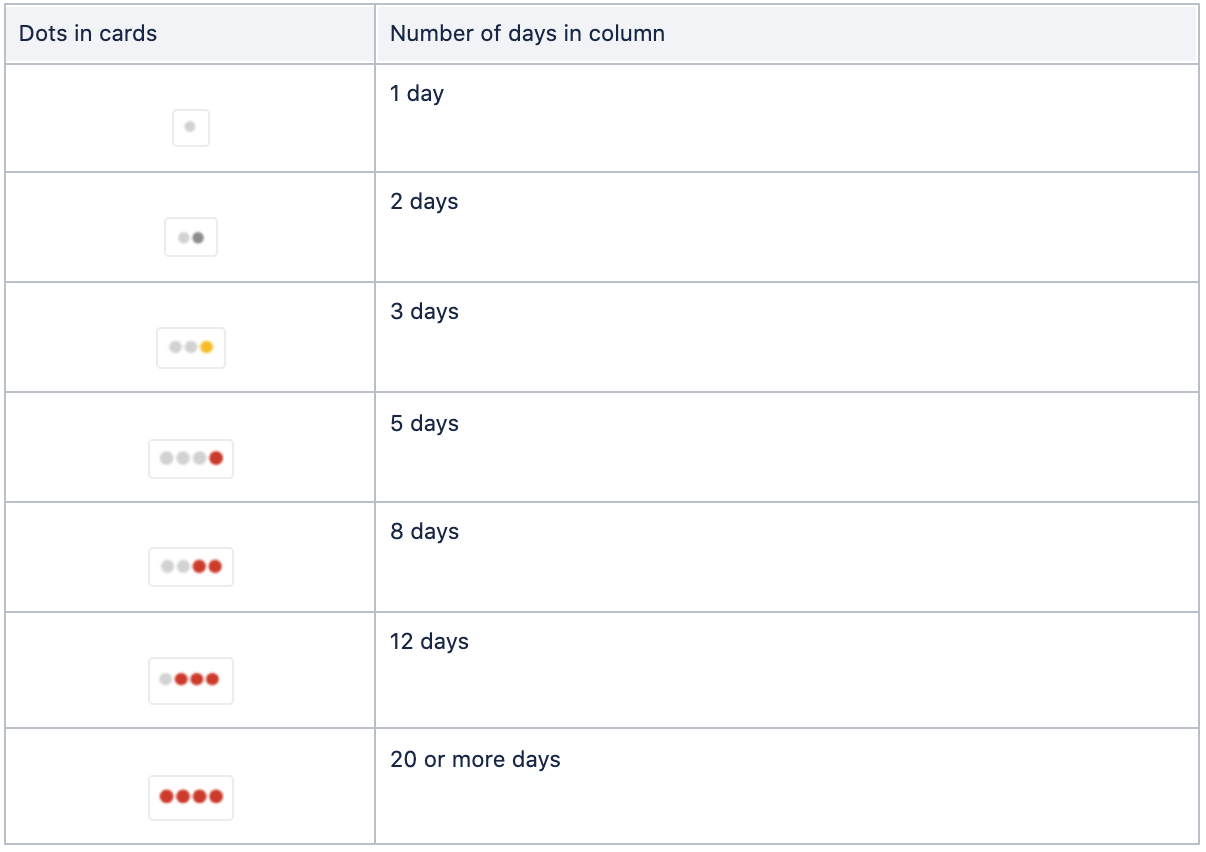
Image: Days in column indicator dots chart, beginning with 1 grey dot equaling 1 day, and ending with 4 red dots equaling 20 days or more
Coming soon
Here’s a sneak peek of some things we’re working on:
View an issue’s history, comments, worklog
All the info, all the glorious info.
Soon, you’ll be able to open an issue and choose to view the issue’s history, comments, or worklog. And you’ll be able to sort in order of date. Finding the right details will be easier than ever.
JQL advanced search
If you prefer searching for issues using Jira Query Language (JQL), we’ve got you covered. Soon, you’ll be able to choose between basic search and advanced search in the app. The advanced search link will sit beside search filters.
That’s it from us!

Gif: Baby Yoda says, “Bye!”
Stay connected with the Community by sharing your thoughts below!
