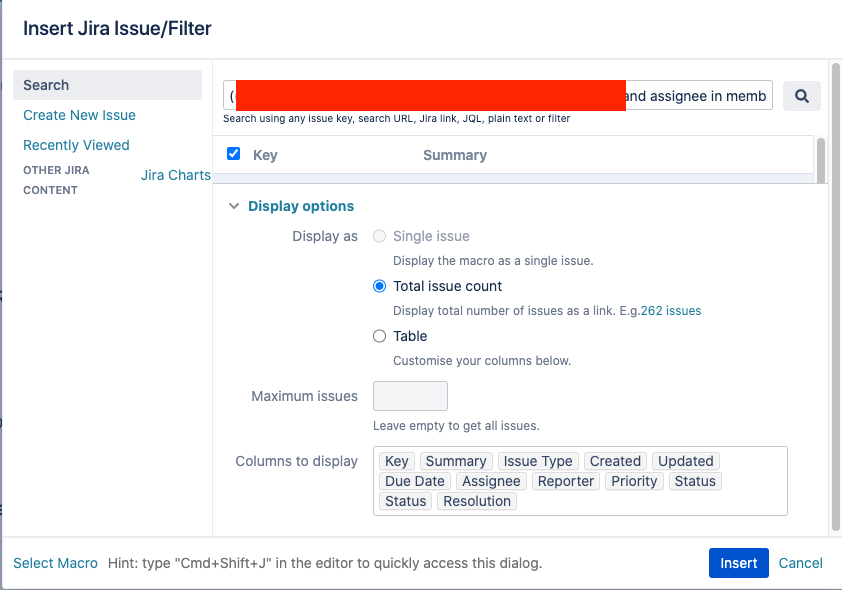
I have a confluence page with numerous queries. I have used the “Insert Jira Issue/Filter” operation enter a query and then in the “Display options” section I choose “Total issue count” and Click “Insert”. This usually adds a link that shows the issue count. The count is a link to a page to run the query. However, If I use a complex query that includes dbValuesMatching, nothing gets added to the page. If I use a simpler query, the issue count gets added to the page.
This seems to be a problem with the query. I can insert the issue count into many of my pages with other queries. For this specific query, I can insert the table of issues into any page. But, I cannot insert the issue count into any page.
The problematic query looks something like this (I have removed the proprietary information):
((("Aaa" in dbValuesMatching(Bbb, 1111)) and assignee in membersOf(group1)) OR (("Aaa" in dbValuesMatching(Bbb, 1111)) and ("Aaa" not in (dbValuesMatching(Ccc, ddd),dbValuesMatching(Ccc, EMDBU),dbValuesMatching(Ccc, eee),dbValuesMatching(Ccc, fff),dbValuesMatching(Ccc, ggg),dbValuesMatching(Ccc, hhh))) and assignee in membersOf(group2))) and type in ("Bug") AND status IN (list-of-status-values) and "Fix By" ~ "iii" ORDER BY created desc
Has anyone else seen this issue? Are there any suggestions for how to insert the Jira count into our page?
We are using Atlassian Confluence 7.4.8.
Thanks.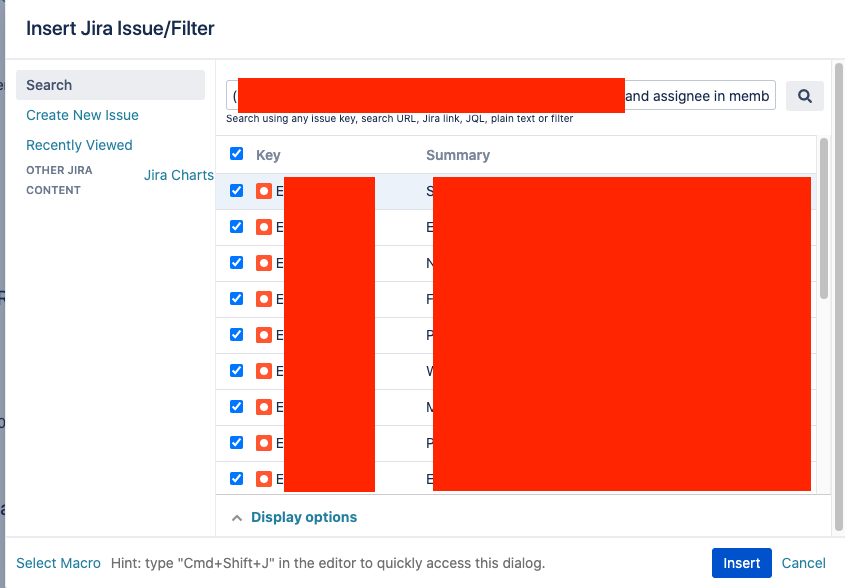
Karen


