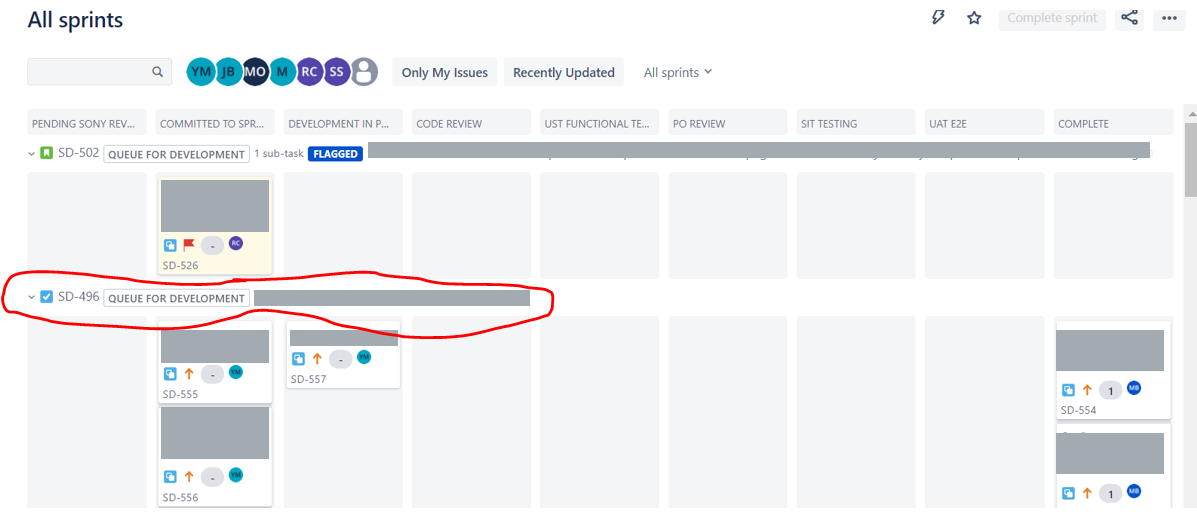
The image below is what I expect to see when I create stories in Jira. In most cases, the stories appear as a box (I have hidden the text of the stories). However, I have noticed that when I have stories with sub tasks associated with it, appears as image two.
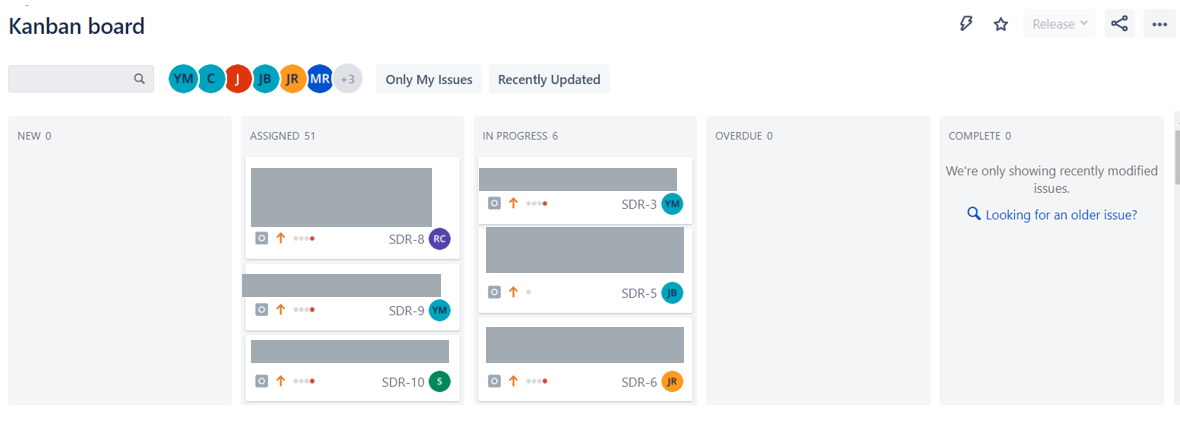
As can be seen by the image below, I have highlighted the task which has a different shape than the image above (content circled in red). Is there a way to always make my stories/task appear similar to the image above? I understand the logic that Jira have used but it's not user friendly at all.