Greetings! I have squads who are using story points for backlog refinement and quarterly planning. When it comes to sprint planning, the Product Owner will place enough items in the sprint backlog based on the average story points, but after that we focus building a tactical plan the squad can commit to based on the availability of squad members in hours.
Starting at the top, we break each story into sub-tasks, folks volunteer for the sub-task and then they give an estimate in hours for how long it will take them to complete that sub-task.
We create a sub-task within the user story, add the details, the person volunteering and also record their estimate into the "Original Estimate" field in hours. After we've done this for enough stories that meet the teams hourly availability for the sprint we complete sprint planning and start the sprint. So at when the sprint begins we have the number of story points committed to as well as the total number of hours to support that delivery. We do not assign points to people; stories have multiple sub-tasks assigned to different people.
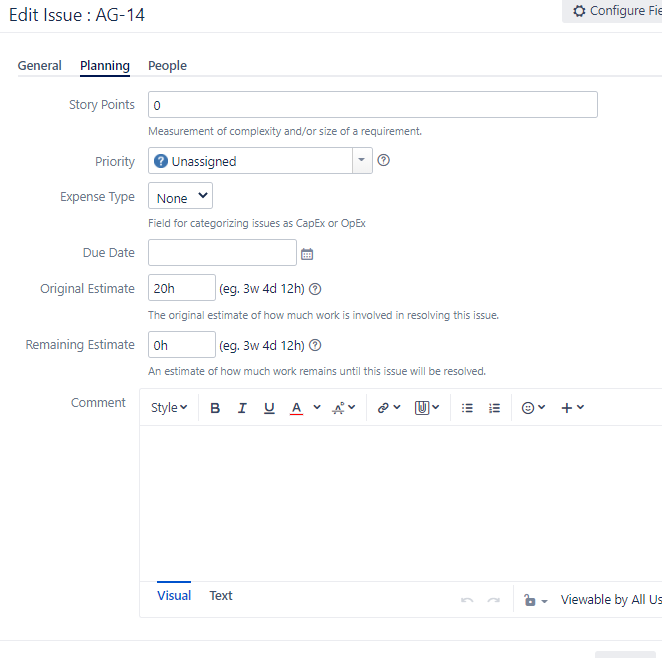
In the past, I used to have squad members simply update the remaining time on their sub-tasks and the sprint burndown would update nicely. Something has changed, when they do that the burn-down is not affected.
My trouble is that I'm not sure what the correct approach to burning down sub-task hours is - what are the steps to have the hours spent reflected in the burn-down?
We have "Story Points" set as the estimation statistic so we can track velocity via SP which supports all the refinement and short/long range planning and then we have Time Tracking set to "remaining estimate and time spent".
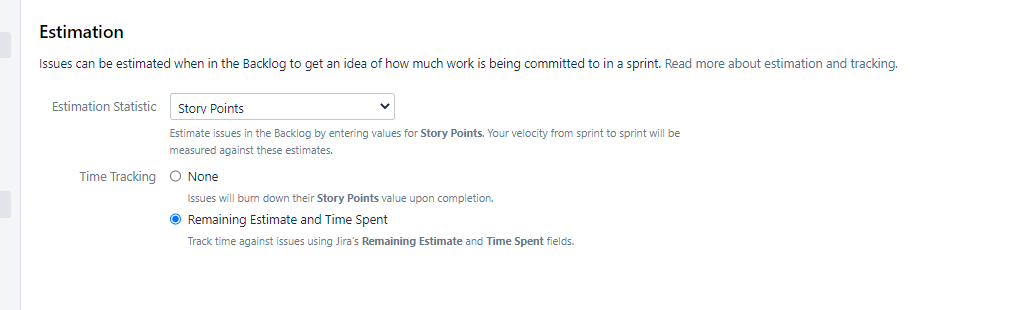
Are we to use BOTH the "log work" AND also have to update the remaining time? I was hoping this would not be complicated as it's hard enough to have anyone update time tracking! I saw an impact on the burndown using "log work", but it is not consistent. I'm not sure if squad members are also updating remaining hours or not....ughhhhhh. This seems (Log Work) to be the correct place to enter time to burn-down sub-task hours; if we have set an OE on the sub-task - do we leave it as "adjust automatically" so the remaining updates on it's own?
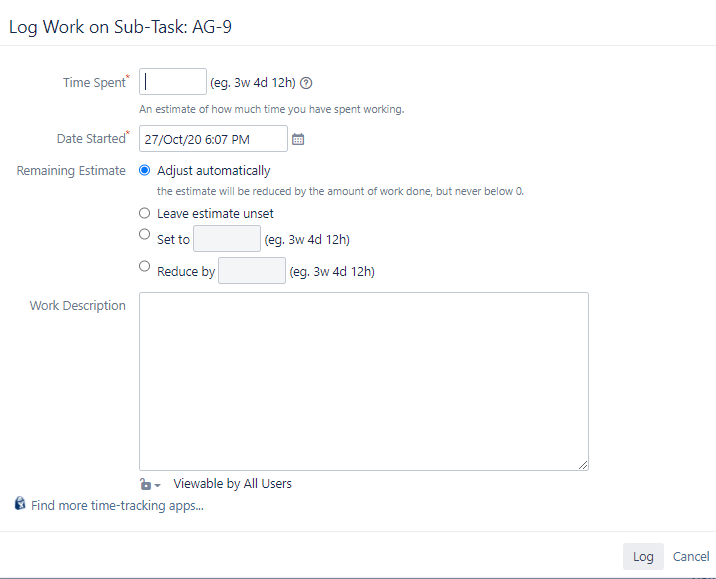
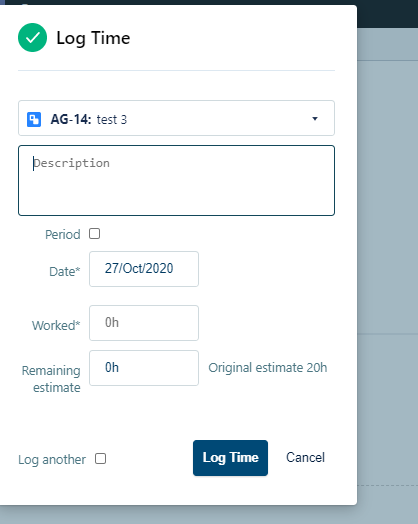
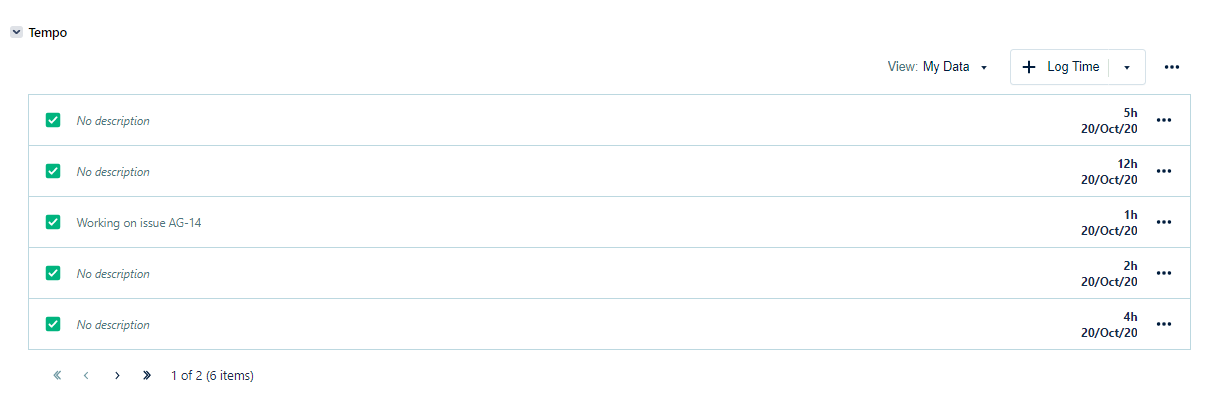
We also have this TEMPO add-on that we are NOT using, I think it is also causing confusion. When you select "Log Time", it adds those time entries into the TEMPO spreadsheet, it does not burn-down the OE on the burndown chart. See two screenshots below.
Thank you and FYI pretty please on the soonest response!
Cheers!
Tina


