When using the Charts Macro, I've found that Pie Charts are produced with a lot of whitespace top and bottom. I've adjusted the size settings in an attempt to compensate, but I've found that the chart itself will never fill the full height of the space available.
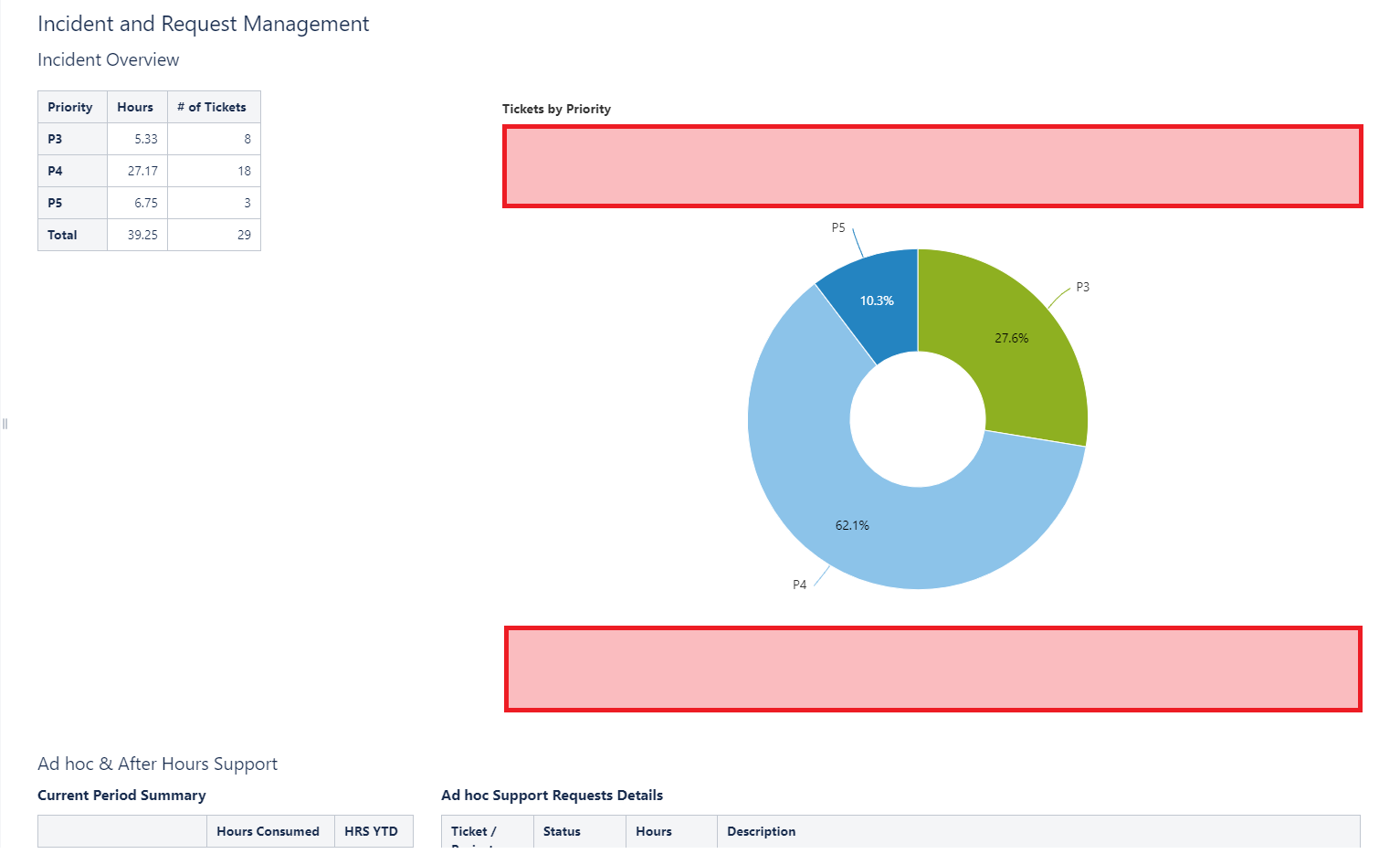
In this example, the chart does not have any height/width settings and so should fill the available space. What I would really like is to remove the space marked by the red boxes without shrinking the size of the graphic itself? Is there a way of making this happen?
In the current format, it looks ok on screen (if a bit lost floating in a sea of white), but when exporting to PDF, it will often force a page break so you end up with a whole white page plus a small pie chart on an otherwise empty page.

