I am trying to perform a fully unattended installation of Jira with configuration using the Linux installer, .bin file.
My steps are:
1. Fully complete the configuration of Jira till home page on Server 1
2. Backup the database and put the backup into Server 2
3. Import the backup database into Server 2
4. Run the installation steps thru Chef Cookbook on Server 2
5. Launch <IPADDRESS>:<PORT> to access once installation completed
Expected Results:
Jira to load up with the configuration done on Server 1, and start in the landing page of Jira
Actual Result:
Jira loaded up with the database, but Server ID has changed, and thus I need another new license key.
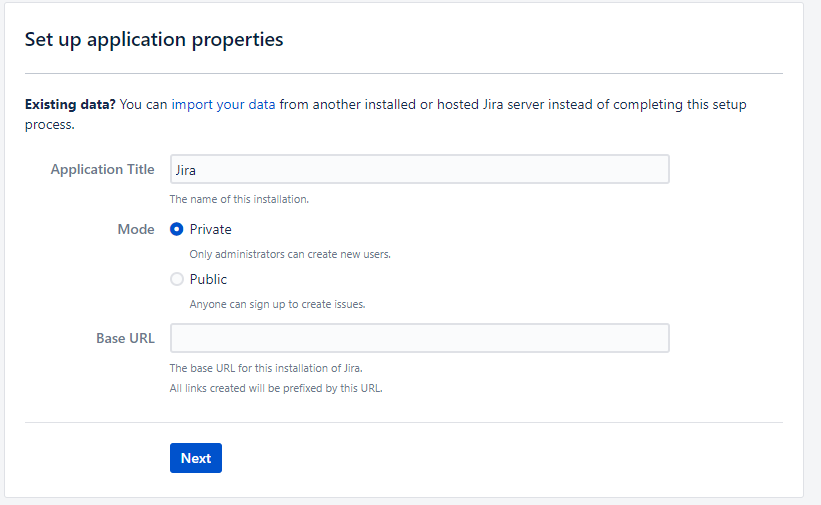
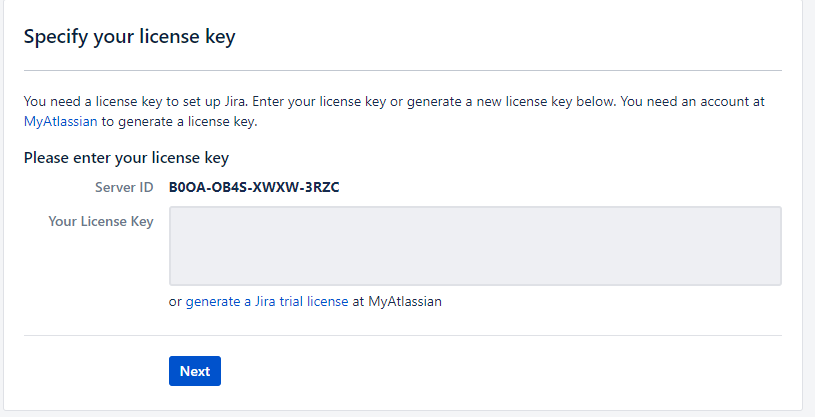
The same steps were done in Confluence and it works perfectly.
Arriving at the below page once Confluence is started for the first time with the same admin user I have created in the full manual installation.
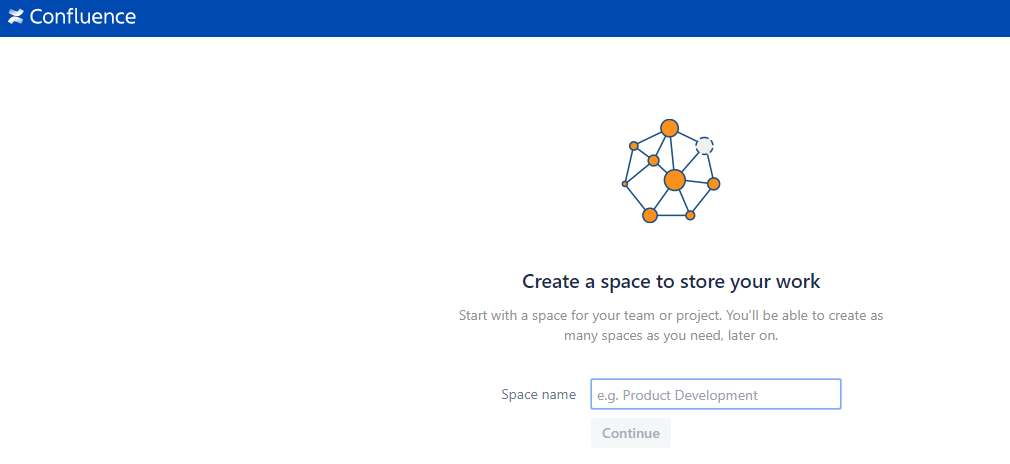
Would like if anyone can provide assistance on doing the same on Jira.

