Hey Community 👋,
Following the recent release of the new editor, we will be releasing the ability for users to convert existing pages from the legacy editor to the new editor. We’ve been responding to the user pain from split-brain (having two editors in the same instance), and have been working on providing ways to create one unified editing experience through page conversions. This feature will begin rolling out in a few weeks.
⭐️Get this feature first!
If you'd like to be in the initial cohort to receive this experience, please fill out this form with your email and instance name. If you have seen this article after Feb. 24, you can still fill out this form and we will enable this feature on your instance on a rolling basis.
This feature will allow users to convert a page from the legacy editor to the new editor on a page-by-page basis. In addition to converting the page, this feature consists of a few main functionalities.
Preview page conversion
See the page in its converted state prior to actually converting the page. The modal will also notify you of the page’s eligibility.
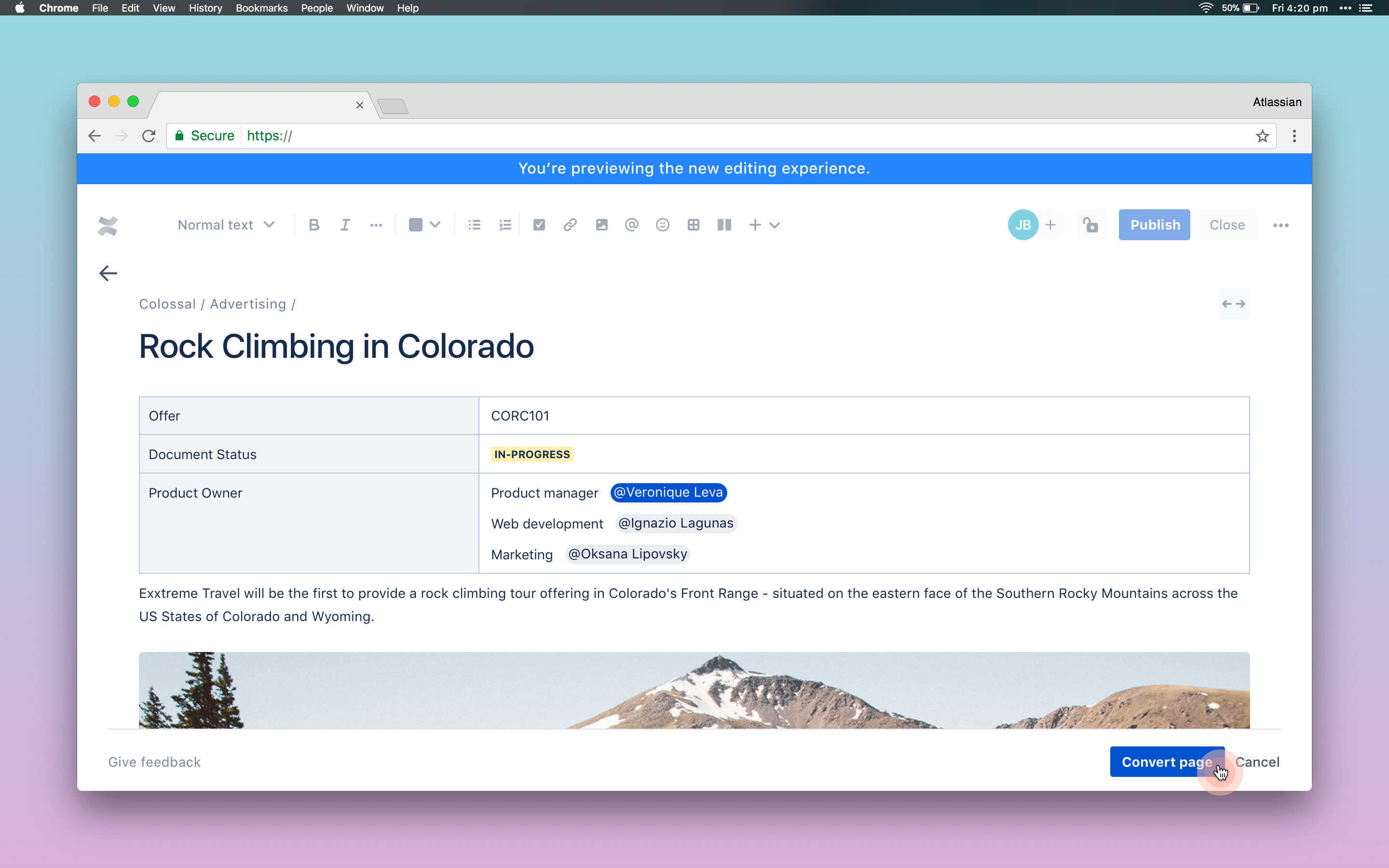
Status of page eligibility
View the page’s content eligibility status in the footer as well as the modal.
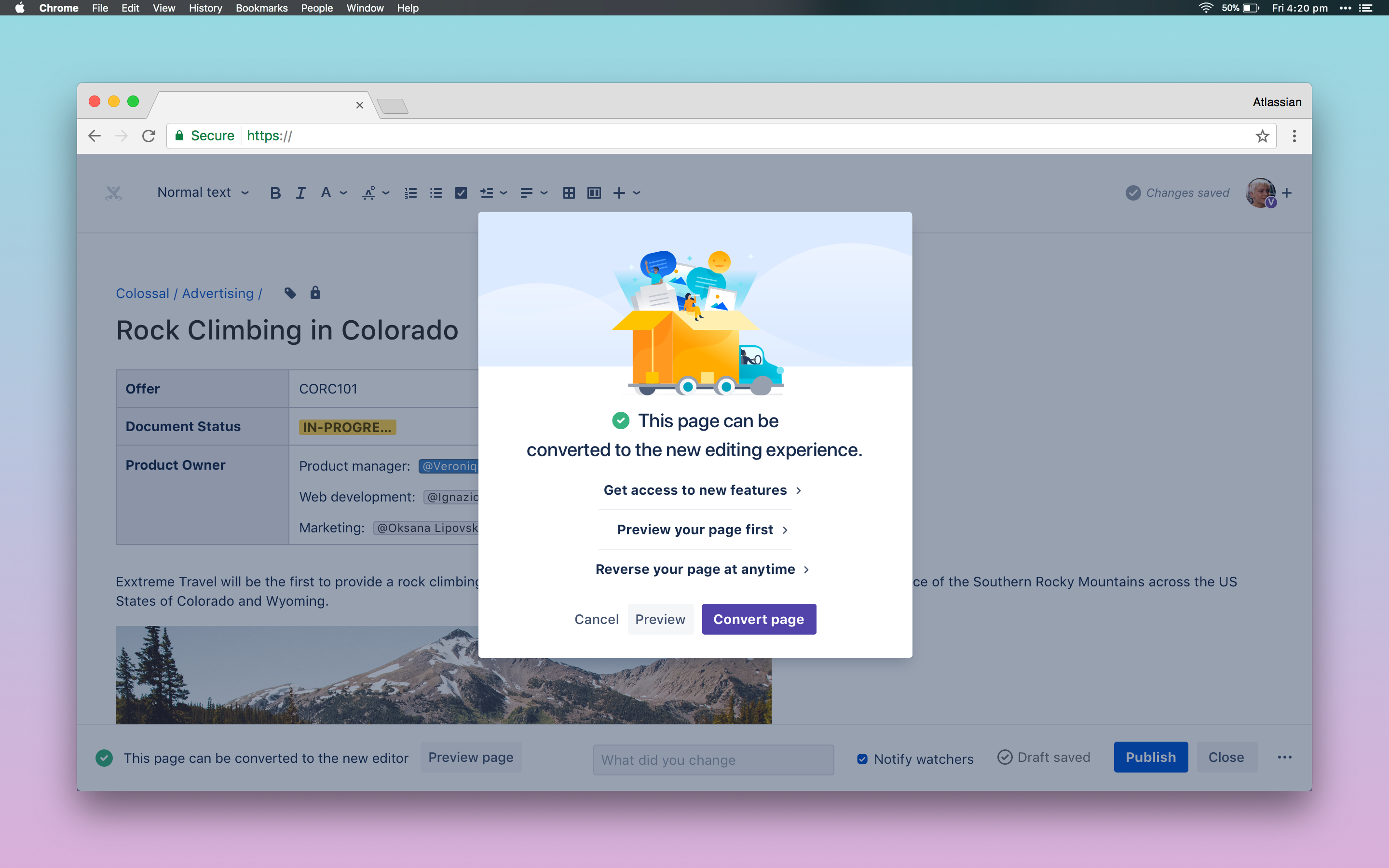
View unsupported content
Unsupported content will be highlighted in a yellow warning panel with a preview to what part of the content is unsupported (e.g., nested body macros). Since the remainder of the content is eligible, this allows the page to be converted with a warning consisting of a preview to the ineligible content.
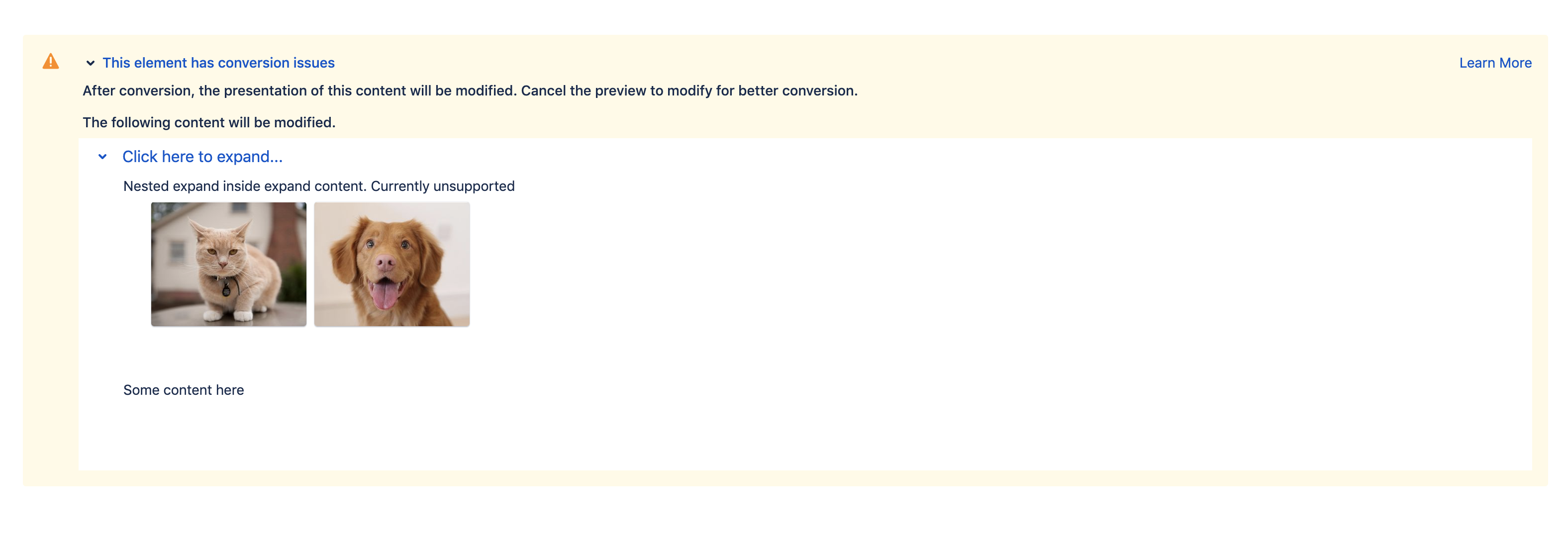
Revert a converted page anytime!
If the user is not satisfied with the migration experience, they will have the ability to revert the migration to the legacy editor by reverting to the previous version.


