Dear Community,
Please help to login to Jira, which I just bought for myself - server license.
After install Jira brings following page, and it does not accept anything.
I have only admin email and password.
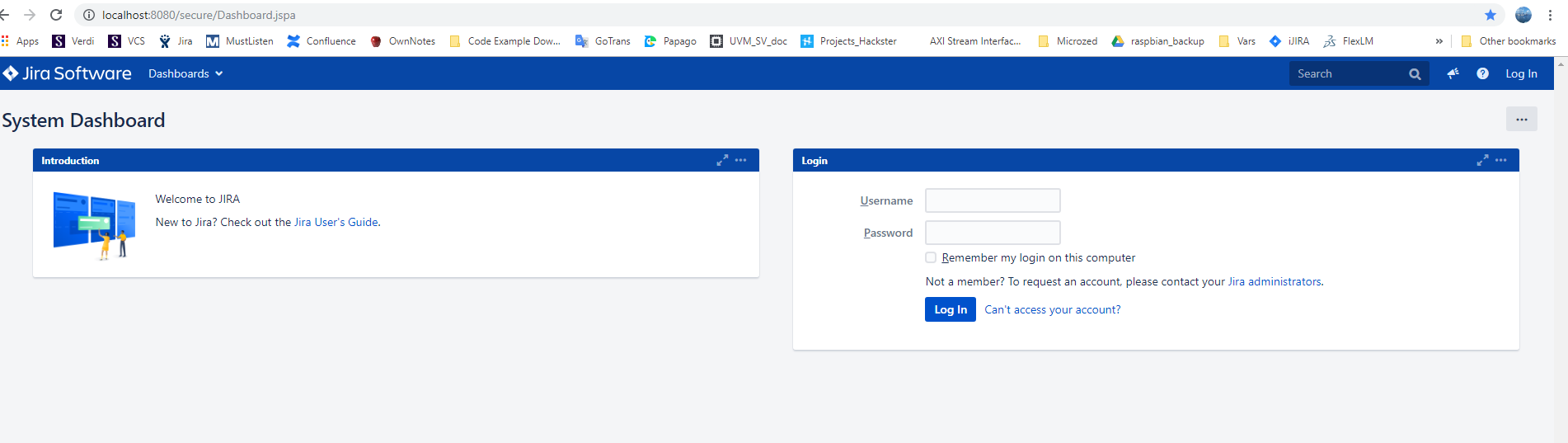
Let me explain more what I have done:
I wanted to setup my busness using Jira. My busness is 1 person business, I develop & sell items on ebay
So I bought Jira server license, for 1 year and want to setup on win10.
I downloaded 2 packages:
>> atlassian-jira-software-8.5.1-x64.exe
>>atlassian-jira-software-8.6.0-EAP02-source.tar.gz
and started to install the exe file. I run it as admin.
After install I launched the app and chose "Set it up for me"
It asked to select License and I selected: Jira Software Server
Than I setup admin account and system automatically configured Jira.
After that when I go to "http://localhost:8080/secure/Dashboard.jspa", it asks for Username/Password, which I do not have


