Hey everyone,
I am frequently quite irritated with Gliffy. No, scratch that. Infuriated. Profoundly frustrated. It's almost, but not quite, what it could be.
One of the its key failings, for me, is not being able to:
- Draw just a part of a circle: an arc,
- Have an arrow on one end of it, and
- Have more control of the curve, than Gliffy's "I must go around things if I can" and similar algoriths.
And of late, my boss has me working on these "big-picture" diagrams. It's gotten to where we need curved arrows.
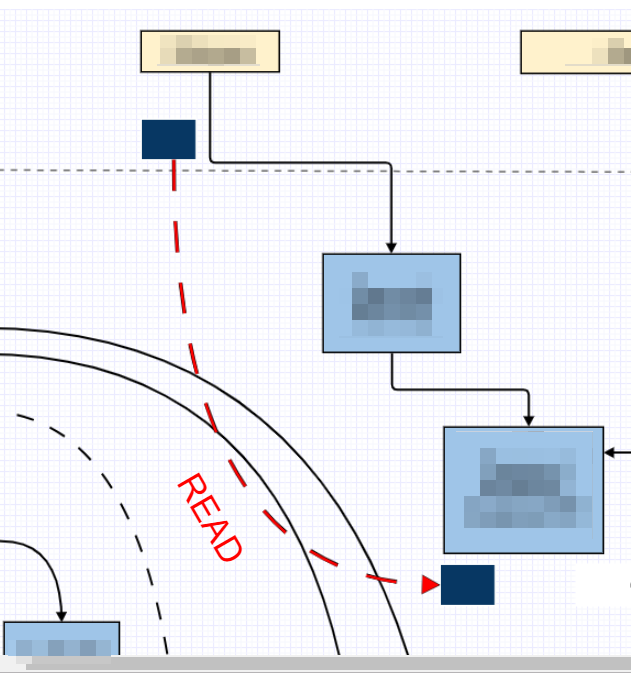
So, here's the brain-flash I had yesterday: use small white shapes as anchor points for the connectors. Obviously, if your background is not white, and it's another solid colour, you'd use that colour instead. In this case, I used boxes.
In this first image, I've temporarily changed the color of the boxes to a dark blue, to highlight them:
And in this second image, they're white:
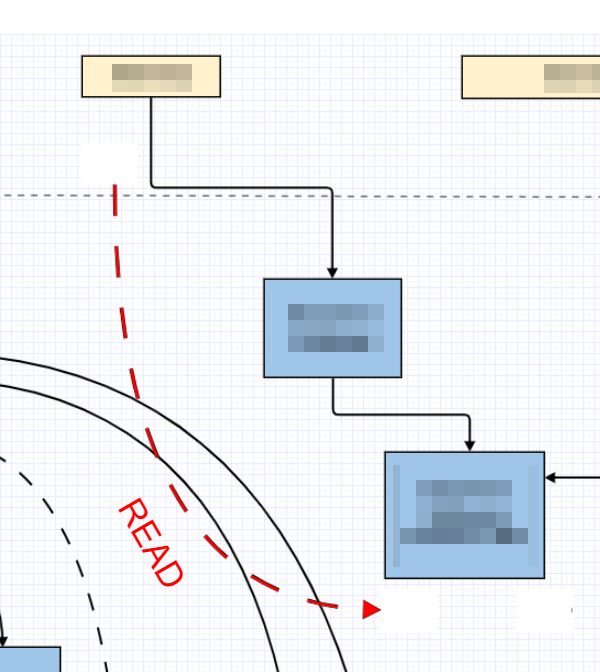
So, this achieves the desired effect. It's a poor stand-in for a full Bezier curve tool, or the same for connectors (or both), but it's something.
Hopefully this is of use to someone else.
Best,
Pat O'Connell
Technical Writer
MindGeek Montreal


