I installed the Jira Software and Confluence, both are located in the same server and are accessed by https using a reverse proxy with nginx. The issue is that I can't create a correct application link... The system return that cannot connect in the application of another side and say that the proxy is with error.
JIRA connector in file server.xml block
<Connector port="8080" relaxedPathChars="[]|" relaxedQueryChars="[]|{}^\`"<>"
maxThreads="150" minSpareThreads="25" connectionTimeout="20000" enableLookups="false"
maxHttpHeaderSize="8192" protocol="HTTP/1.1" useBodyEncodingForURI="true" redirectPort="8443"
acceptCount="100" disableUploadTimeout="true" bindOnInit="false" secure="true" scheme="https"
proxyName="jira.solaristelecom.com" proxyPort="443"/>
JIRA Software settings application link targeting Confluence:
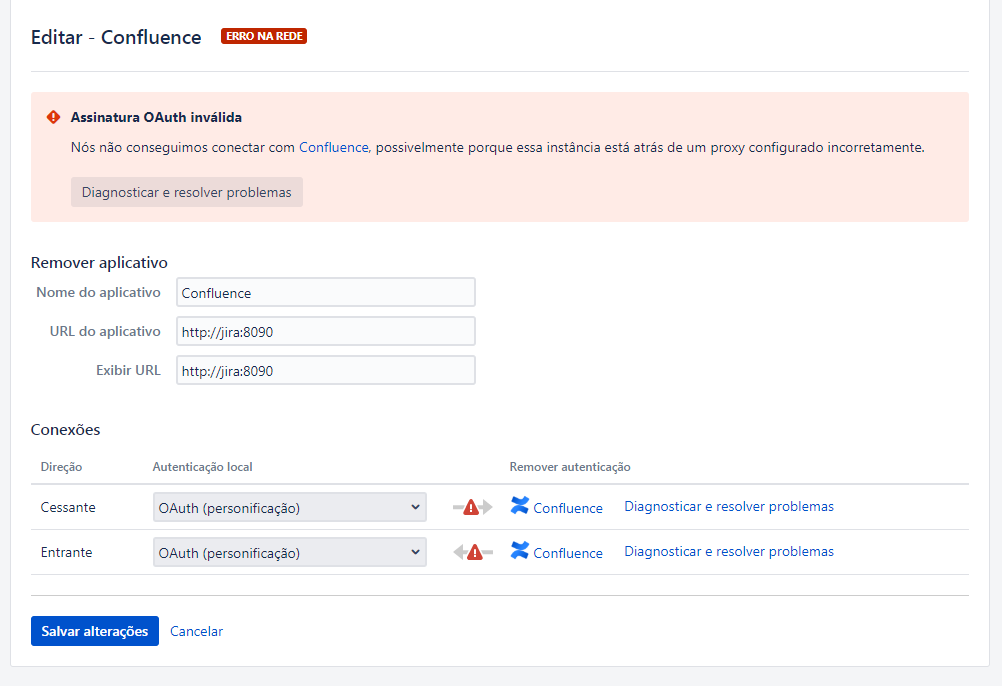
CONFLUENCE connector in file server.xml block
 <Connector port="8090" connectionTimeout="20000" redirectPort="8443"
maxThreads="48" minSpareThreads="10"
enableLookups="false" acceptCount="10" debug="0" URIEncoding="UTF-8"
protocol="org.apache.coyote.http11.Http11NioProtocol"
scheme="https" secure="true" proxyName="confluence.solaristelecom.com" proxyPort="443"/>
Confluence Software settings application link targeting JIRA:
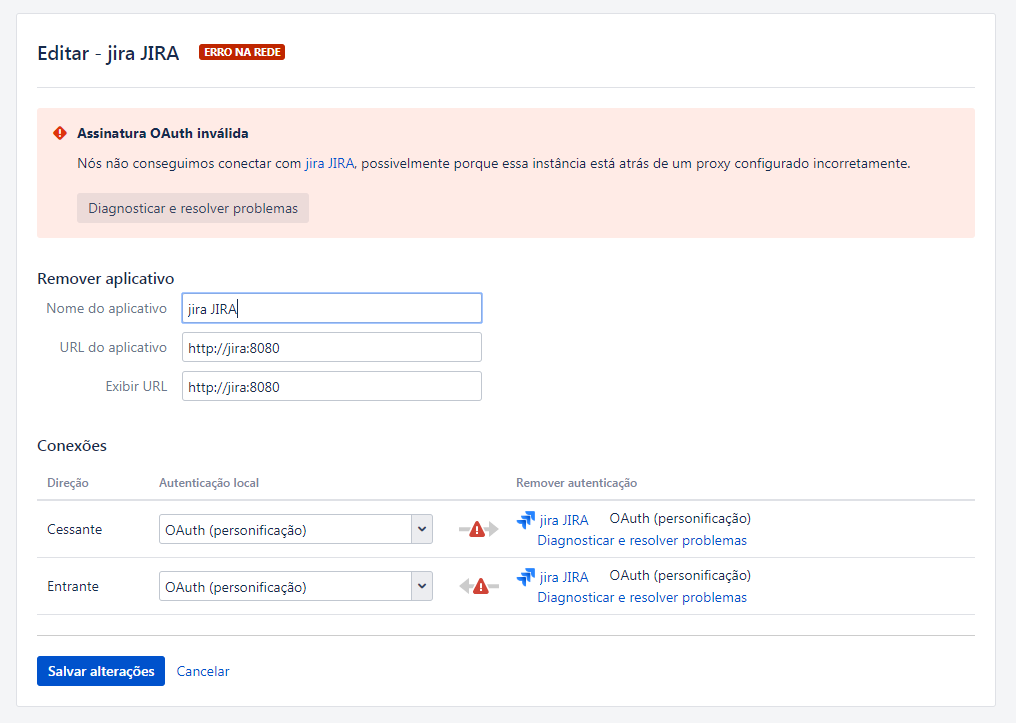
I already tried to create another connection as this link but didn't work because start to create error in the applications that were ok.
https://confluence.atlassian.com/kb/how-to-create-an-unproxied-application-link-719095740.html
Detail:
How the both application are installed in the same host I passed the internal URL and port to call the another application... If I pass the external URL the system complain that the connection was refused.


