Hello all,
First off, this absolutely builds on the shoulders of giants. I developed this idea from one I suggested to @Jen in this question/topic:
https://community.atlassian.com/t5/Confluence-questions/How-to-make-a-glossary-in-Confluence/qaq-p/417091
And in fact that built on something suggested by @Alex O_Donnell in the same place.
Now, this method means you have one term per page. I had forgotten about page name collisions. The glossary I'm managing does not have its own workspace.
Alex's brainstorm
"
- Definition per page dictionary/encyclopedia.
- Make sure each page has an excerpt.
- Label/tag each definition page with "glossary"
- Create another page which is an index using "content by label" an automatic table of label where the title and excerpt are displayed (https://confluence.atlassian.com/confcloud/use-labels-to-organize-your-content-724764874.html)"
Jen's question
"...I don't know how to separate the page index to a specific alphabetical group. We'd love to use this concept on other Spaces to create a Rolodex in the page menu."
My suggestion
"Could you not use multiple labels, à la :
glossary-a_to_i
glossary-j_to_o
glossary-p_to_z
...so each term-specific page would us one of those three, as appropriate?"
(You would have three Content By Label macros on the index page in this example, by the way).
The light-bulb moment
The glossary I created for the project I'm working on has always been a one-pager. I had put in large single letters in a seriously cursive font, as delineators. Rendered:
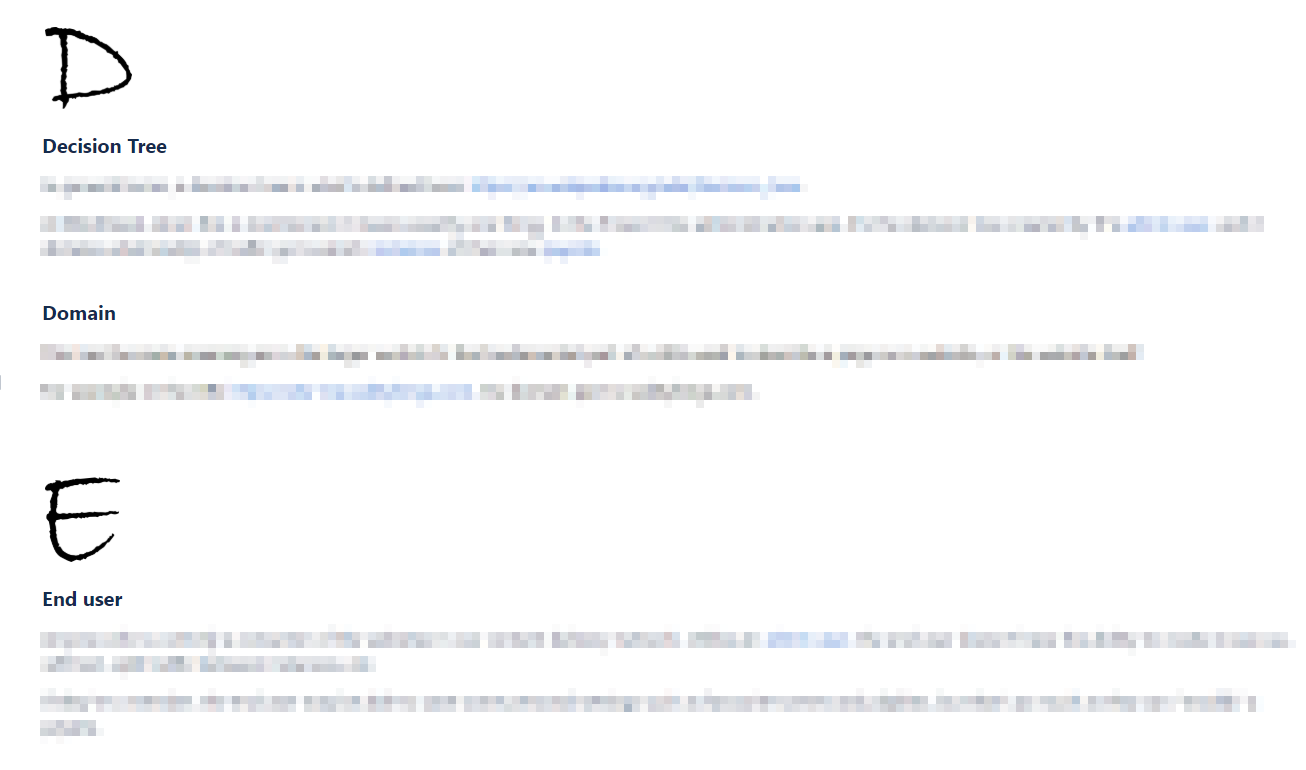
I thought: I want to put better letter-heading graphics on the glossary index page. How to have them there in the first place, though?
So:
- Each term has two labels on its page: "glossary," and "glossary-x" where x is the first letter of the first word.
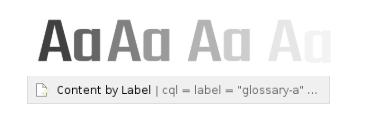
- On the index page, you have a Content By Label macro for each letter.
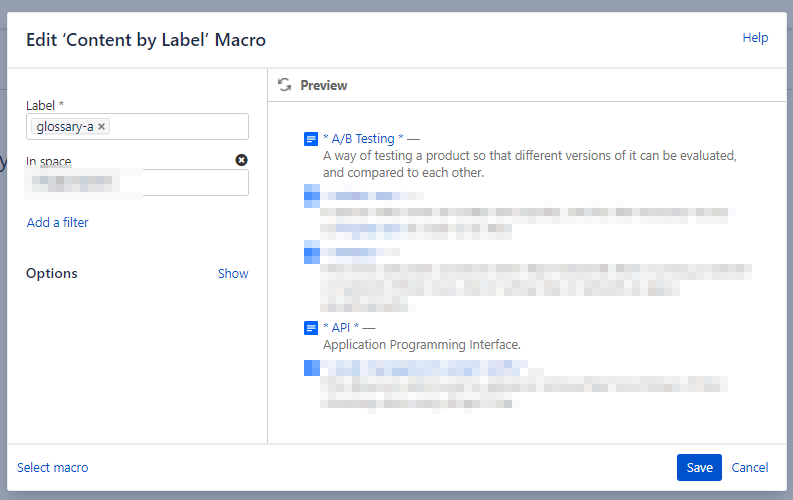
- Each of the Content By Labels picks up only one of the "glossary-x" labels.
Why "glossary" as a second label? I wanted to have a LiveSearch macro on the glossary index page, as well. It picks up the "glossary" label.
I created the letter-heading graphics I wanted to use, and here's part of how the rendered glossary index page looks:
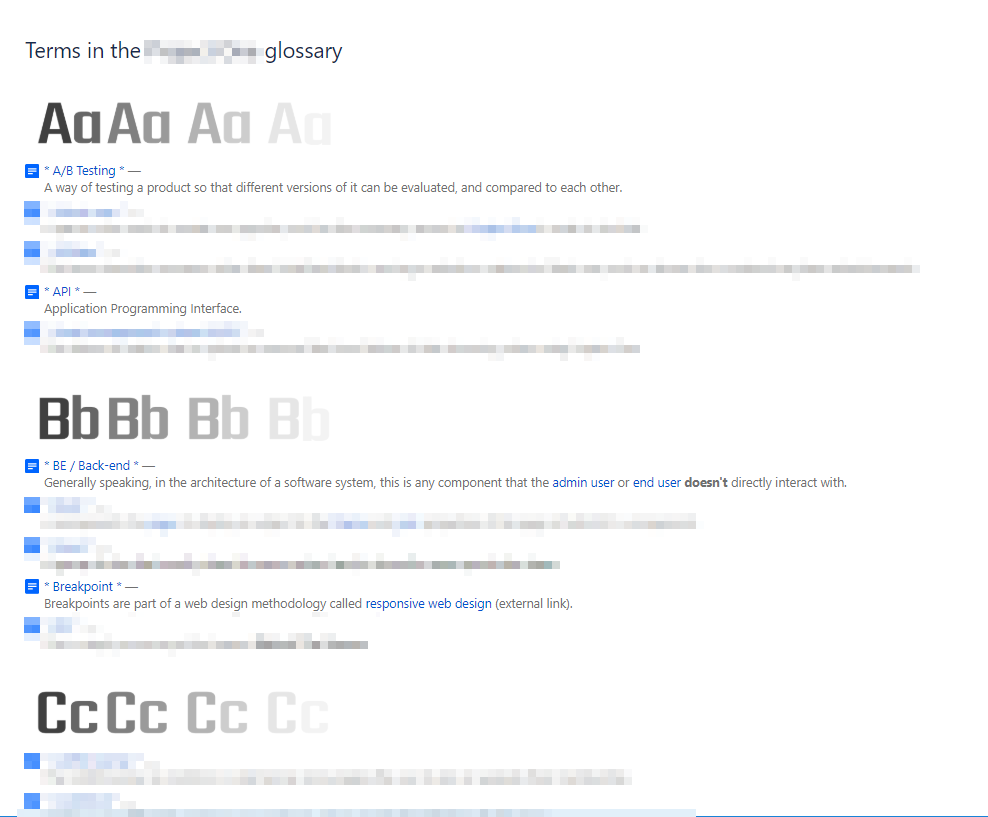
Unrendered, here's one letter heading graphic and Content By Label macro, the latter not opened for editing:
And here's the macro, opened for editing:
And that's really the whole recipe. If anyone's not 100% clear on how this works, please reply here, and I'll do my best.
Best,
Pat O'Connell
Technical Writer
MindGeek / Montreal


