Hi Atlassian Community,
Alyssa here from the Product Marketing team at Atlassian writing to you from Sydney. Here are the highlights from our most recent release, Jira Service Desk Server and Data Center 4.4:
More control over SLA calendars
We improved Calendars so it's easier than ever to find existing calendars and set up new ones while giving users more control to set working hours and account for holidays and varying time zones.
Browse permission works as expected
We've updated the code to make sure that we make the right permission checks for user actions and have squashed a lot of Jira bugs in the process. Now, anyone with browse permission is considered a Jira Service Desk customer and can do the following:
- view requests they previously created
- view requests they're a request participant of
- receive request notifications
- approve requests
Issue archiving in Jira Service Desk Data Center
As you might recall, we built project archiving for Data Center last year so inactive projects wouldn't take up space and slow you down. We've taken archiving a step further this time with issue archiving. Now, Data Center customers can archive issues without closing an entire project.
Issue archiving is a simple but powerful way to remove out-of-date information from Jira for easier searching and faster performance. You can also create an automation rule that lets you archive an issue when a certain trigger takes place. For example, when an issue's status changes to Done, automatically archive it to clean up your service desk.
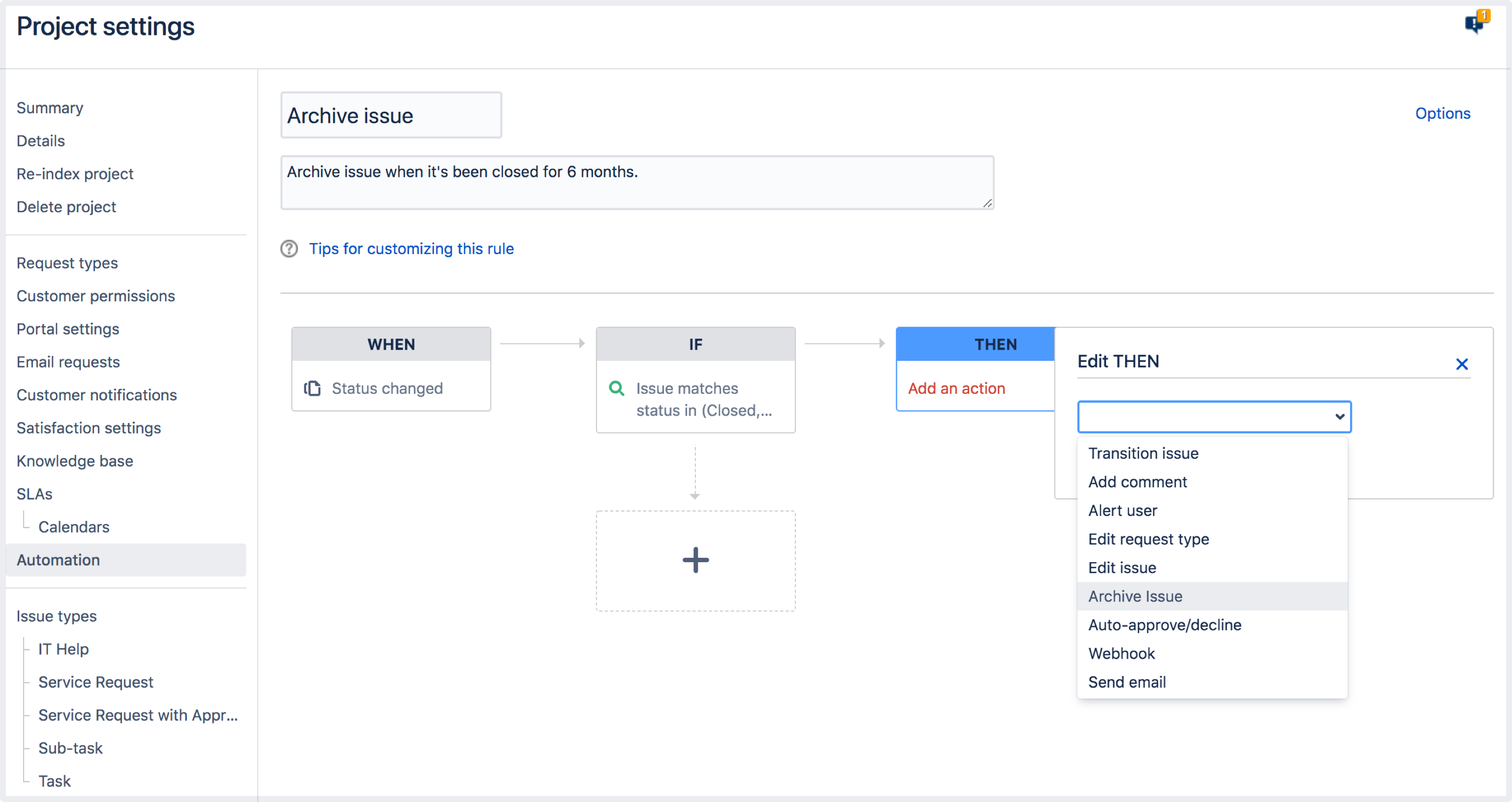
Want to learn more about issue archiving for Data Center? Check out our blog for all the details. And, if you're ready to get started with issue archiving, you can learn how here.
Waiting for the Enterprise release?
