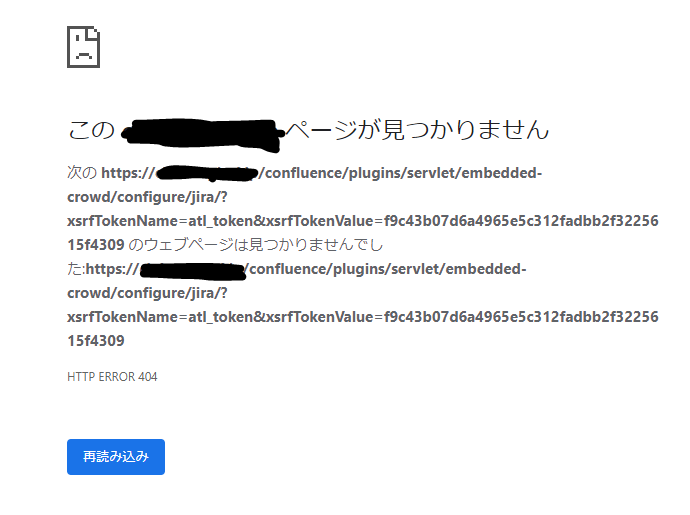
I was trying to share Jira users with newly-installed Confluence reading this document (https://confluence.atlassian.com/doc/connecting-to-crowd-or-jira-for-user-management-229838465.html#ConnectingtoCrowdorJiraforUserManagement-ConnectingConfluencetoJiraapplicationsforUserManagement), but I'm completely stuck.
In the section 'Connecting Confluence to Jira applications for User Management' you can find an instruction saying 'Add a directory and select type 'Atlassian Jira''.
This action should navigate to the Jira setting page (in which you put server URL, application name, application password and so on), but what I see instead is an HTTP 404 error page (like the photo I've attached).
Do you think of any possible cause for this problem? I have no idea what I'm supposed to do/check.
Some additional information (not sure if they help though):
- The same action successfully navigates to the setting page if I select other directory types than 'Atlassian Jira'.
- The base URL for Confluence is added into Jira Whitelist.
- Jira and Confluence are installed on the same server on AWS.
- I'm using nginx to deal with http requests.