So this is a weird one, and i am not sure how they are doing this.
Problem: When attaching images to an issue *in some way* the images are added to the issue, show up in the attachments field, but do not show on the customer portal or as a comment. This does not trigger an update that goes to the end user.
basically, the images in question do not show in line in the post. it renders like this in the ALL log
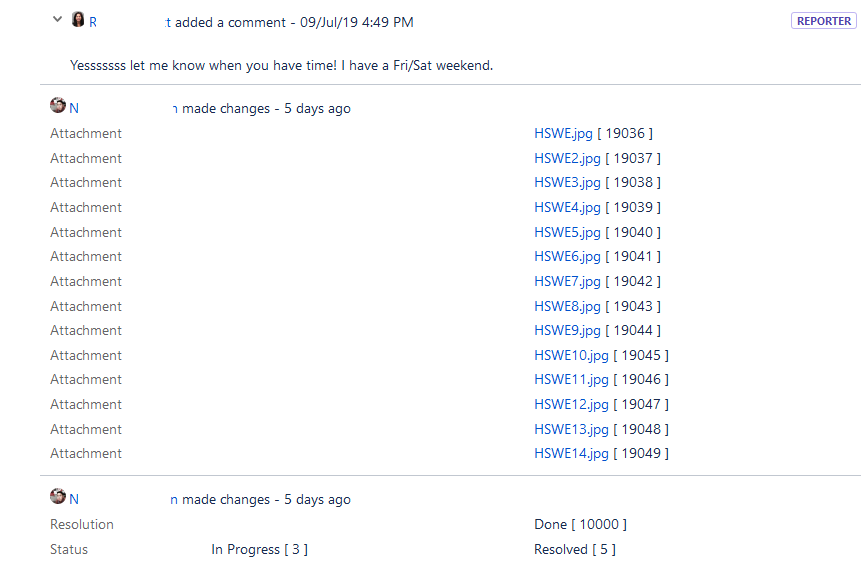
But the images are actually attached from the back end:
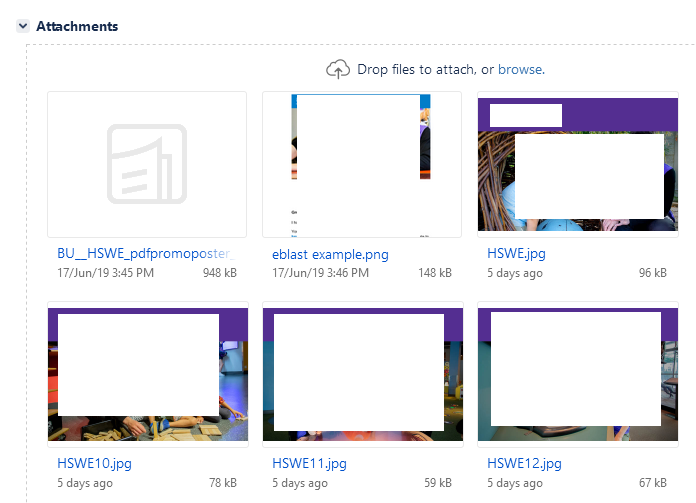
However on the customer portal front end, the images do not appear:
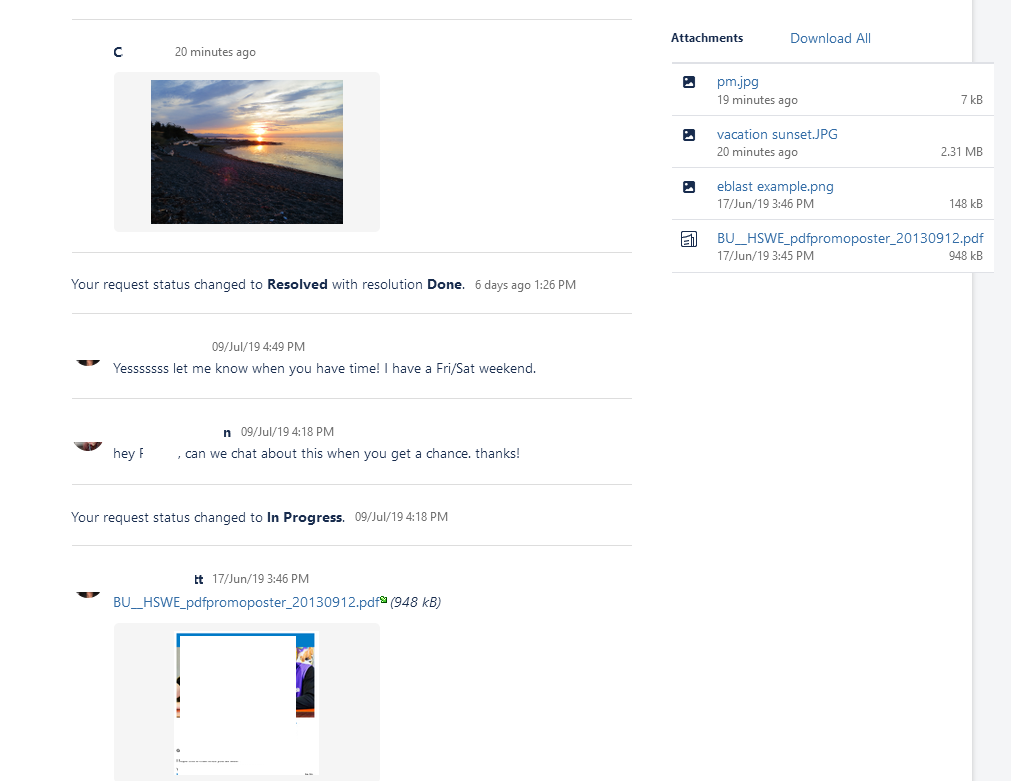
(i am using a plugin to get attachments to appear on the front end i think but its irrelevant that its a plugin becuase they also do not add a comment on the backend, like other images do.). You can also see the latest image i have posted and how it does render, and does render in the attachments area. It also sent a notification.
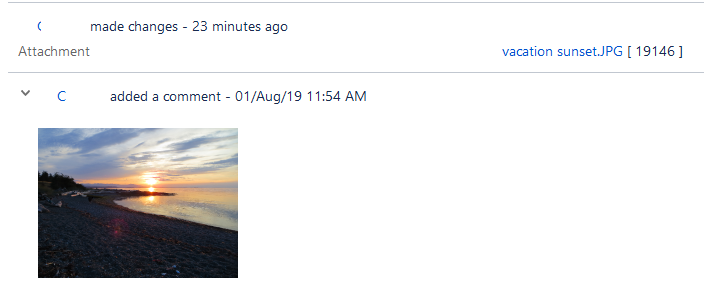
You can see above that this image is INLINE in the message (this is a view from the ALL log), and does generate a notification and comment that is visible from the customer portal. Below is how the comments look, and the attachments are simply not added with a comment.
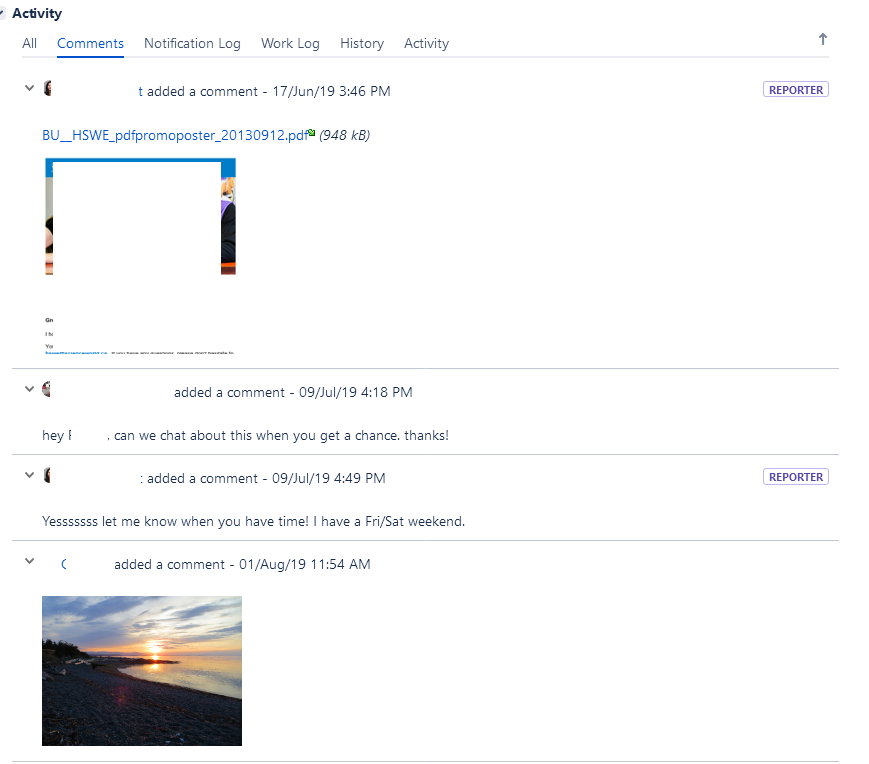
Again, the users have said it doesnt matter if they drag the files in, or click the add attachment button, the same behaviour is observed. The images are there, but they are not there for the customer and not creating a comment at all to even let them know the images have been uploaded. Not that they could do much as you cant see the images from the customer portal anyway!
pretty sure its a jira bug, and has something to do with how they are attaching the images. Why doesnt it leave a comment? they are saying sometimes they do leave a text comment as well that does not get saved.
I will work on exact steps to reproduce. They are on OSX and probably using chrome.


