Hello everybody,
i have a problem with Jira Standalone v.8.1.0 on a Raspberry Pi.
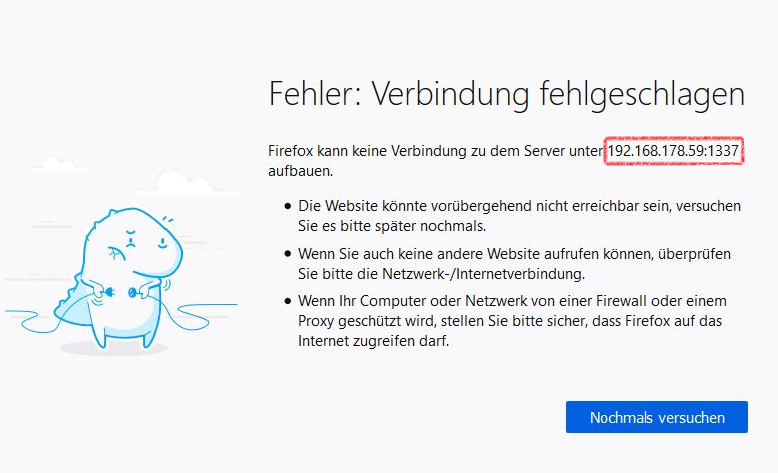
The Portal is not accessible in the same network under the ip: "192.168.178.59" with the port: "1337" from another Computer.
Hardware:
- Raspberry Pi model 3 B+
- SOC: Broadcom BCM2837B0, Cortex-A53 (ARMv8) 64-bit SoC
- CPU: 1.4GHz 64-bit quad-core ARM Cortex-A53 CPU.
- RAM: 1GB LPDDR2 SDRAM
- Ethernet: Gigabit Ethernet over USB 2.0 (max 300 Mbps)
- SWAP: 2GB
Network Settings:
- Network : 192.168.178.*
- Netmask 255.255.255.0
- Jira Server: 192.168.178.59:1337
Config: setenv.sh | add "-Djava.net.preferIPv4Stack=true'"
JVM_REQUIRED_ARGS='-Djava.awt.headless=true -Datlassian.standalone=JIRA -Dorg.apache.jasper.runtime.BodyContentImpl.LIMIT_BUFFER=true -Dmail.mime.decodeparameters=true -Dorg.dom4j.factory=com.atlassian.core.xml.InterningDocumentFactory -Djava.net.preferIPv4Stack=true'
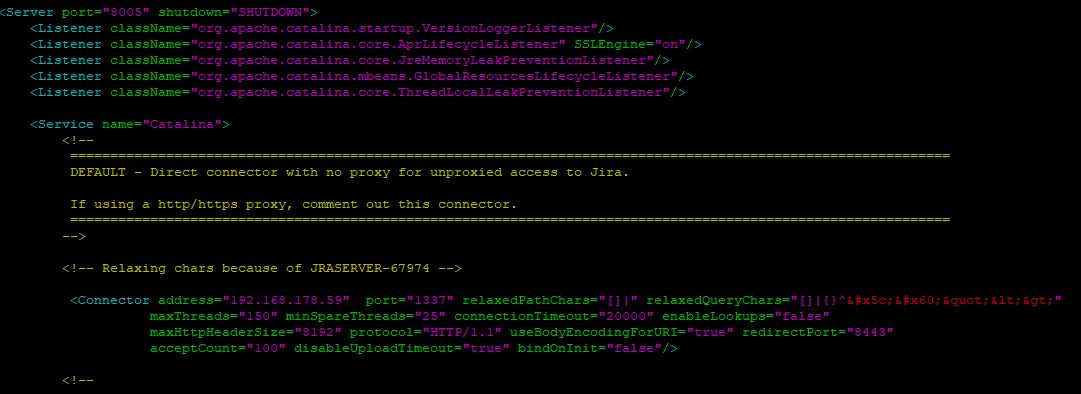
Config: Server.xml
<!--
==============================================================================================================
DEFAULT - Direct connector with no proxy for unproxied access to Jira.
If using a http/https proxy, comment out this connector.
==============================================================================================================
-->
<!-- Relaxing chars because of JRASERVER-67974 -->
<Connector address="192.168.178.59" port="1337" relaxedPathChars="[]|" relaxedQueryChars="[]|{}^\`"<>"
maxThreads="150" minSpareThreads="25" connectionTimeout="20000" enableLookups="false"
maxHttpHeaderSize="8192" protocol="HTTP/1.1" useBodyEncodingForURI="true" redirectPort="8443"
acceptCount="100" disableUploadTimeout="true" bindOnInit="false"/>
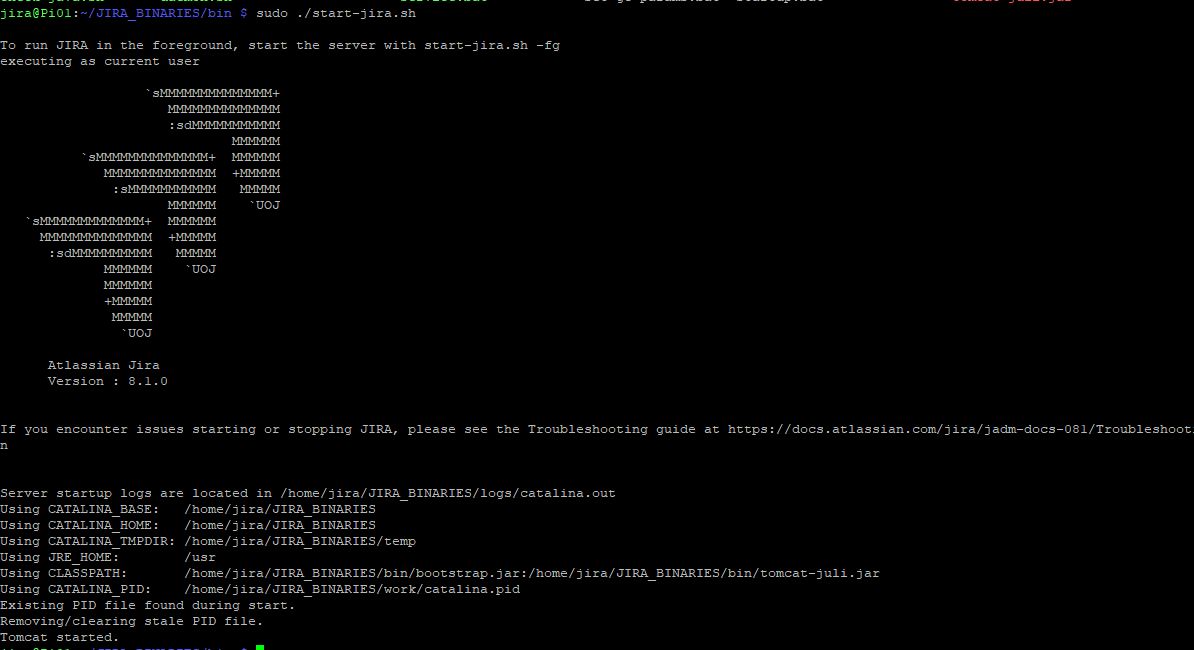
Server: Jira start
Portal: is not reachable in the same network
Does anyone have an idea or can help me?
Thanks by Nox

