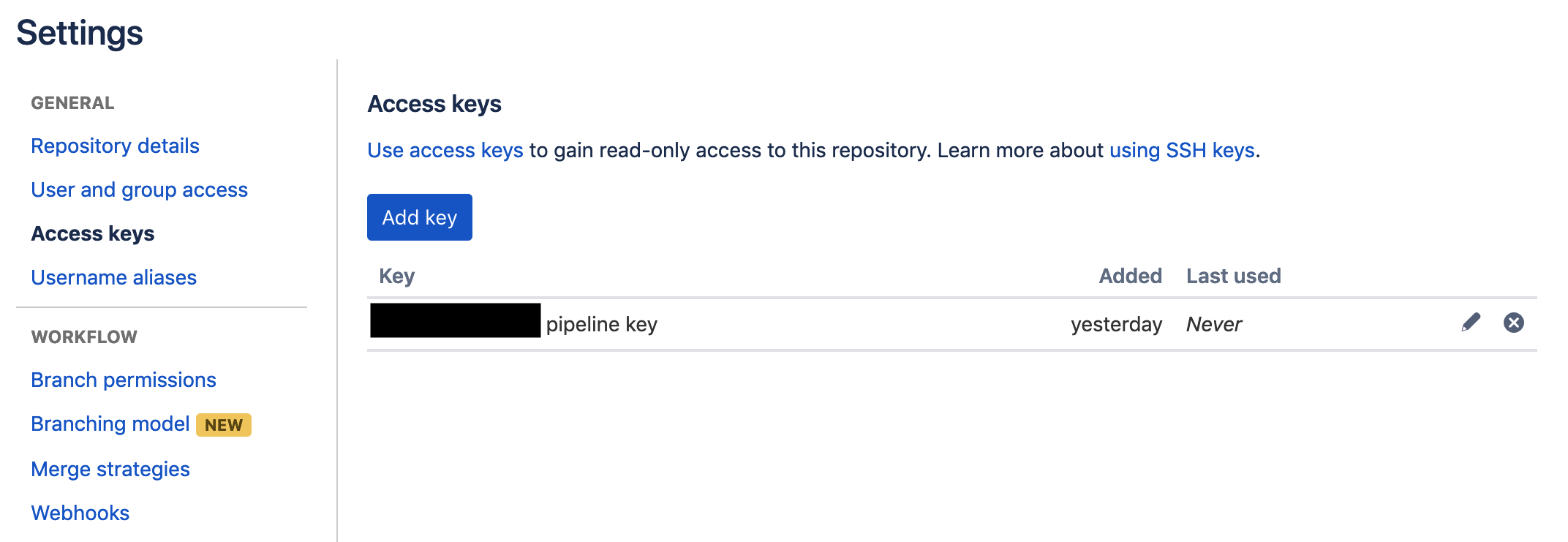
Hello, I followed the instructions here and here to get a bitbucket pipelines yaml file set up, create a SSH key for the private repo running the build and setting that SSH key as an access token on the private repo being included in the build but I am unable to authenticate successfully. Is this a limitation with the node image or is my configuration incorrect?
bitbucket-pipelines.yml
# This is a sample build configuration for JavaScript.
# Check our guides at https://confluence.atlassian.com/x/14UWN for more examples.
# Only use spaces to indent your .yml configuration.
# -----
# You can specify a custom docker image from Docker Hub as your build environment.
image: node:10.15.1

pipelines:
pull-requests:
develop:
            - step:
caches:
                      - node
script: # Modify the commands below to build your repository.
                      - npm install
                      - npm test
package.json
{
    ...,
    "dependencies": {
       ...,
        "private-package": "git+https://bitbucket.org/{projectName}/{repoName}.git#v0.7.3",
npm install
<span>npm WARN deprecated circular-json@0.3.3: CircularJSON is in maintenance only, flatted is its successor.</span><span><br>npm WARN deprecated kleur@2.0.2: Please upgrade to kleur@3 or migrate to 'ansi-colors' if you prefer the old syntax. Visit <<a href="https://github.com/lukeed/kleur/releases/tag/v3.0.0/" target="_blank" rel="noopener nofollow noreferrer">https://github.com/lukeed/kleur/releases/tag/v3.0.0\</a>> for migration path(s).<br></span><span>npm ERR! Error while executing:<br></span><span>npm ERR! /usr/bin/git ls-remote -h -t <a href="https://bitbucket.org/blainsupply/react-component-library.git" target="_blank" rel="noopener noreferrer">https://bitbucket.org/{projectName}/{repoName}.git<br></a></span><span>npm ERR! <br></span><span>npm ERR! remote: Invalid username or password<br></span><span>npm ERR! fatal: Authentication failed for '<a href="https://bitbucket.org/blainsupply/react-component-library.git" target="_blank" rel="noopener noreferrer">https://bitbucket.org/{projectName}/{repoName}.git</a>'</span>
<span>npm ERR! <br></span><span>npm ERR! exited with error code: 128<br></span><span>npm ERR! A complete log of this run can be found in:<br></span><span>npm ERR!     /root/.npm/_logs/2019-03-08T14_12_45_712Z-debug.log</span><span>+ npm install<br></span>
repo running pipeline build 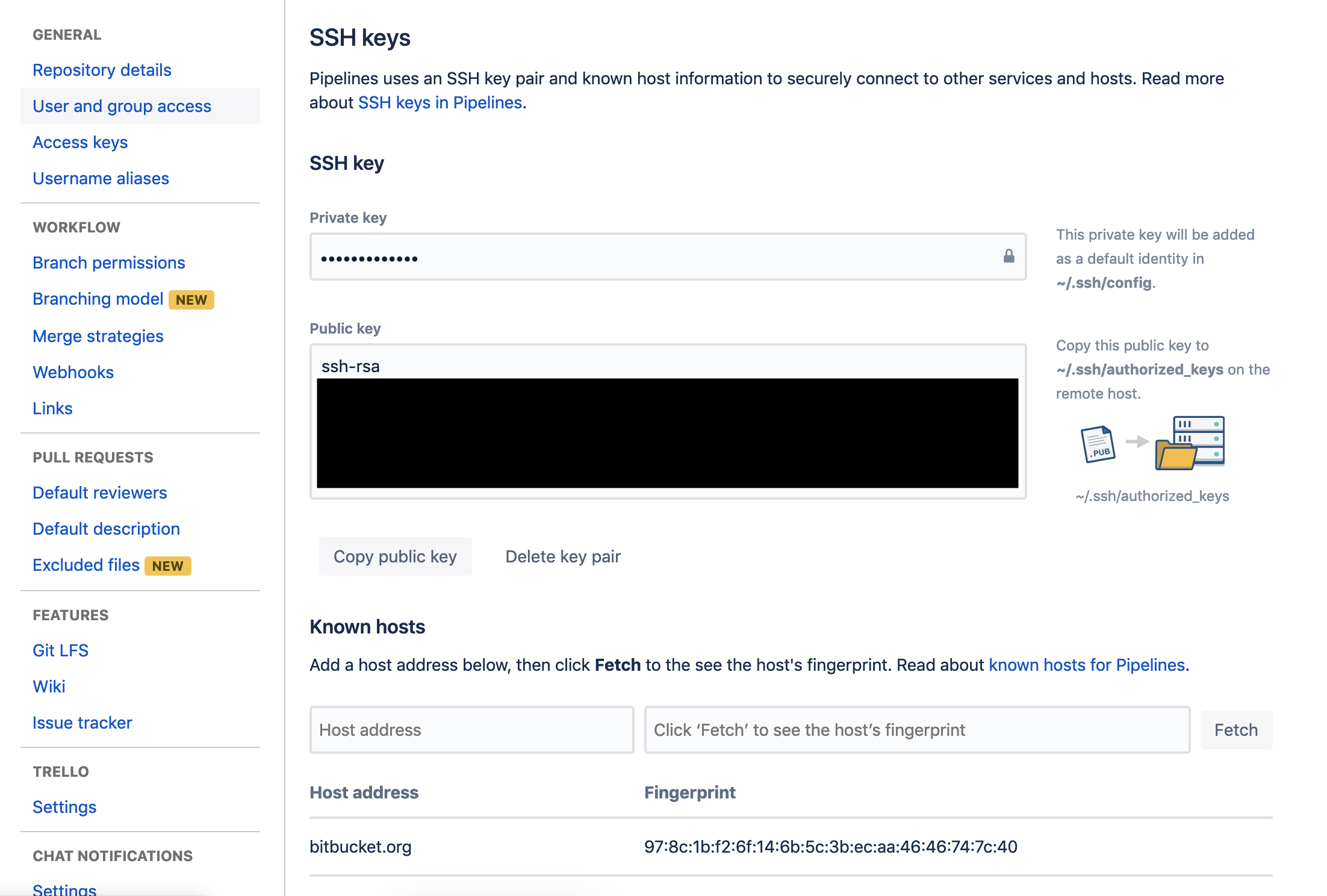
private repo being included in pipeline build