As guide from Atlassian
1) Choose the cog icon , then choose General Configuration
2) Choose Global Permissions in the left-hand panel.
3) Choose Edit Permissions.
4) In the 'Anonymous Access' section, select the can use check box to enable anonymous access to the content on our site.
When I have configured as instruction then the Confluence was not displayed. But in localhost it was still working
The screenshot is the confluence page after configuration (It is in Vietnamese, and it shows the the could not be accessed, ERR_CONNECTION_TIMEOUT)
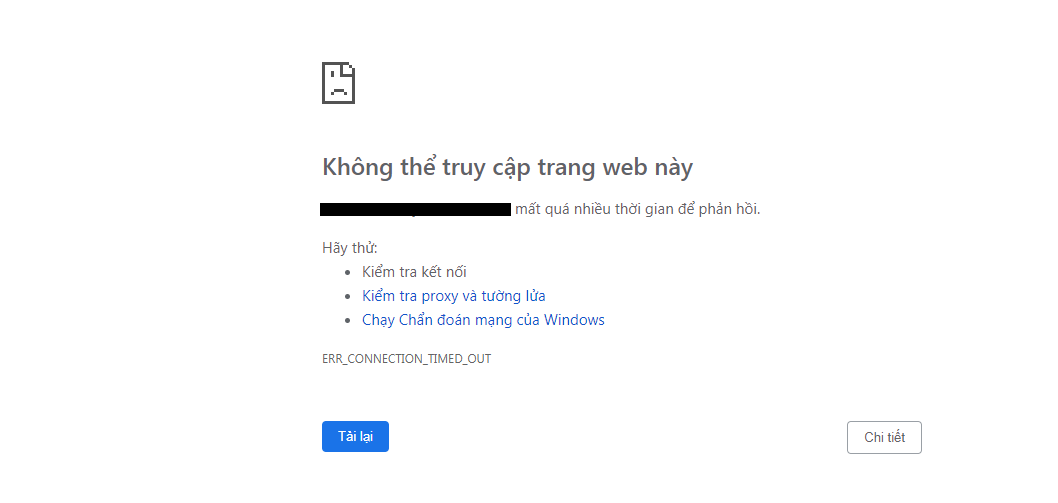
The screenshot the localhost can work but run out of localhost (link by domain) does not work as screenshot above

6) I have configured the proxy as bellow:

Please advise me where I did wrong in my configuration and setup.
Thanks,


