Hi 👋 I am Abhinav, PM - Loom. I am here with some exciting news!
Until now, agents couldn't touch most of the context you've captured in Loom: meeting recordings, walkthroughs, demos, and the feedback that's always easier to show than to type. Your AI could summarize a Jira ticket, draft a Confluence page, and dig through a repo, then it hit a Loom and shrugged.
That changes today. Loom tools are now part of the Atlassian Rovo MCP v2 Preview, available to all customers. Your agent can finally read your Looms, act on them, organize them, and even create new ones, each running as you and inside your own Loom permissions. Two commands and you're wired up. This is the first real step toward making Loom a first-class citizen in agentic workflows: your recordings stop being a dead end and start being live, structured context your agents can reason over and act on.
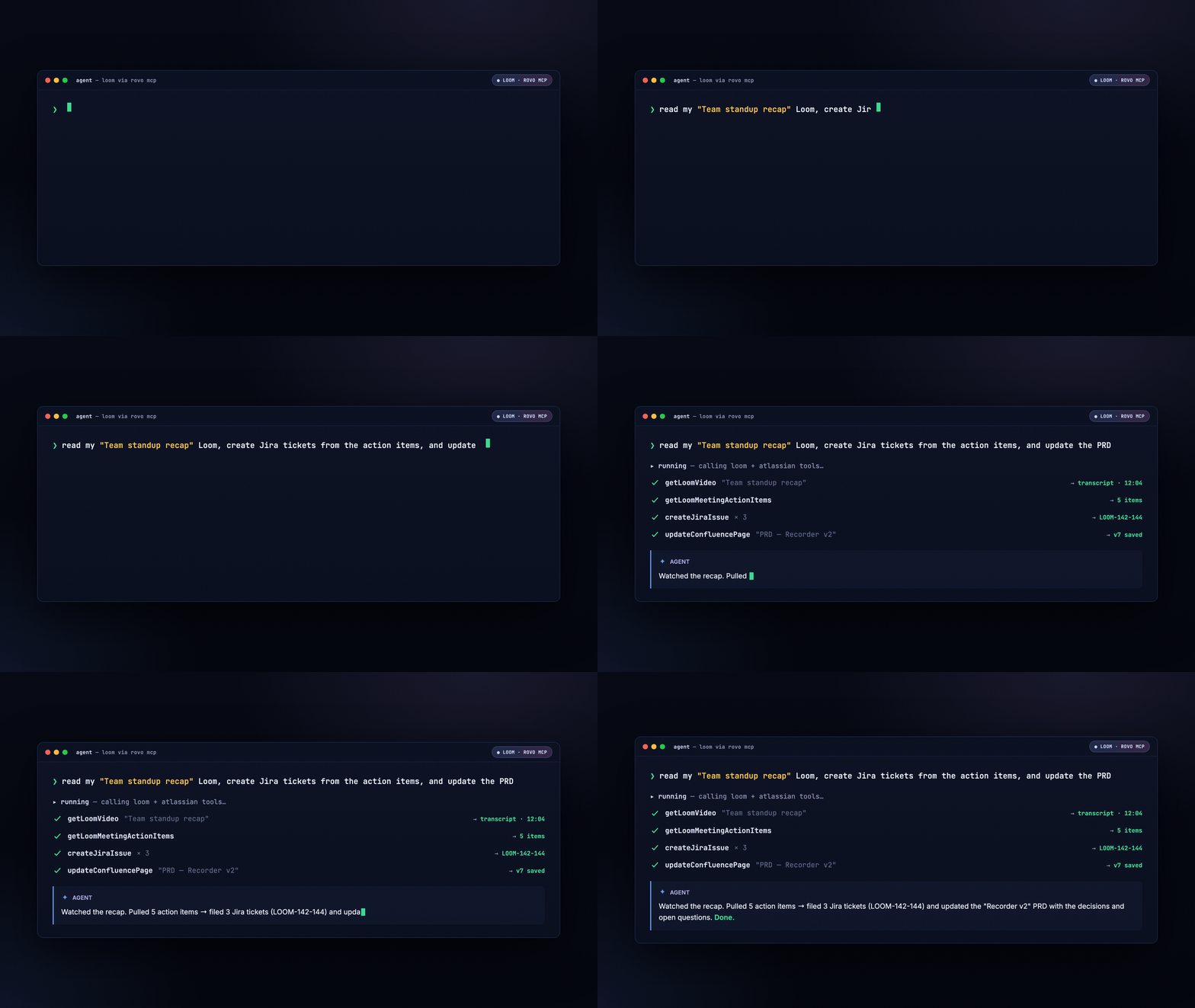
What your agent can now do with Loom
|
What your agent can do
|
The gist
|
|---|
|
📖 Read
|
Fetch a video's metadata + full transcript, pull its comments, grab meeting action items, get download URLs, and list your videos and folders.
|
|
💬 Act
|
Comment on a video, react, and share it, right where the conversation is happening.
|
|
🗂️ Organize
|
Move Looms into folders, rename them, change visibility, and recover ones you lost. Your library stops looking like a junk drawer.
|
|
🎥 Create
|
Upload and publish new Looms straight from your agent's workflow.
|
📖 Want the complete tool list with inputs and outputs? It lives in the Rovo MCP preview tools docs and is always current.
And this is the starting line, not the finish. More tools, skills, and workflows are on the way.
Need inspiration? Try these workflows
-
Catch up on long recordings. → Agent reads the transcript of the 20-minute standup recording and hands you the decisions and action items. You skip the video.
-
Turn meetings into work in Jira. → Agent pulls the action items out of a meeting Loom and (with your Jira tools) drafts the follow-up tickets. Watch → tasks.
-
Drop feedback on shared videos. → Someone Looms you a walkthrough. Your agent reads it and drops your feedback as a comment right on the video, one focused comment, not fifty.
-
Organize your library in one go. → "Move all my recordings from last month into the Q3 folder and fix the messy titles." Junk drawer → filing cabinet.
And because Loom tools ride on Rovo MCP, your agent can pull Loom context alongside Jira, Confluence, and more in a single workflow, no context left on the sidelines.
How to get started
You'll need access to the Rovo MCP public preview and any MCP-compatible agent. If your agent speaks MCP, it works, there's no Loom-specific setup.
1. Add the Rovo MCP server. There's just one thing to point your agent at:
https://mcp.atlassian.com/v1/mcp/preview
Most agents let you add an MCP server in their settings or with a one-line command. A couple of examples:
2. Authenticate. On first connect, you'll authorize with your Atlassian account. Every Loom tool then runs as you, inside your existing Loom permissions.
Already on the Atlassian MCP preview server? Just re-authenticate and prompt your AI agent to use the new Loom tools.
3. Try it. Ask your agent something real, like "Summarize my latest Loom, create Jira tickets from the action items, and update the PRD." Then jump to the workflows below for more ideas.
Availability
Loom tools are live now on the Rovo MCP public preview server and available to all customers. Check out our Rovo MCP public preview announcement or the documentation to learn more.
Ideas for how you'll use this in your workflows? Drop a comment below, we'd love to hear how you're planning to put Loom tools to work. 🍿

